

Conficker Worm
Conficker Worm Definition
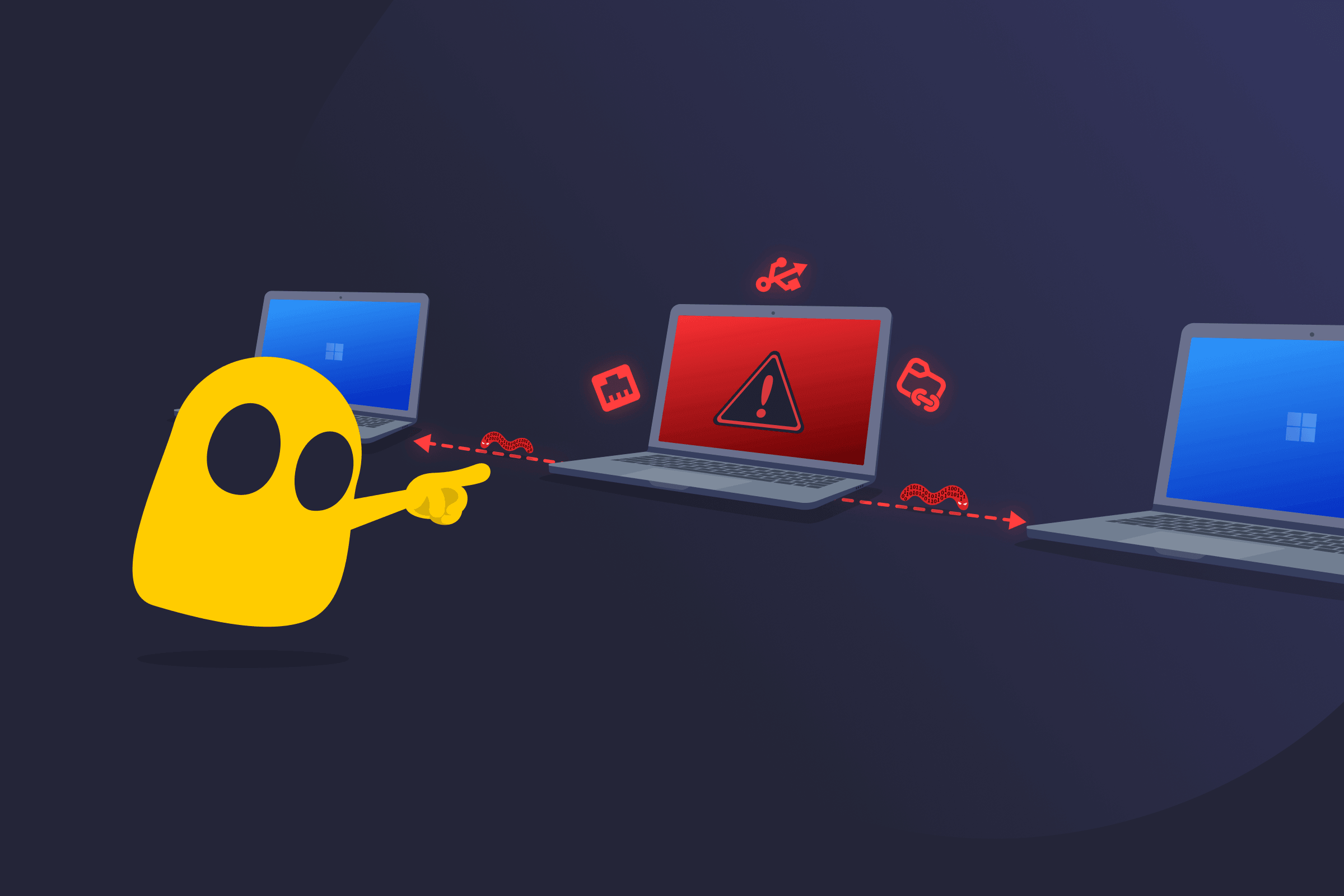
The Conficker worm (also known as Win32/Conficker, Downadup, or kido) is a self-replicating computer worm. It infects Microsoft Windows operating systems and copies itself to spread to other computers. Security experts detected this worm in late 2008. It quickly became well-known for attacking systems lacking security updates. Several versions appeared over time.
How Conficker Worm Works
Conficker exploits a vulnerability in the Windows Server service (MS08-067), a core component used for file sharing and network communications over SMB (Server Message Block). This vulnerability affected multiple Windows operating systems, not just Windows Server. The worm sends specially crafted network requests that allow remote code execution on unpatched systems without requiring authentication.
After the worm enters a system, a conflicker can:
- Disable security services: Turns off important Windows services such as Automatic Updates and Windows Defender.
- Block security websites: Prevents access to many security company websites.
- Create scheduled tasks: Sets up tasks that run automatically to maintain persistence.
- Add registry entries: Inserts hidden entries in the system registry to retain control.
Newer versions use peer-to-peer (P2P) communication and domain generation techniques to connect to other infected systems and download additional malicious code.
How Conficker Worm Spreads
Conficker spreads through:
- Network attacks: Exploits unpatched Windows systems over the network.
- Shared folders: Copies itself through shared folders with weak access settings.
- USB drives: Uses the AutoPlay feature to spread when removable media is inserted.
Some versions avoid spreading through USB drives to stay hidden longer. The worm mainly affects older Windows editions: Windows 2000, Windows XP, Windows Server 2003, Windows Vista, and Windows Server 2008.
Conficker Worm Signs
- Reduced performance: Networks and systems slow down; domain controllers respond more slowly.
- Frequent lockouts: Account lockout rules activate too often.
- Blocked security tools: Users can’t reach security websites or run security programs.
Read More
FAQ
The Conficker worm is a self-replicating malicious program that infects Windows computers. It uses a known weakness called the Windows Server service vulnerability (MS08-067) to gain control and then disables important security features on the infected machine.
Security researchers still detect variants on outdated or unpatched Windows systems, especially those with weak or compromised passwords, even in 2026. Large outbreaks are rare, and fully updated systems face low risk.
If no antivirus software is available, removing the Conficker worm manually involves several technical steps. The process includes logging in with a local account, stopping key services, and deleting scheduled tasks using system task management tools.
It also covers installing the MS08-067 patch, resetting administrator passwords, and cleaning malicious files and registry entries. This method is complex, time-consuming, and easy to get wrong.

 45-Day Money-Back Guarantee