
Account Hijacking
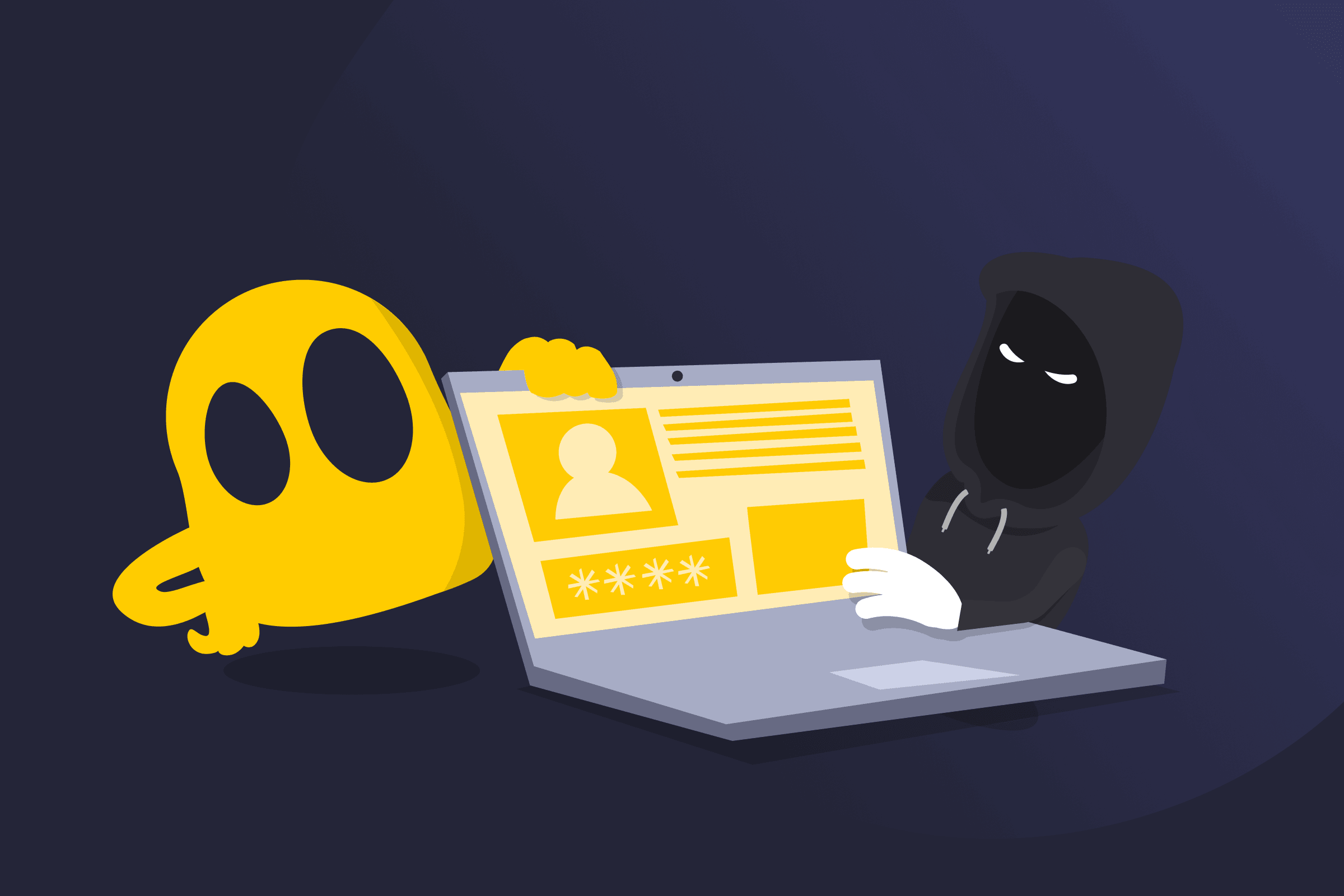
Account Hijacking Definition
Account hijacking is a cyberattack in which an unauthorized person gains control of someone else’s online account. This usually happens when an attacker obtains or bypasses login credentials, allowing them to access the account as if they were the legitimate owner.
Once access is gained, the attacker can view private information, send messages, or perform actions under the victim’s identity. Attackers often try to maintain control by changing passwords, updating recovery information, or modifying security settings to prevent the original owner from regaining access. Because the activity comes from a real account, it can be more difficult for systems and other users to recognize that the account’s been compromised.
Common Methods Used in Account Hijacking
- Phishing: Fake emails or websites trick users into revealing their login details.
- Credential stuffing: Stolen usernames and passwords are reused across multiple services.
- Password guessing: Attackers attempt to guess weak or commonly used passwords.
- Malware: Malicious software captures login information from infected devices.
- Session hijacking: Active login sessions are intercepted and taken over.
- Data breaches: Credentials exposed from previous breaches are used to access other accounts.
Examples of Account Hijacking
- Houston Museum of Natural Science Instagram hack (2025): Attackers hijacked the museum’s Instagram account and posted explicit videos promoting a fake Bitcoin giveaway scam before the posts were removed.
- Jharkhand Mukti Morcha X (Twitter) account hack (2025): Cybercriminals took over the political party’s official social media account and posted suspicious content and links before authorities restored access.
How to Prevent Account Hijacking
- Use strong, unique passwords for each account.
- Enable multi-factor authentication to add an extra layer of security.
- Avoid clicking suspicious links or entering login details on unknown websites.
- Use a password manager to generate and store secure passwords.
- Keep devices, apps, and software updated.
- Regularly check accounts for unusual activity.
Read More
FAQ
The accounts most commonly hijacked include email, social media, banking, e-commerce, and cloud service accounts. Email accounts are often targeted because they can be used to reset passwords for other services, while banking and shopping accounts are usually targeted for financial fraud. Social media and cloud accounts may be hijacked to spread scams or access stored data.
Yes, attackers can hijack accounts without knowing the password. They may exploit security vulnerabilities, steal active login sessions, intercept authentication tokens, or trick users into approving a login request. In some cases, attackers can also reset the password by gaining access to the account’s recovery email or phone number.
If your account is hijacked, you may notice signs such as being unable to log in, a changed password or recovery email, or security alerts about logins from unfamiliar locations or devices. Other signs include messages or posts sent from your account that you didn’t create, unexpected transactions, or changes to your account settings.
Change your password and enable two-factor authentication if it isn’t already active. Review your account settings and recovery information to make sure they haven’t been altered. Log out of all active sessions, check for unauthorized activity, and contact the platform’s support team to report the incident and secure your account.
 45-Day Money-Back Guarantee