
Angler Phishing
Angler Phishing Definition
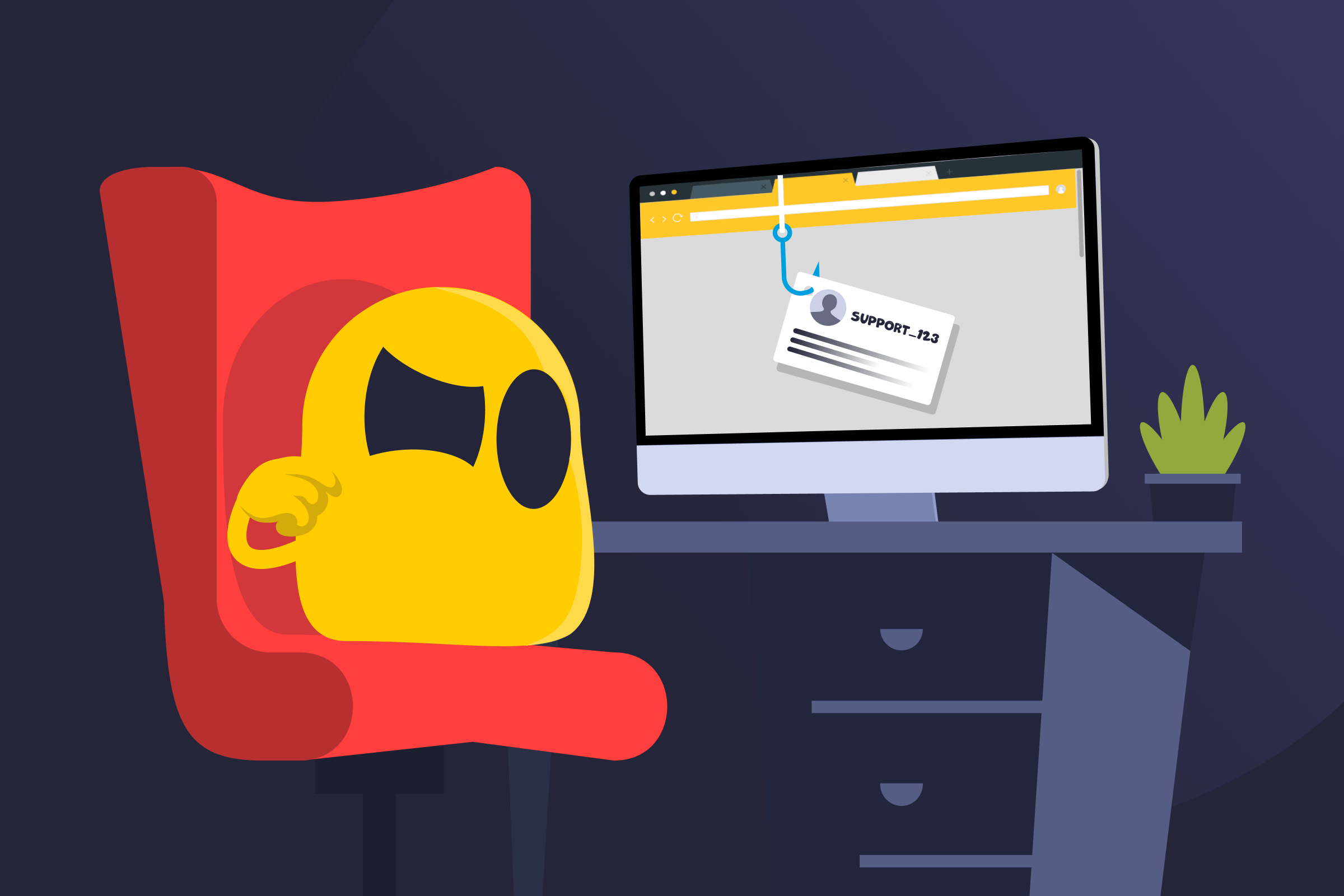
Angler phishing is an online scam where attackers impersonate customer support on public platforms, typically social media, to steal sensitive information. It targets people who are actively looking for help and uses fake support profiles to appear legitimate and trustworthy.
How Angler Phishing Works
Scammers watch public posts on social media, review sites, and forums for users asking for assistance. When a suitable post appears, they respond using accounts designed to look like official customer support.
The interaction is then moved from the public thread to private messages, email, or a fake support page. That’s where the attacker requests sensitive details, like login details, verification codes, or payment information. The stolen information is later used for account access, identity theft, or financial fraud.
Platforms Where Angler Phishing Typically Happens
- Social media platforms
- Review and feedback websites
- Online forums and community boards
- App store review sections
- Comment sections on brand posts
Common Angler Phishing Examples
- Payment redirection: Fake support directs payments or refunds to attacker-controlled accounts.
- Credential theft: Impersonated support asks for login details under the pretense of fixing an issue.
- Malware installation: Links lead to fake support pages that install malicious software.
- Account takeover: Verification codes or password reset details are requested to seize control of accounts.
Easy Tips to Help Avoid Angler Phishing
- Avoid sharing personal or account details in public complaints or help requests.
- Check usernames, verified badges, and profile links to verify customer support accounts. It’s also helpful to review the account’s posting history and recent activity.
- Treat unsolicited support messages with caution. Legitimate companies rarely initiate contact through direct messages.
- Don’t click shortened or suspicious links shared by suspicious support accounts.
- Never share sensitive information. Real customer support never asks for passwords, one-time verification codes, or full payment details.
- Use official support pages, apps, phone numbers, and contact methods listed on the company’s website.
- If something feels off, stop responding and contact the company through official channels.
- Flag fake support accounts and messages to the platform and the impersonated brand.
Read More
FAQ
The key difference is how the scam begins. Regular phishing sends unsolicited emails or messages to many people at once, pretending to be from a trusted source. Angler phishing targets people who are already asking for help by responding to public support requests and posing as customer service, usually on social media.
Verified accounts are rarely used in angler phishing scams, but verification alone doesn’t guarantee safety. Attackers usually rely on fake accounts that closely mimic real support profiles, using similar usernames, logos, and descriptions. In some cases, compromised verified accounts can also be misused, so you should always check account activity, links, and official support channels before trusting a response.
Attackers usually try to steal information that allows account access or financial fraud. This includes your login usernames and passwords, one-time verification codes, payment details, recovery email addresses, and personal information, such as full names or phone numbers. In some cases, attackers also attempt to gain access to accounts linked through single sign-on or social media.
 45-Day Money-Back Guarantee