
Bluesnarfing
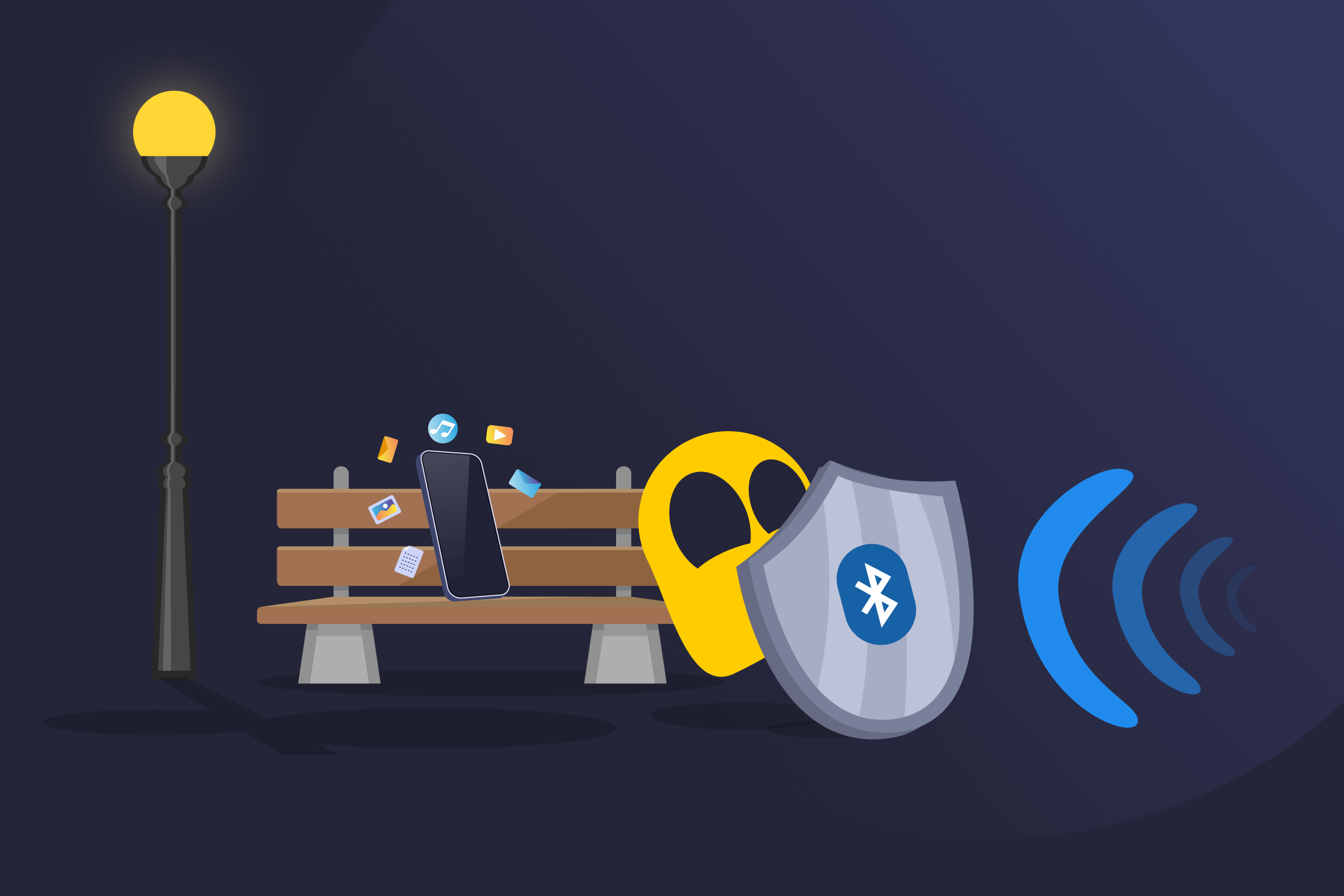
Bluesnarfing Definition
Bluesnarfing is a Bluetooth attack that allows someone to access data on a nearby device without permission. It affects phones, laptops, tablets, and other devices that use Bluetooth. An attacker can steal contacts, messages, emails, stored files, calendars, photos, and (in some cases) authentication tokens or stored passwords on older devices.
The attack focuses on extracting data rather than taking control of the device. Bluesnarfing is one of several security threats linked to Bluetooth technology. The vulnerability was first publicly documented in 2003.
How Bluesnarfing Works
Bluesnarfing takes advantage of weak Bluetooth settings or older software. Attackers search for devices that have Bluetooth turned on and are set to discoverable mode. Discoverable mode makes a device visible to others nearby.
Once a target appears, the attacker attempts to connect to it without proper authorization. Some older devices have flaws in the Bluetooth file-sharing system, often linked to the OBEX protocol. These flaws can allow someone to bypass normal security checks.
The attacker needs to stay within a short range, around 10 meters. With stronger equipment, the distance can increase. If the connection works, the attacker can take data without triggering a clear alert.
Bluesnarfing affects Bluetooth Classic, the version used in older phones, laptops, and similar devices. Bluetooth Low Energy (BLE), which powers most modern smartwatches and fitness trackers, uses a different architecture and isn't vulnerable to the same OBEX-based attacks.
Risks of Bluesnarfing
- Data theft: Personal files and messages may be copied.
- Identity misuse: Stolen details may be used to access other accounts.
- Corporate exposure: Business data may be shared without approval.
- Silent compromise: The owner may not notice the data loss.
Bluesnarfing vs Bluejacking and Bluebugging
| Attack Type | What It Does | Impact Level | User Notice |
| Bluesnarfing | Steals saved information from a Bluetooth device without permission | High | No warning |
| Bluejacking | Sends unwanted messages to nearby devices | Low | A message appears on screen |
| Bluebugging | Controls device functions such as calls or messages | High | Hard to notice |
Prevention of Bluesnarfing
- Turn Bluetooth off when it's not needed to lower the chance of unwanted connections.
- Keep devices set to non-discoverable mode to make them harder to detect nearby.
- Install software updates to help fix security issues.
- Use strong pairing codes to reduce the risk of unauthorized access.
- Remove unused Bluetooth connections to limit unnecessary exposure.
Read More
FAQ
Yes, but it's less common than it once was. Modern devices use stronger Bluetooth security and better authentication methods. These improvements make Bluesnarfing harder to carry out.
Older phones, tablets, and other devices remain more at risk. Devices that don't receive updates may still contain security weaknesses. Poor settings can also increase exposure.
Yes, it can. In some cases, attackers can exploit Bluetooth flaws without completing a normal pairing request. The device may not show a prompt before data is accessed or shared.
It can be hard to tell. Bluesnarfing doesn't always leave obvious signs. There may be no pop-ups or clear warnings. Unfamiliar Bluetooth activity, unknown paired devices, or unexpected changes in saved data could raise concern. Checking Bluetooth settings and connection history may help spot unusual behavior.
Bluesnarfing relies on an active Bluetooth connection. If Bluetooth is off, an attacker cannot reach the device through that channel. However, Bluetooth must stay off to keep that protection in place.
In most countries, yes. Accessing someone’s device or data without permission breaks privacy and computer crime laws. The exact charges depend on local regulations and the damage caused. Using Bluetooth weaknesses to take information can lead to fines or criminal penalties.
 45-Day Money-Back Guarantee