
Captive Portal
Captive Portal Definition
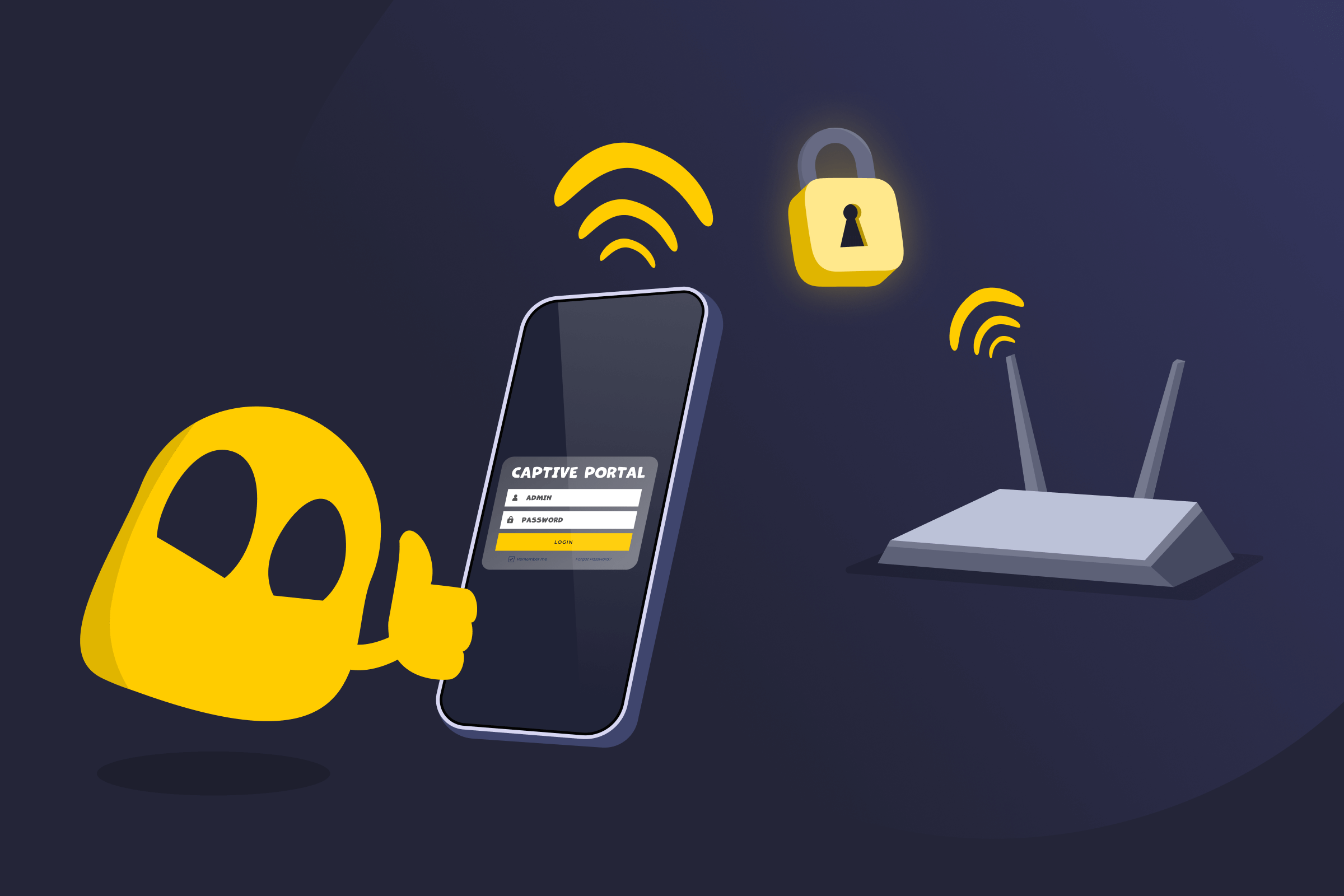
A captive portal is a web page that automatically appears when a device connects to a network, usually public WiFi, before internet access is allowed. Instead of providing immediate access, the network redirects the device to this page and blocks traffic until a required step is completed.
That step may include logging in, entering an email address or access code, agreeing to terms and conditions, or confirming acceptance of the network’s rules. Once the requirement is completed, the captive portal grants internet access to the device.
How a Captive Portal Works
When a device connects to a network with a captive portal, it can join the local network but can’t access the internet straight away. The network assigns the device a local IP address and restricts its web traffic. When the device attempts to open a website or connect online, the network intercepts the request and redirects it to a captive portal page. All other internet traffic remains blocked.
The captive portal requires a specific action, such as accepting terms, logging in, or entering an access code. Completing this step approves the device for internet access. After approval, the network lifts the restrictions and allows normal internet access. If the access period ends or the connection resets, the portal appears again, and access is blocked until the process is repeated.
Where Captive Portals Are Commonly Used
- Airports
- Hotels and resorts
- Cafes and coffee shops
- Restaurants and fast food chains
- Shopping malls and retail stores
- Libraries and schools
- Universities and campus networks
- Hospitals and clinics
- Office guest networks
- Conference centers and event venues
- Public transportation hubs
- Gyms and fitness centers
Pros of a Captive Portal
- Access control: Restricts network access until users meet specific conditions.
- User consent: Requires users to accept terms or policies before connecting.
- Guest management: Simplifies access for visitors without sharing permanent Wi-Fi passwords.
- Basic user tracking: Allows logging of devices or sessions for monitoring or compliance.
Cons of a Captive Portal
- User frustration: Can confuse users if the portal fails to load or interrupts apps.
- Privacy concerns: May collect personal information such as email addresses.
- Compatibility issues: Might delay or block VPNs, apps, and background connections until login is completed.
Read More
FAQ
A captive portal is used to control access to a network before allowing internet use. It requires you to complete an action such as accepting terms, logging in, or entering an access code so the network owner can manage who connects, enforce usage rules, or record basic connection details.
If you don’t accept a captive portal, you’ll stay connected to the network, but you won’t be able to access the internet. The network continues to block or redirect your web traffic until you complete the required step, so websites and online services won’t work.
It depends on the network and how the captive portal is set up. Many captive portals aren’t encrypted, which means personal information you enter could potentially be intercepted on unsecured public Wi-Fi. It’s best to avoid sharing sensitive details and only provide the minimum information required to get online.
No, you usually can’t use the internet without completing a captive portal. The network blocks internet access until you accept the terms or complete the required action, so normal browsing and online services won’t work until the portal grants access.
 45-Day Money-Back Guarantee