
DHCP Proxy
DHCP Proxy Definition
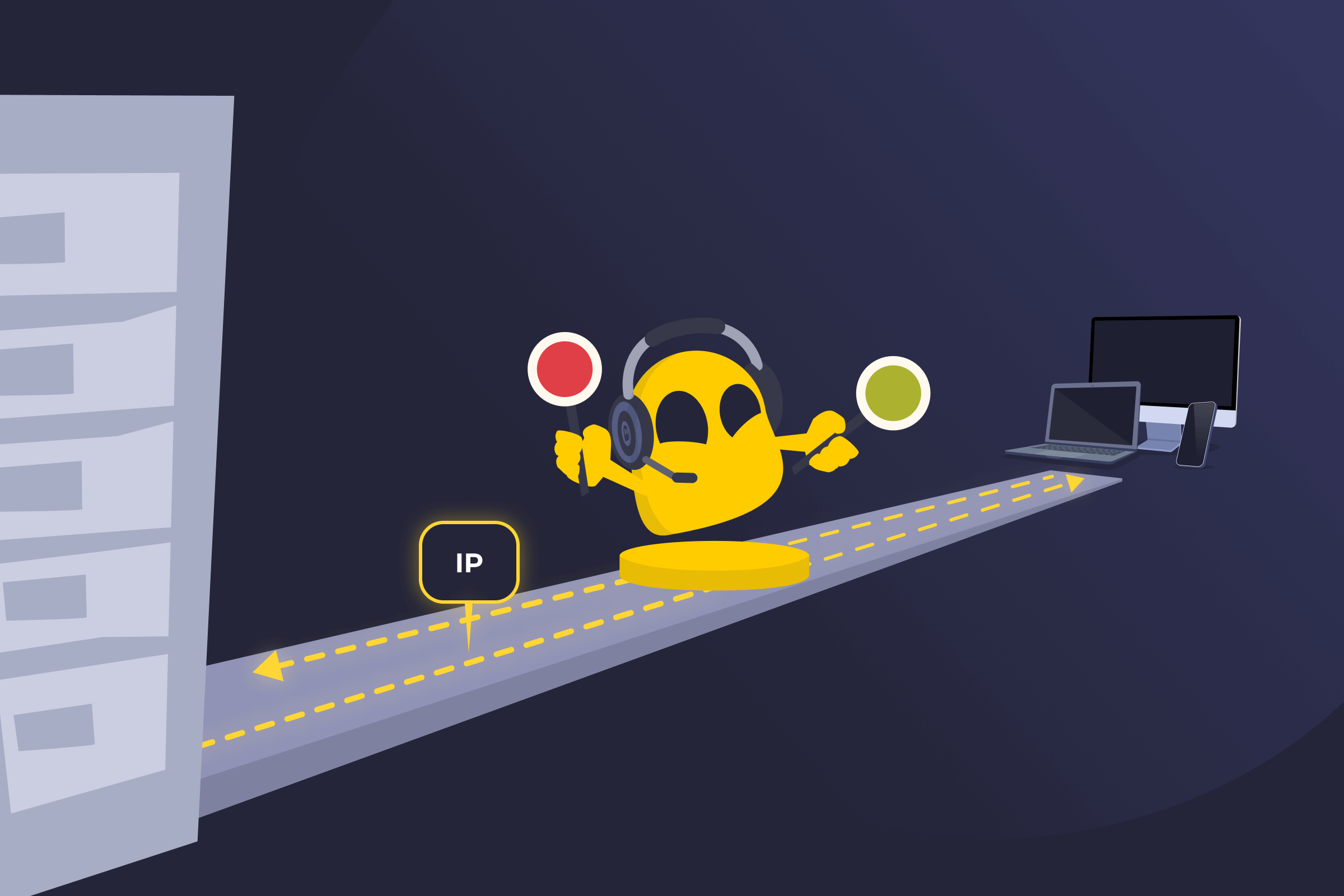
A DHCP proxy, short for Dynamic Host Configuration Protocol proxy, is a network device or service that sits between DHCP clients and a DHCP server. It receives IP address requests from devices on one part of a network and communicates with the real DHCP server on their behalf. To the client, the proxy appears to be the DHCP server.
How a DHCP Proxy Works
When a device connects to a network, it asks for an IP address. The DHCP proxy picks up that request and sends it to the DHCP server. The server responds with an available address and basic network details. If more than one server replies, the proxy selects one offer and sends it back.
The device confirms it wants to use that address, and the proxy forwards that message to the server. Once the server approves, the proxy delivers the final response. The device saves the settings and begins using the network.
Benefits of DHCP Proxy
- Server protection: Client devices don't see the real DHCP server’s address, which reduces direct exposure.
- Traffic control: Multiple server replies result in a single response to keep IP assignment organized.
- Centralized management: Address requests move through a single point, making the network easier to manage.
- Support for larger networks: Different subnets or remote connections operate without extra setup on each device.
- Activity tracking: All requests pass through one device, simplifying IP address monitoring.
Limitations of DHCP Proxy
- Single point of failure: Network access can stop if the proxy device fails.
- Increased device load: All DHCP traffic moves through one device, which can strain its resources.
- Configuration complexity: Setup requires careful planning in networks with many segments.
- Troubleshooting difficulty: Problems can take longer to trace because messages pass through an extra layer.
- Limited device support: Some network devices don't fully support proxy mode.
DHCP Proxy vs DHCP Relay
| DHCP Proxy | DHCP Relay | |
| Client view | Appears as the DHCP server | Forwards messages only |
| Server details | Hides the real server | Doesn’t hide the server |
| Offer handling | Chooses one reply | Passes all replies |
| Role | Manages DHCP traffic | Relays DHCP traffic |
| Use case | Works well in segmented networks | Fits basic multi-subnet setups |
Read More
FAQ
DHCP proxy is used in business networks, data centers, and VPN environments. It’s useful when different parts of a network connect through routers or firewalls. Network teams enable it on edge devices that link offices, remote users, or separate internal segments. It also appears in service provider networks where IP address control needs to stay centralized.
DHCP proxy can add a layer of protection, but it's not a full security tool on its own. It can limit direct contact between client devices and the actual DHCP server. This can lower certain risks, such as direct attacks on the server. However, it doesn't stop all network threats. You still need firewalls, monitoring, and other security measures to protect the network.
DHCP proxy usually has little impact on network performance. DHCP traffic is small and only happens when devices connect, renew, or release an address. In very large networks, the device running the proxy can become busy if many requests arrive at the same time. If that device lacks enough resources, delays can occur.
Yes, a DHCP proxy can work across VLANs. It can handle IP address requests between separate VLANs as long as routing is set up correctly. The device running the proxy must connect to each VLAN involved. It then passes DHCP traffic between them and the server. Proper configuration on the router or firewall is needed for this to work.
No, a DHCP proxy doesn't replace DHCP servers. A DHCP server is still required to assign IP addresses and manage address pools. The proxy works alongside the server. It helps pass requests and responses between devices and the server, but it doesn't create or manage IP addresses on its own.
 45-Day Money-Back Guarantee