
DNS Zone Transfer
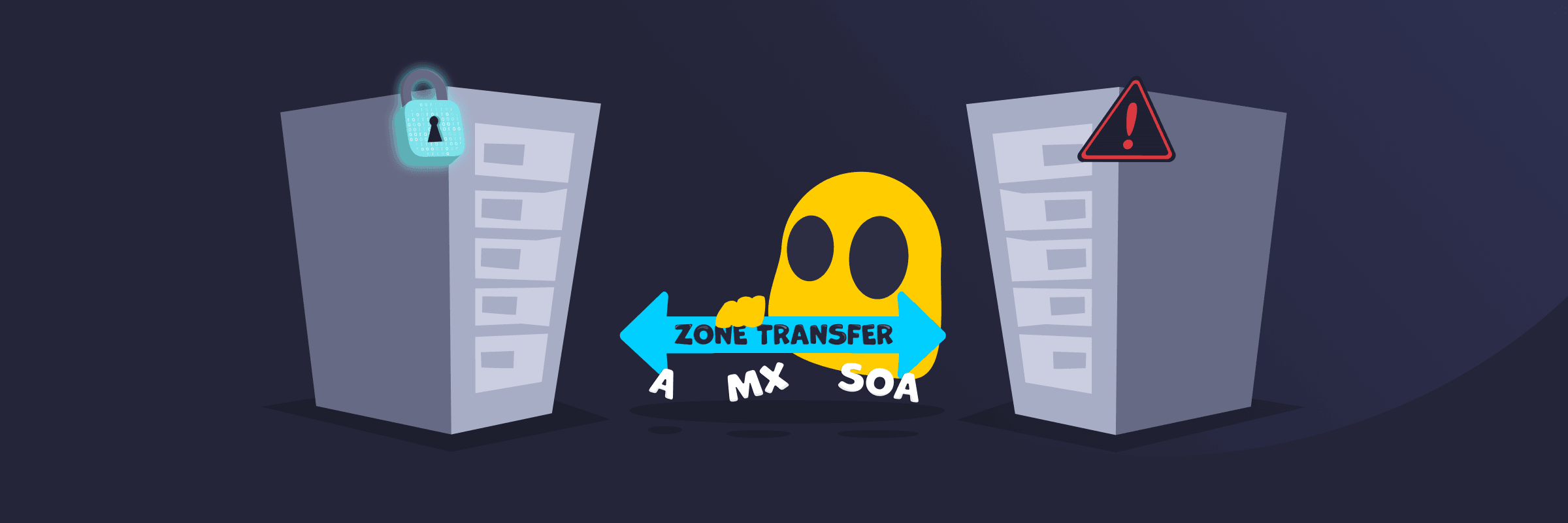
DNS Zone Transfer Definition
DNS zone transfer is a mechanism in the Domain Name System (DNS) that lets a primary (master) DNS server copy its zone data (containing records like IP addresses, mail servers, and subdomains) to secondary (slave) servers. This process is often called AXFR for full transfers, and it ensures consistency, high availability across DNS infrastructure, and redundancy (having backup copies of DNS data).
It uses TCP (typically port 53) for reliable, ordered data delivery in a client-server transaction. Administrators rely on it to synchronize databases without having to manually copy them. This has supported fault tolerance as the internet expanded beyond single-server setups.
How DNS Zone Transfer Works
A secondary server contacts the primary server to request the latest DNS data. This usually happens in one of two ways: the primary server sends a notification message saying “I have updates,” or the secondary server automatically checks at regular intervals based on its settings. The goal is to keep the backup server synchronized with the main server so both have the same up-to-date information.
There are two main types of transfers:
- Full zone transfer (AXFR): Copies the entire DNS zone. Used mainly for initial setup or complete refreshes.
- Incremental zone transfer (IXFR): Sends only the changes since the last update, saving time and bandwidth.
Security Risks of DNS Zone Transfer
- Information leakage: Attackers can ask for a complete copy of a website’s DNS records. This gives them a detailed map of the entire network, including all subdomains, computer names, IP addresses, and services running.
- Reconnaissance tool: The stolen information acts like valuable scouting data. Attackers could use it to plan more serious attacks, such as targeted phishing emails, impersonation, or breaking into the network.
- Misconfiguration exposure: Many problems happen because the server is set up incorrectly and allows anyone on the internet to request these records, instead of only allowing trusted backup servers.
- Internal data exposure: DNS records often include sensitive information. When this data is leaked, it can give attackers a much deeper and more dangerous view of the organization’s infrastructure.
Best Practices for Secure DNS Zone Transfers
- Only allow specific trusted computers (IP addresses) to request zone transfers. This stops random people on the internet from accessing the data.
- Add a special digital signature (TSIG) to verify that the backup server requesting the data is legitimate and trusted.
- Turn on DNSSEC to check that the DNS records are genuine and haven’t been tampered with.
- Use smaller, incremental updates (IXFR) instead of copying everything each time. This saves bandwidth and reduces security risks.
- Regularly check the server logs to spot any suspicious or unauthorized attempts to access the DNS data.
- Enable encryption (DNS zone transfer over TLS) so the data is protected while being transferred.
Read More
FAQ
DNS zone transfers use TCP on port 53. While regular DNS queries usually go over UDP for speed, zone transfers need the reliability of TCP. TCP makes sure the data arrives correctly, in the right order, and without any missing pieces. This is essential when moving large amounts of DNS records between servers.
A DNS zone is basically a section of the internet’s address system that one organization controls. It keeps all the important details, like website addresses and email servers, organized in one place so the owner can manage them easily.
The biggest danger is information leakage. If someone unauthorized gets a full zone transfer, they receive a detailed map of the company’s entire network, including servers, IP addresses, subdomains, and internal systems. This can help attackers plan phishing attacks, spoofing, or break into the network. The risk can be much worse when the server isn’t properly locked down and allows transfers from anyone.
 45-Day Money-Back Guarantee