
Headless System
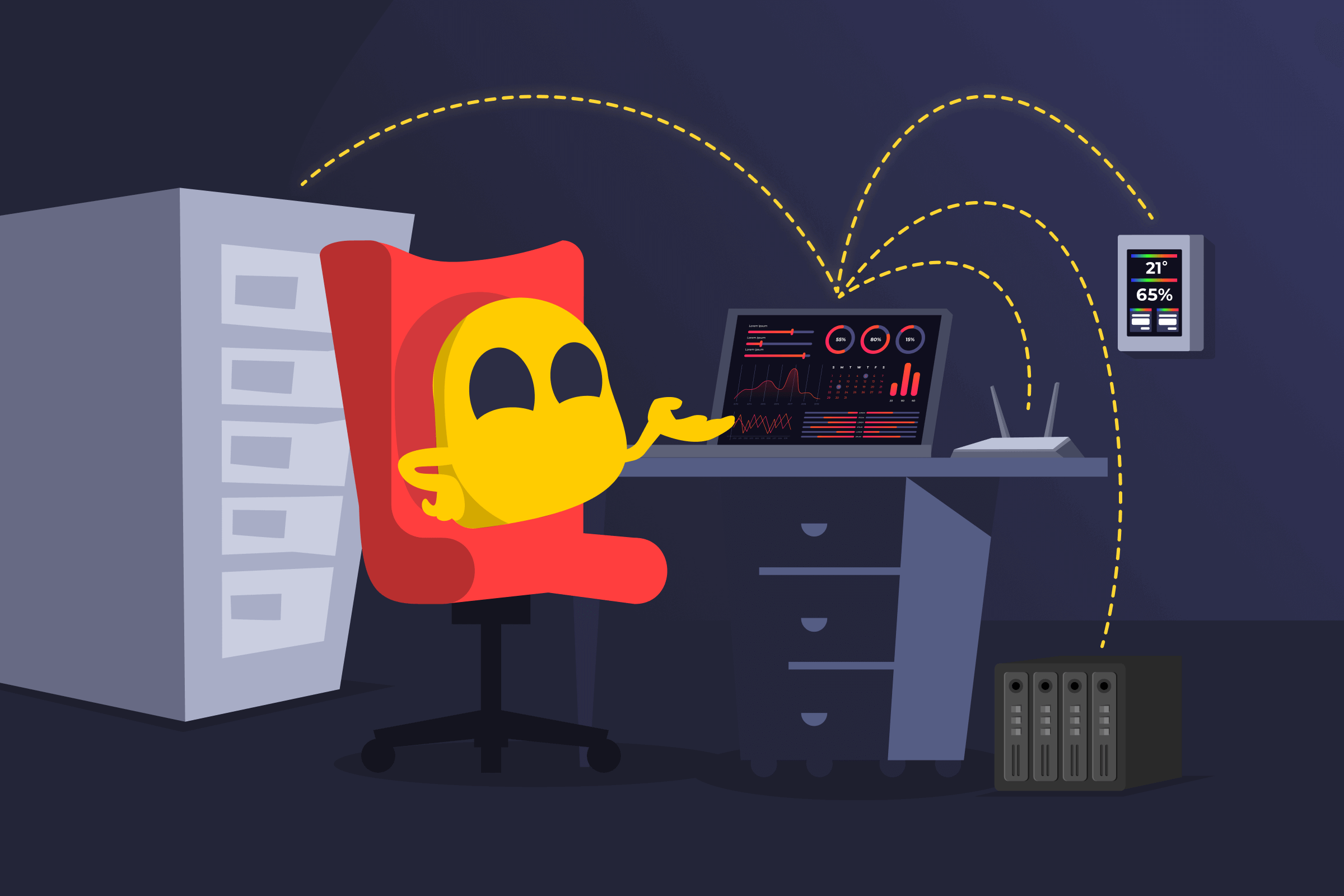
Headless System Definition
A headless system is a device that works without user interface peripherals, such as a monitor, keyboard, or mouse. Because these elements control a device directly, they represent its “head.” Headless systems typically run independently of other devices and are configured and monitored via a network connection rather than a direct physical interface.
How Headless Systems Work
A headless system boots up and runs its software like a normal computer, but without a local display or direct input components. A user interacts with it through network-based tools on another device. This can be a command-line interface, smartphone app, dashboard, or specialized management software.
Headless System Benefits
- Lower hardware cost: Reduces expenses for hardware components like monitors, graphics cards, and input peripherals.
- Lower chance of tampering: Allows access only through other authorized devices, so it’s harder for potential attackers to physically tamper with the device.
- Space management: Takes up less space and doesn’t require constant physical access, which help an organization use limited space efficiently.
Examples of Headless Systems
- Smart home appliances: Smart devices such as air purifiers, thermostats, door cameras, lighting systems, and digital voice assistants typically lack a physical input interface, so a user controls them through an app on another device.
- Home storage systems: Home servers and network-attached storage (NAS) devices don’t have a direct interface, letting users access files through another device.
- Network hardware: Network components like routers, modems, or switches can have web interfaces on connected devices.
- Headless browsers: Browser software that runs without a graphical interface, commonly used for automated testing and web scraping.
- Cloud servers and virtual machines: Remote servers hosted in data centers operate without physical interfaces and are managed through remote desktop sessions, secure shell (SSH), or web consoles.
Read More
FAQ
It depends on the specific headless device’s configuration. Headless systems can be harder to tamper with physically because they lack input peripherals and might only connect wirelessly. However, poorly configured headless systems might have weak security and pose a larger risk than a typical desktop computer.
Headless systems such as smart gadgets typically allow setup over the same connection used to monitor them, typically a smartphone app. Other headless systems can be prepared before removing their displays (“going headless”). For example, a user can take a laptop, enable remote access, configure its settings, and then disable its monitor.
It requires a different skill set. Managing headless systems can require knowledge of remote administration tools, networking, and more advanced concepts. Experienced network administrators might find managing many headless systems more efficient than dealing with physical desktops and input interfaces.
 45-Day Money-Back Guarantee