
Host-Based Firewall
Host-Based Firewall Definition
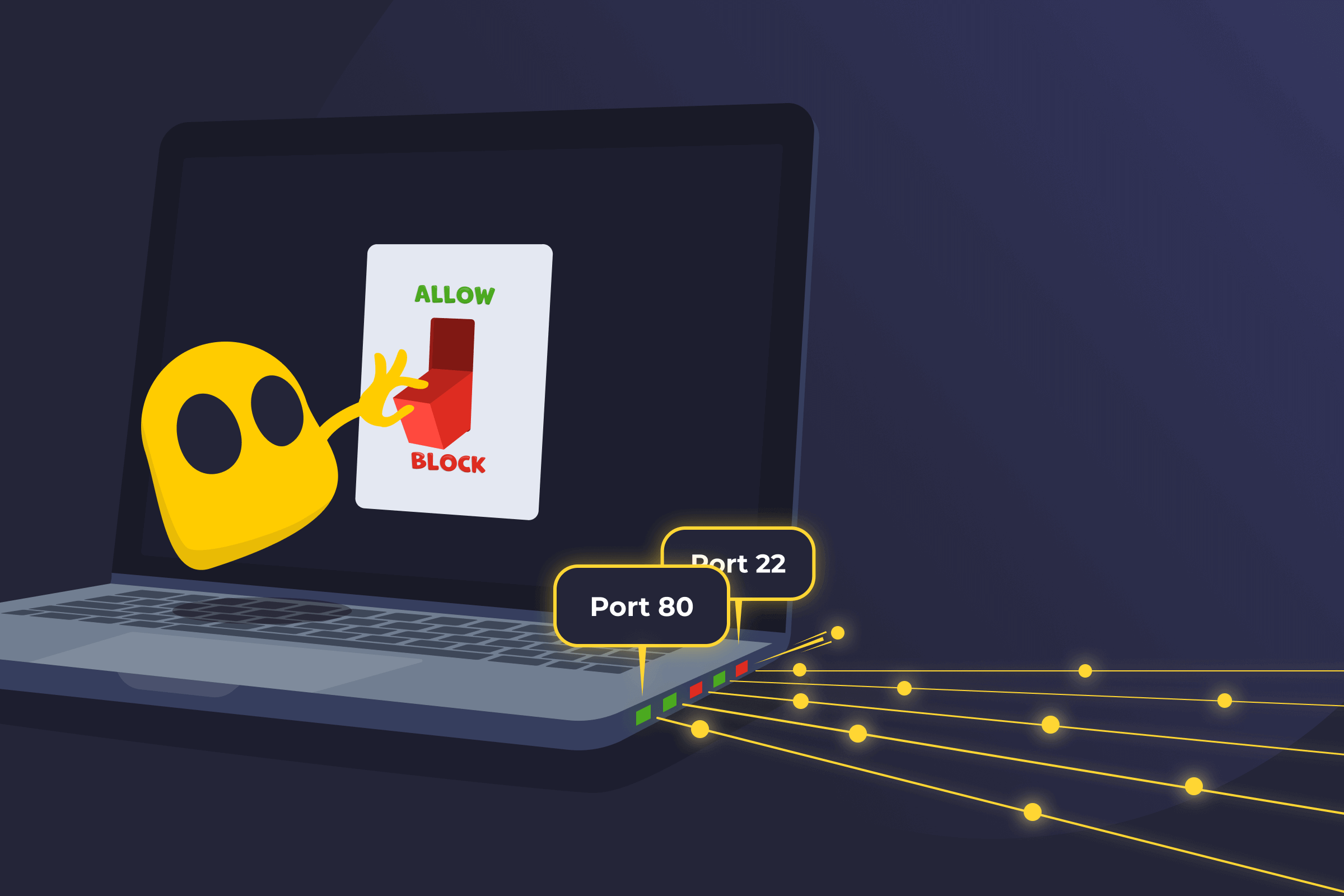
A host-based firewall is a security tool installed directly on a single device. It's also called a software firewall or, in some cases, a personal firewall. Instead of protecting an entire network, it focuses on controlling traffic that goes in and out of one computer, server, or mobile device.
Many operating systems include a host-based firewall by default, so it may already be enabled without installing extra software. Businesses use host-based firewalls to secure individual endpoints inside their networks, while home users rely on them to protect personal machines.
How a Host-Based Firewall Works
A host-based firewall checks network traffic against a set of rules. It looks at details like IP addresses, port numbers, and protocols. When a connection request matches an approved rule, the firewall allows it. If it matches a blocked rule, or no rule at all, the firewall stops the request.
Most host-based firewalls follow a default policy. Some allow all traffic unless a rule blocks it. Others block everything except what's clearly allowed. It also logs connection activity, which helps track connection attempts and spot unusual behavior.
Host-Based Firewall Limitations
- Consumes device resources: Uses CPU and memory and may slow down older systems.
- Requires individual management: Needs separate setup and updates on each device.
- Depends on correct configuration: Leaves gaps in protection if rules are weak or incorrect.
- Offers limited network visibility: Monitors traffic only on the local device, not across the entire network.
Host-Based Firewall vs Network Firewall
| Host-Based Firewall | Network Firewall | |
| Location | Runs on each device | Placed at a central network point |
| Scope | Protects one device | Protects many devices |
| Management | Set up on each device | Managed from one location |
| Resources | Uses device resources | Uses network or hardware resources |
| Visibility | Sees traffic for one device | Sees traffic across the network |
Read More
- What Is a Stateful Inspection?
- What Is an Intrusion Detection System?
- What Is a Host Intrusion Prevention System?
FAQ
Yes. A host-based firewall can block specific ports to stop certain connections from reaching the device. For example, administrators can close a port that a program uses to communicate online. This reduces unwanted access and lowers the risk of attacks that target open ports. Administrators decide which ports stay open and which remain closed.
Organizations use host-based firewalls on employee laptops, office workstations, and internal servers. They're common in environments where devices connect to different networks, such as remote work setups. Data centers also use them to add extra control to critical systems. Individual users may use them to manage connections on personal devices.
They can use some processing power and memory while running. On modern devices, the impact is usually small and not noticeable. Older or low-powered systems may feel a slight decrease in speed, especially with strict rules or heavy traffic. Proper setup helps keep performance stable while maintaining protection.
No. It protects the device it runs on, but it doesn't replace other security tools. Organizations often use it together with antivirus software, network firewalls, and monitoring systems. This helps cover more types of threats.
Windows Defender includes a built-in firewall called Microsoft Defender Firewall. It operates on the device and filters network traffic locally. This makes it a host-based firewall. Windows Defender also includes antivirus features, so it does more than just block network connections.
 45-Day Money-Back Guarantee