
IPv4
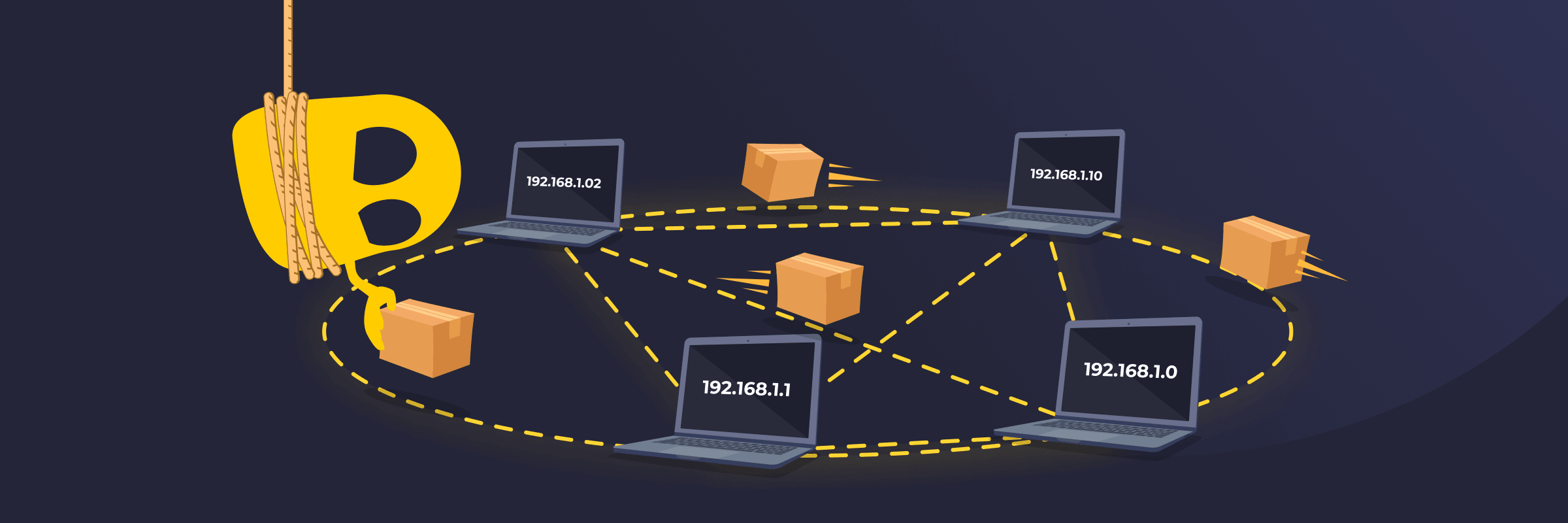
IPv4 Definition
IPv4 (Internet Protocol version 4) is a system that assigns unique IP addresses to devices so they can communicate over a network. It consists of numbers separated by dots, such as 192.168.1.1. This format has been used for decades and is still common today. Although newer systems like IPv6 exist, IPv4 continues to manage a large portion of internet traffic because it’s supported by almost all devices.
How IPv4 Works
IPv4 sends data by breaking it into small units called packets. Each packet contains important information, like its source and destination. When someone opens a website, the request is split into packets and sent through the network.
Routers check each packet and forward it step by step until it gets to the right destination. The device that receives the packets puts them back together to display the full webpage or message. This happens almost instantly, every time data moves across the network.
IPv4 Address Format
- Structure: Four numbers separated by dots (e.g., 192.168.1.1).
- Range: Each number ranges from 0 to 255.
- Length: A total of 32 bits.
- Octets: Groups of 8 bits called octets.
- Network part: The portion that identifies the network.
- Host part: The part that points to the device.
Types of IPv4 Addresses
- Public address: Assigned by an internet service provider and used on the internet.
- Private address: Found inside local networks, such as homes or offices.
- Static address: Stays the same over time.
- Dynamic address: Changes when a device reconnects to a network.
Limitations of IPv4
- Limited address space: IPv4 supports about 4.3 billion addresses, which isn’t enough for the growing number of internet-connected devices.
- Lack of built-in security: IPv4 transmits data without built-in security mechanisms, like encryption or authentication. These must be added using separate protocols, such as IPsec.
- NAT reliance: Many networks use Network Address Translation (NAT), which allows multiple devices to share a single public IP address. This can affect performance or compatibility with some services
- Outdated design: IPv4 lacks some of the efficiency, scalability, and modern features found in newer protocols like IPv6.
IPv4 vs IPv6
IPv6 is the newer version of the Internet Protocol, designed to support a much larger number of connected devices. It uses a 128-bit address written in hexadecimal notation (e.g., 2001:0db8::1), which supports approximately 340 undecillion unique addresses. IPv6 was originally designed with built-in support for IPsec, though in practice its use is now optional, similar to IPv4. It also improves routing efficiency and removes the need for Network Address Translation (NAT) in most deployments. Today, many networks use IPv6 alongside IPv4 instead of replacing it completely.
Read More
FAQ
IPv4 supports about 4.3 billion possible addresses based on its 32-bit design. However, not all of these addresses are available for public use. Many are reserved for private networks, special purposes, or system functions. Because of this, the number of usable public addresses is much smaller than the total.
The number of internet-connected devices has grown far beyond what was expected when the system was designed, which means there aren’t enough IPv4 addresses to meet the demand. Smartphones, laptops, smart home devices, and cloud services all require IP addresses. While techniques like NAT allow multiple devices to share the same address, they only delay the problem rather than solve it.
You can find your IPv4 address in your device’s network settings. Most devices show it under Wi-Fi or network details. You can also search “What is my IP” in a browser. Many websites will show your address right away. On a computer, you can use simple commands like ipconfig on Windows or ifconfig on macOS. On Linux, you can use ip addr on most modern distributions or ifconfig on older models.
Yes, IPv4 can be used without the Internet. It works inside local networks like homes, offices, or schools. Devices on the same network can still connect and share data, even if there’s no internet access.
IPv4 doesn't include built-in security features, so networks rely on other tools like firewalls, encryption, and VPNs for protection. These tools help control traffic, protect data, and reduce the risk of unauthorized access.
 45-Day Money-Back Guarantee