
MAC Address
MAC Address Definition
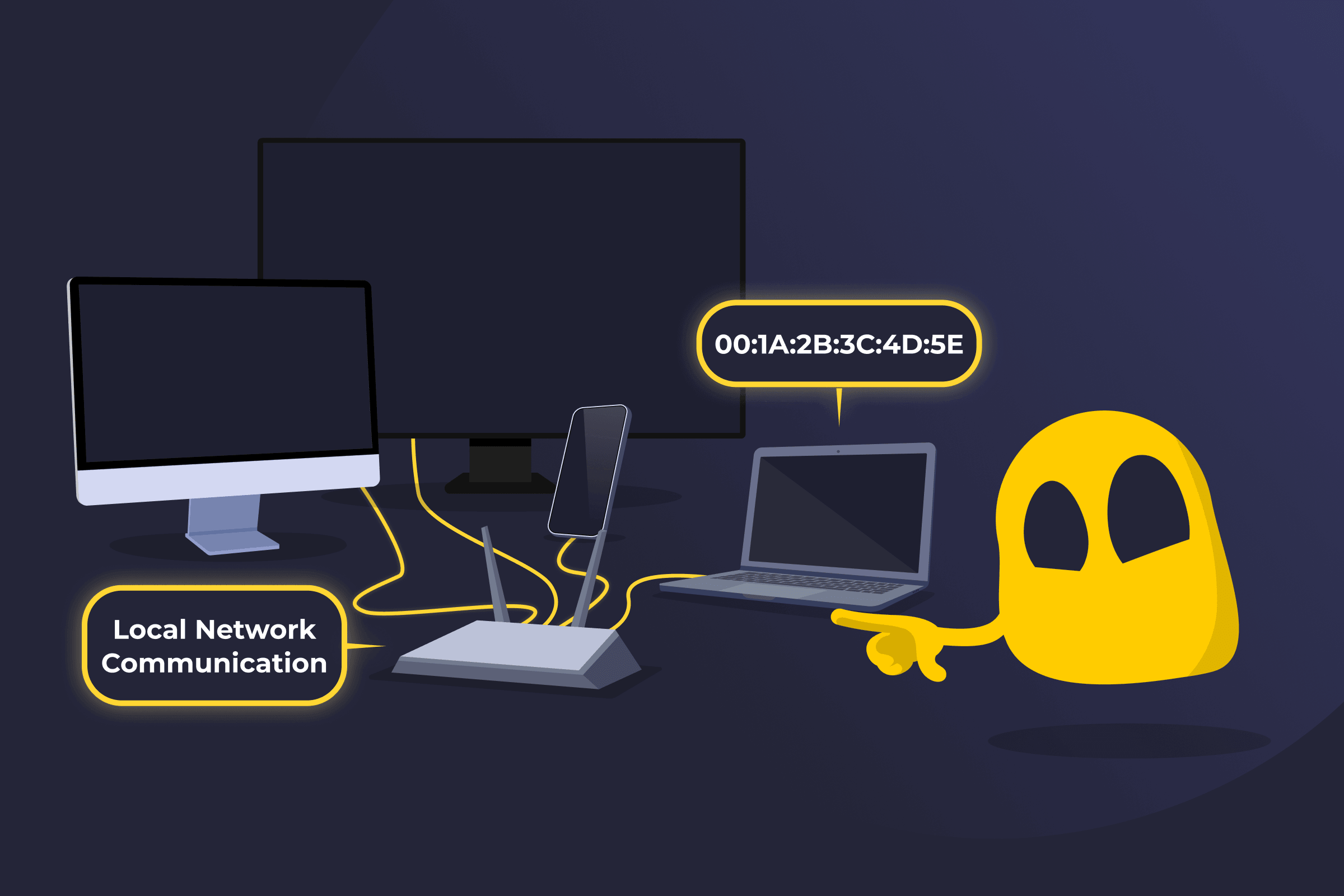
A MAC address (Media Access Control address) is a unique identifier the manufacturer typically assigns to a device’s network interface, such as a Wi-Fi or Ethernet adapter. It’s a 48-bit value written as 12 hexadecimal characters, usually shown in pairs separated by colons or hyphens, for example, 00:1A:2B:3C:4D:5E. Local networks use it to identify devices and deliver data to the correct destination.
How a MAC Address Works
A MAC address allows devices on a local network to identify each other and exchange data. When a device sends data, it includes the destination device’s MAC address in the data frame. Network switches use this address to decide where to forward the data. If the switch knows which port is associated with that MAC address, it forwards the frame only to that port.
However, this behavior isn’t guaranteed in all cases. If the switch hasn’t yet learned the destination MAC address, it may forward the frame to multiple ports. This process, known as flooding, also occurs for certain types of traffic, such as broadcast and unknown destination frames.
If the sender only knows the destination device’s IP address, it uses the Address Resolution Protocol (ARP) to find the corresponding MAC address. Once the correct MAC address is known, the network uses it to deliver the data to the intended device.
MAC Address Tracking Risks
Because a MAC address uniquely identifies a network interface, it can be used to recognize a device over time. Wi-Fi-enabled devices often broadcast their MAC addresses when scanning for nearby networks. Routers, access points, or tracking sensors within range can capture these signals and recognize the device when it appears again.
MAC address tracking can allow third parties to:
- Track physical movement: Identify when a device enters or leaves a specific location.
- Recognize repeat visits: Detect the same device returning to a network over time.
- Monitor network activity: Observe connection attempts and general usage patterns.
- Build device profiles: Combine MAC address data with other information to understand behavior.
- Impersonate devices: Use MAC spoofing techniques to pose as a trusted device and bypass certain network access controls.
MAC Address vs IP Address
A MAC address and an IP address both identify devices on a network, but they serve different roles. A MAC address is a hardware-based identifier used to identify devices within a local network. An IP address is a logical address assigned by a network, used to identify a device and enable communication across different networks, including the internet.
Read More
FAQ
Yes, a MAC address can be changed through a process called MAC spoofing. Although manufacturers assign a permanent MAC address to a device’s network interface, operating systems and network tools can temporarily modify the address that the device broadcasts to a network. This change usually applies only at the software level and lasts until the device resets or the network interface is restored to its original settings.
In normal conditions, two devices shouldn’t have the same MAC address because manufacturers assign a unique address to each network interface. However, duplicate MAC addresses can occur if someone intentionally changes an address through MAC spoofing or if there is a rare manufacturing error. When two devices on the same network share the same MAC address, it can cause network conflicts and communication issues.
No, a MAC address doesn’t normally change when you connect to different networks because it’s assigned to the device’s network interface by the manufacturer. However, some modern devices use MAC address randomization, which temporarily generates a different MAC address when scanning for or connecting to Wi-Fi networks to improve privacy.
 45-Day Money-Back Guarantee