
NAS
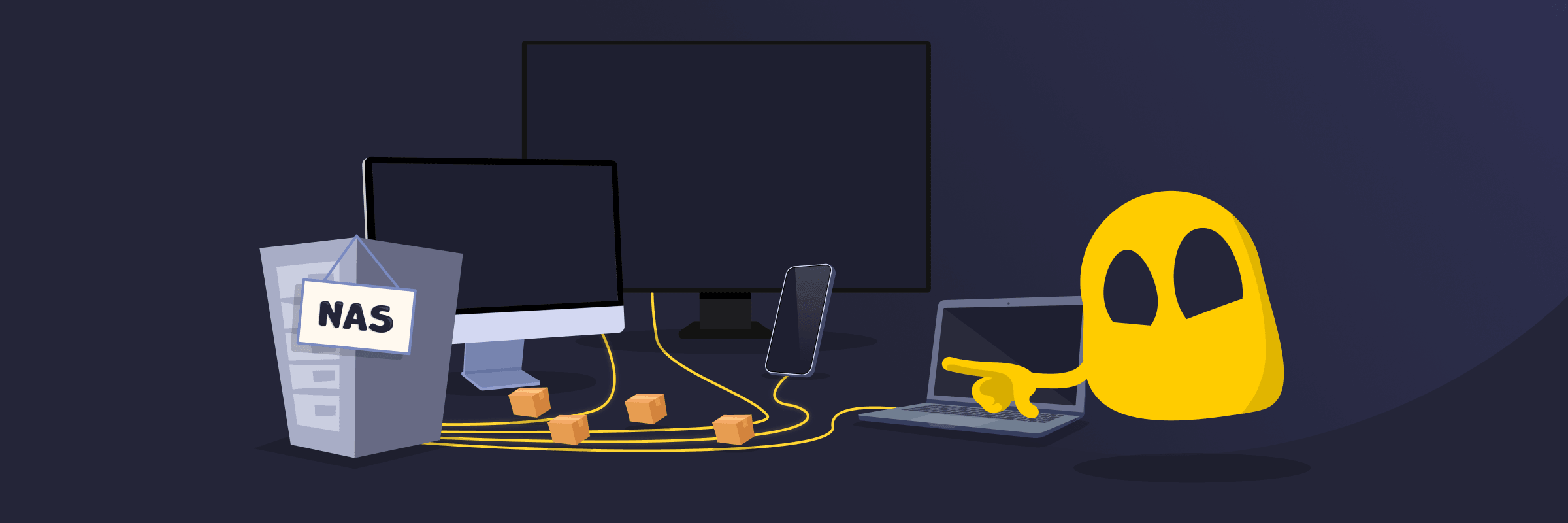
Network Attached Storage (NAS) Definition
A network-attached storage (NAS) device or server connects to a network and provides centralized, file-based data storage. It lets multiple users and devices access the same data from a single location.
NAS can function like a private file server and may offer cloud-like features such as remote access. It stores and shares files, photos, videos, and backups without relying on a single computer. It typically connects to the network via Ethernet, is accessed over Wi-Fi or wired connections, and supports standard file-sharing protocols like SMB and NFS. These protocols enable computers, smartphones, Smart TVs, and other devices to access data at once.
How Does NAS Work?
A NAS device is essentially a compact computer optimized for storage. It includes a CPU, memory, one or more hard drives or SSDs, and a specialized operating system optimized for storage and file services. The device connects to the local network (typically via a router or switch) and uses standard network protocols such as Server Message Block (SMB) or Network File System (NFS) to handle file requests.
When a user or app requests a file, the NAS retrieves it from its drives and sends it over the local network. Some models also support remote access, VPN services, media streaming, automatic backups, surveillance features, and even virtualization.
Types of NAS
- Scale-up NAS: Expands storage by adding more drives to a single device. Common in home and small business setups.
- Scale-out NAS: Expands by adding additional nodes to a cluster, increasing both storage and performance. Used in enterprise environments.
- Enterprise NAS: Offers high-performance systems with advanced features for large organizations and heavy workloads.
- Consumer or small business NAS: Describes affordable, easy-to-use devices for file sharing, backups, and media streaming.
Comparing NAS, DAS, and SAN
| NAS | DAS (Direct Attached Storage) | SAN (Storage Area Network) | |
| Access level | File-level | Block-level (direct) | Block-level |
| Connection | Standard local network (LAN) | Direct cable (USB, etc.) | Dedicated high-speed network |
| Sharing | Multiple users and devices | Single device only | Multiple servers |
| Cost | Affordable | Inexpensive | Expensive |
| Best for | File sharing, media streaming, backups, home/small office use | Fast personal storage on one computer | High-performance enterprise apps and databases |
Read More
FAQ
Network-attached storage (NAS) is a network-connected storage device that lets multiple devices and users centrally store, access, and share files. It’s popular for convenient backups, media streaming across homes or offices, creating private clouds, and secure file collaboration without paying recurring fees for third-party cloud services. NAS can provide data redundancy through RAID, though it doesn’t replace proper backups.
Yes, network-attached storage (NAS) is most commonly used on a local network (LAN). Files can be accessed, media can be streamed, and backups can be performed from devices on the same Wi-Fi or wired network without an internet connection. Internet access is typically only needed for remote access, firmware updates, cloud synchronization, or connecting to the NAS from outside the local network (for example, over a VPN).
When using network-attached storage (NAS), performance may slow down under heavy simultaneous use compared to direct-attached storage. Setup typically requires some technical knowledge, and expanding storage capacity involves purchasing additional drives. Security depends on proper configuration, including strong passwords, regular updates, and secure remote access methods such as VPN or encrypted connections.
 45-Day Money-Back Guarantee