
Network Bottleneck
Network Bottleneck Definition
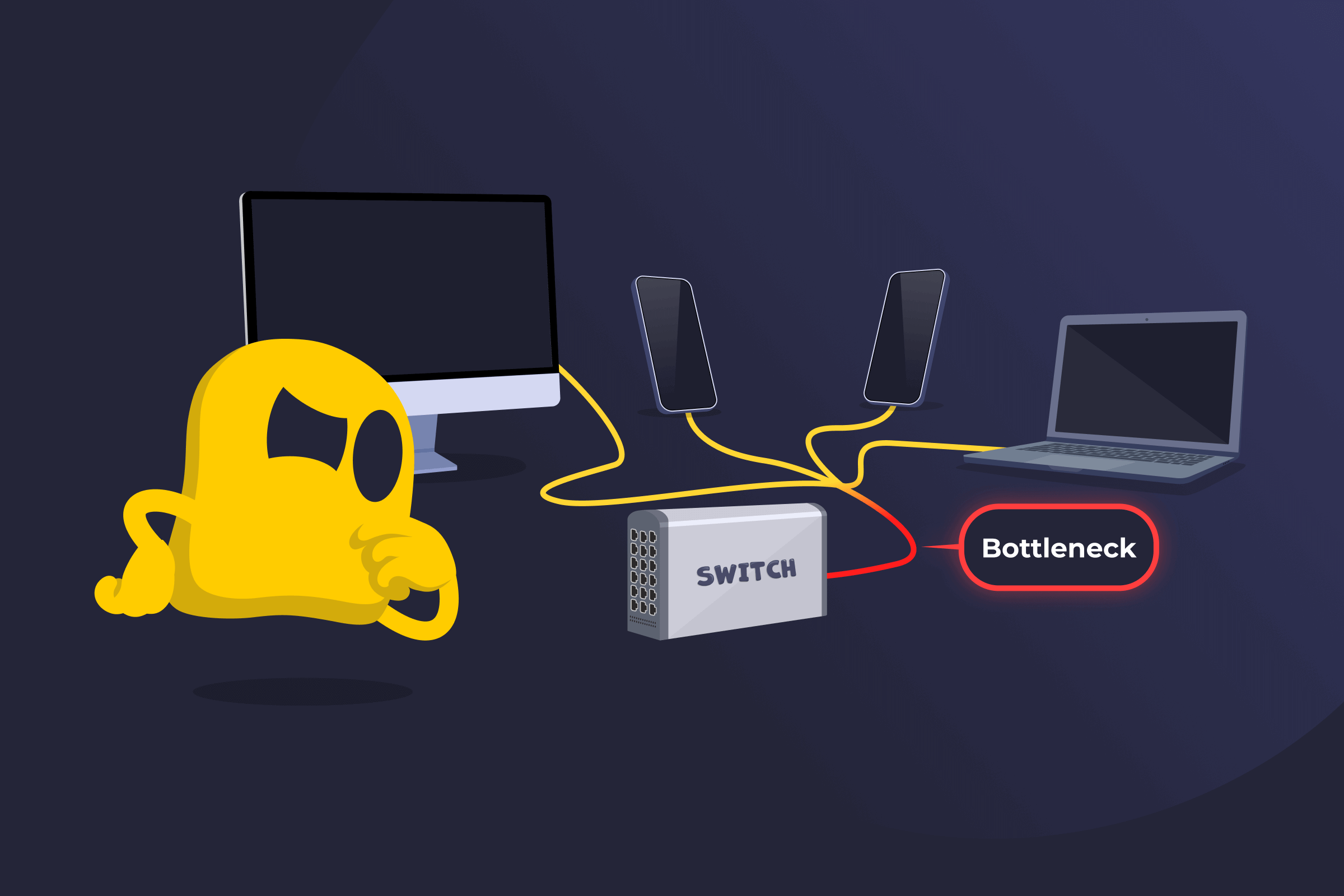
A network bottleneck occurs when one part of a network can’t handle the amount of data passing through it, causing overall performance slowdown. This limitation may come from a device, such as a network interface card (NIC), router, switch, or firewall, or from insufficient bandwidth along a connection.
Even if the rest of the network is fast, the slowest component determines how quickly data can move from one point to another. When that component reaches its limit, delays, congestion, and dropped packets can occur.
How Network Bottlenecks Work
Data travels across a network in small units called packets. These packets pass through multiple devices before reaching their destination. Each device along the path processes and forwards those packets. If one device along the path has limited bandwidth, high latency, or hardware constraints compared to the rest of the network, packets begin to queue up at that point. As traffic builds, users may experience slower connections, buffering during video calls, or interruptions in service. Over time, persistent congestion at the same point signals a bottleneck.
Common Causes of Network Bottlenecks
- Network congestion: Too many users or devices are sending data at the same time.
- Insufficient bandwidth: The available data capacity is lower than demand.
- Hardware limitations: Routers, switches, or NICs may not process traffic fast enough.
- Software or configuration issues: Poorly configured protocols, firewalls, or traffic rules.
- Latency and distance: Long distances increase transmission delays.
- High-bandwidth applications: Streaming, backups, or large file transfers are consuming excessive resources.
How to Prevent Network Bottlenecks
- Use monitoring tools to track bandwidth usage, latency, and packet loss to identify congestion early.
- Replace older routers, switches, or network cards that can’t keep up with traffic demands.
- Expand the internet or internal network capacity if the demand is consistently higher than the supply.
- Distribute traffic across multiple servers or connections to prevent overload on a single device.
- Apply Quality of Service (QoS) policies to give priority to critical applications.
- Review firewall rules, routing policies, and protocol settings to remove inefficiencies.
- Plan for peak usage when designing network capacity.
Read More
- What Is a Campus Area Network?
- What Is Computer Network Defense?
- What Are Computer Network Operations?
FAQ
Start by identifying the problem device or segment using network monitoring tools. Once you've found the bottleneck, common fixes include upgrading the limiting hardware, increasing bandwidth capacity, redistributing traffic through load balancing, or applying QoS rules to prioritize critical data. Sometimes, simply reconfiguring a router or firewall setting can resolve the issue.
The most common signs are slow network performance, delayed responses, buffering during video or calls, and dropped connections. You may also notice that slowdowns happen consistently at certain times of day — usually when network demand is highest, such as during peak hours.
Yes. A single router, switch, firewall, or network card with limited capacity can slow the entire network, even if every other component is performing well. This is what makes bottlenecks tricky — the weakest link determines the overall speed, regardless of how fast the rest of the network is.
Network monitoring tools can measure bandwidth usage, latency, and packet loss across your network to pinpoint where traffic is slowing down. Looking for the device or segment where data consistently backs up, or drops, is usually the starting point. Many tools can visualize traffic flow in real time, making it easier to spot the problem quickly.
 45-Day Money-Back Guarantee