
Network Tap
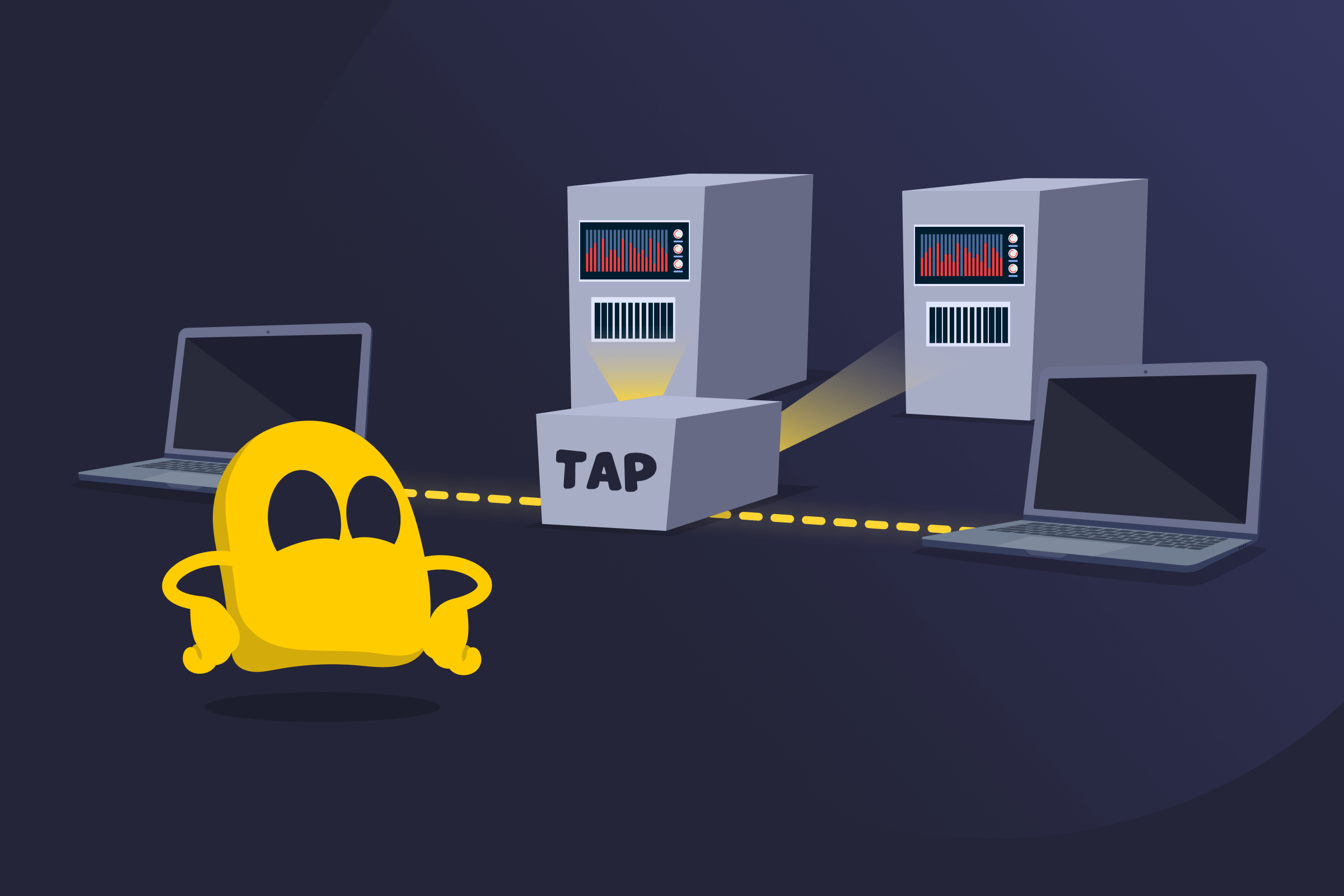
Network Tap Definition
A network tap, also called a network Test Access Point (TAP), is a device placed between two connected devices that copies all traffic moving between them. The original traffic keeps flowing between the endpoints, while the tap sends an identical copy to monitoring tools. This gives security teams, analysts, and network engineers direct visibility into packets without interrupting or changing the live connection.
Types of Network Taps
- Passive taps: Use optical splitters to create a second feed of the traffic. They don't need power and allow the original link to stay active even during outages.
- Active taps: Rely on power to boost or repeat signals before sending them to monitoring tools. They help when light levels are low or when copper links are used.
- Aggregation taps: Combine traffic from both directions into one output when a monitoring tool has only one input.
- Regeneration taps: Send the same traffic feed to multiple monitoring tools at the same time.
- Bypass taps: Keep the link running when an in-line security tool fails or goes offline.
Examples of Network Taps
- Hardware tap: A physical device installed on a network link that sends a separate feed of the traffic to monitoring tools without affecting the flow between connected devices.
- Software tap: A virtual tap built into a switch, router, server, or cloud platform that captures traffic through software features instead of additional hardware.
- Fiber optic tap: A tap designed specifically for fiber links, often used in data centers and backbone networks to monitor high-speed traffic without disrupting signal.
- Copper tap: A tap used on Ethernet copper cables, commonly deployed in office networks or smaller environments where fiber isn’t used.
Benefits of a Network Tap
- Direct visibility: Gives monitoring tools access to real network traffic.
- Link stability: Keeps the link running even if a monitoring tool disconnects or fails.
- Full traffic view: Shows both directions of a connection for a complete picture of the exchange.
- Higher accuracy: Reduces the chance of missing data compared to switch features like port mirroring.
- Flexible deployment: Lets teams connect monitoring tools without changing switch settings or scheduling downtime.
Limitations of a Network Tap
- Physical access: Needs access to the link, which isn’t always easy.
- Installation impact: Can cause a short interruption when installed or removed.
- Hardware overhead: Adds more devices to keep track of in larger setups.
- Compatibility limits: Must match the cable type and speed, which can restrict options.
- Traffic volume: Sends all traffic as-is, so monitoring tools need to handle the full load.
Network Tap vs Port Mirroring
| Feature | Network Tap | Port Mirroring |
| How it works | Copies traffic from a physical link | Sends traffic from one switch port to another |
| Accuracy | Very high, sends every packet | Low, can drop packets on a busy switch |
| Effect on the link | None, the link stays stable | Depends on switch load |
| Setup | Needs access to the cable | Done through switch settings |
| Traffic view | Shows each direction separately | May mix directions on one port |
Read More
FAQ
A network tap captures traffic, while a network switch moves traffic. A tap only reads the data passing between two devices and sends a copy to monitoring tools. It usually changes or forwards the live traffic. A switch connects devices on a network and decides where each packet should go. It manages and forwards traffic, while a tap only observes it.
Yes. Cloud platforms don’t use physical taps, but they offer software-based versions that do the same job. These virtual taps collect traffic from cloud networks and send it to monitoring tools. They let teams watch cloud traffic the same way they would on physical links in a data center.
A tap works best on links that carry important traffic. Most teams place them on core links or on spots where problems often appear. Pairing the tap with monitoring tools helps you review the traffic it sends.
A tap doesn’t usually process or forward traffic, so it has a small attack surface. The main risk comes from who can access the monitoring port. If someone plugs in an unauthorized tool, they could see the copied traffic. Good physical security and access control lower this risk.
 45-Day Money-Back Guarantee