
Rogueware
Rogueware Definition
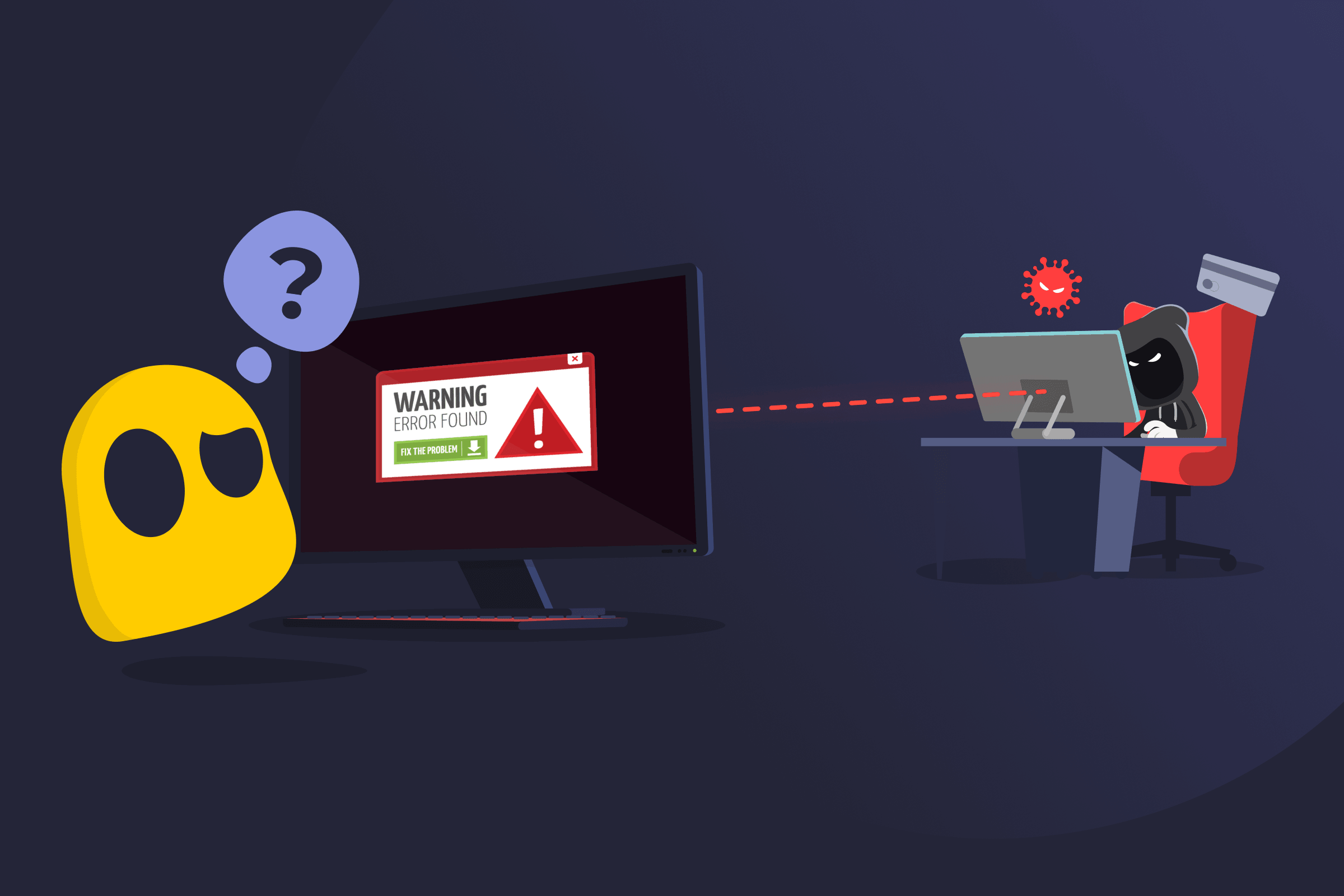
Rogueware is a type of malicious software that pretends to be a legitimate security tool, such as antivirus software or a system repair utility. It’s designed to scare users into believing their device is infected or damaged so they will pay for a fake security program or install additional malicious software.
Rogueware is classified in a broader category of scareware because the software relies on fear and urgency to manipulate users. Instead of providing real protection, it can display false alerts, interfere with normal system functions, or collect personal and financial information.
How Rogueware Works
Rogueware is typically spread through deceptive methods, like fake websites, misleading ads, and malicious links. It bombards users with alerts about supposed system infections or other issues. Users are then prompted to download software or pay to resolve the issue.
If installed, rogueware may continue generating false alerts, block legitimate security tools, or attempt to collect sensitive data.
Risks of Rogueware
- Financial loss: Users may be tricked into paying for fake software or fraudulent security subscriptions.
- Data theft: Rogueware can collect personal data such as login credentials, banking information, or browsing history.
- Additional malware infections: Installing rogueware may open the door for other malicious programs to enter the system.
- System instability: Some rogue programs interfere with normal system operations or disable real security tools.
- Constant scare tactics: Persistent fake alerts and pop-ups can pressure users into installing software or being scammed out of money.
How to Protect Against Rogueware
- Avoid suspicious alerts, and remember legitimate software doesn’t use aggressive pop-ups or urgent payment demands.
- Download files only from official websites or verified app stores.
- Use reputable security software to detect and block malicious programs.
- Keep systems updated to reduce vulnerabilities that malware can exploit.
- Take time to confirm warnings instead of responding immediately.
Read More
FAQ
Rogueware is malicious software that pretends to be a legitimate security tool, such as an antivirus or system repair software. Its main goal is to trick users into believing their device is infected or at risk to encourage them to pay for a fake solution or install additional malicious programs. Unlike real security tools, rogueware doesn’t fix any issues and may instead compromise the system further.
Rogueware relies on deception and psychological pressure. It often displays fake scan results, warning messages, or pop-ups that claim a device is infected with serious threats. These alerts are designed to look convincing and urgent, encouraging users to act quickly without verifying the information.
In many cases, the messages imitate legitimate antivirus software or system notifications. This makes it harder for users to distinguish between real and fake alerts, especially if they’re unfamiliar with how genuine security tools behave.
You can reduce the risk of rogueware by practicing safe browsing habits. Avoid clicking unexpected pop-ups or alerts, especially those claiming your device is infected or urging immediate action. Only download software from official websites or trusted app stores.
Using reputable security software can help detect and block rogue programs before they install. Keep your operating system and applications updated to reduce vulnerabilities. Take a moment to verify any warning messages instead of reacting immediately, as rushing is often what rogueware relies on.
 45-Day Money-Back Guarantee