
SpyEye
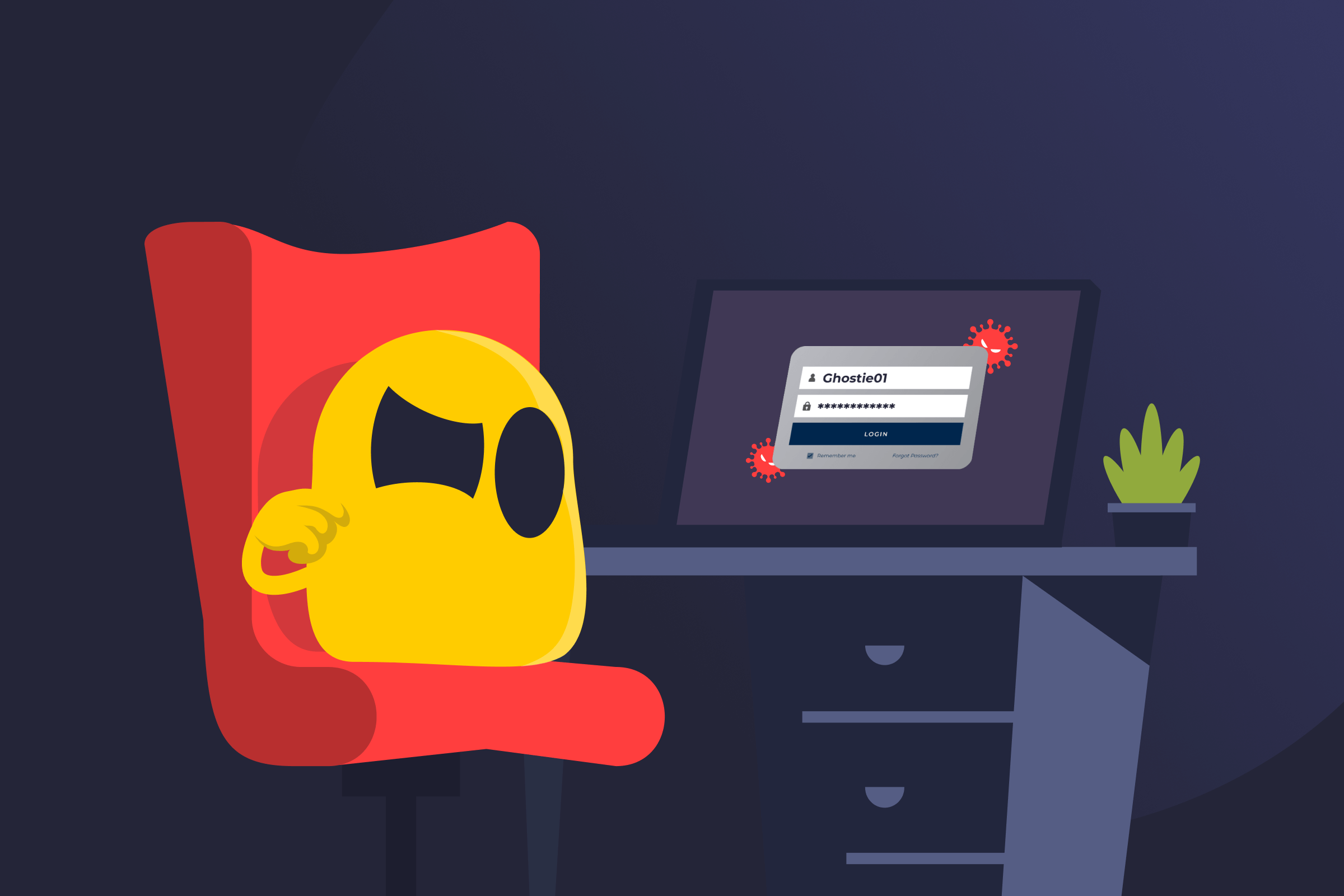
SpyEye Definition
SpyEye is banking malware (typically a Trojan) that steals sensitive data such as login credentials and other authentication details from online banking sessions. It’s historically linked to Windows-based infections and botnet-style distribution.
SpyEye often arrives bundled with software or files that look legitimate. Once opened, it runs quietly in the background. It focuses on activity inside a web browser while a real financial site is open, which allows fake prompts or extra fields to blend in and look trustworthy at a glance.
How SpyEye Works
SpyEye relies on several techniques commonly seen in banking trojans:
- Initial Infection: SpyEye may be installed through phishing emails, unsafe downloads, or compromised websites that deliver a malicious file.
- Persistence: After installation, it can configure itself to restart automatically, allowing it to stay on the device.
- Silent operation: The malware runs quietly in the background without obvious alerts or visible behavior.
- Monitoring activity: When a banking site is accessed, SpyEye can intercept data entered in the browser, including usernames and passwords, through keystroke logging and form grabbing.
- Web page tampering: SpyEye can alter what appears in the browser, adding extra fields or messages that resemble standard banking security checks.
- Data theft: Collected data is sent to attacker-controlled systems, where cybercriminals can use it for account takeover attempts or fraud.
How to Reduce SpyEye Risk
- Update operating systems, browsers, and apps regularly to fix known security flaws malware can exploit.
- Install reputable antivirus and anti-malware tools and keep them enabled.
- Don’t click links or open attachments from unknown or suspicious senders.
- Download software only from official websites or trusted providers.
- Avoid entering personal or banking details on unfamiliar or untrusted websites.
- Create strong, unique passwords for banking and financial accounts.
- Turn on multi-factor authentication whenever it’s available.
Read More
FAQ
SpyEye usually infects a computer when you unknowingly interact with malicious content. This can happen when you click phishing links, download software from unsafe or fake websites, or visit compromised platforms that can trigger a drive-by download. Once this happens, SpyEye installs itself on your device and begins running quietly in the background.
The computer may run slower than usual or the browser may behave strangely, especially when you visit banking websites. You may also see unexpected page elements or strange prompts. In some cases, security software may flag suspicious activity. SpyEye is designed to stay hidden, so it may not show clear signs of infection. Running a full scan with updated antivirus or anti-malware software is often the most reliable way to find it.
The safest way to remove SpyEye is to run a full system scan using reputable, up-to-date antivirus or anti-malware software. Then, follow the recommended steps to remove any detected threats. Using current security tools and applying all updates helps ensure the malware is fully removed and reduces the risk of reinfection.
 45-Day Money-Back Guarantee