
Switching Loop
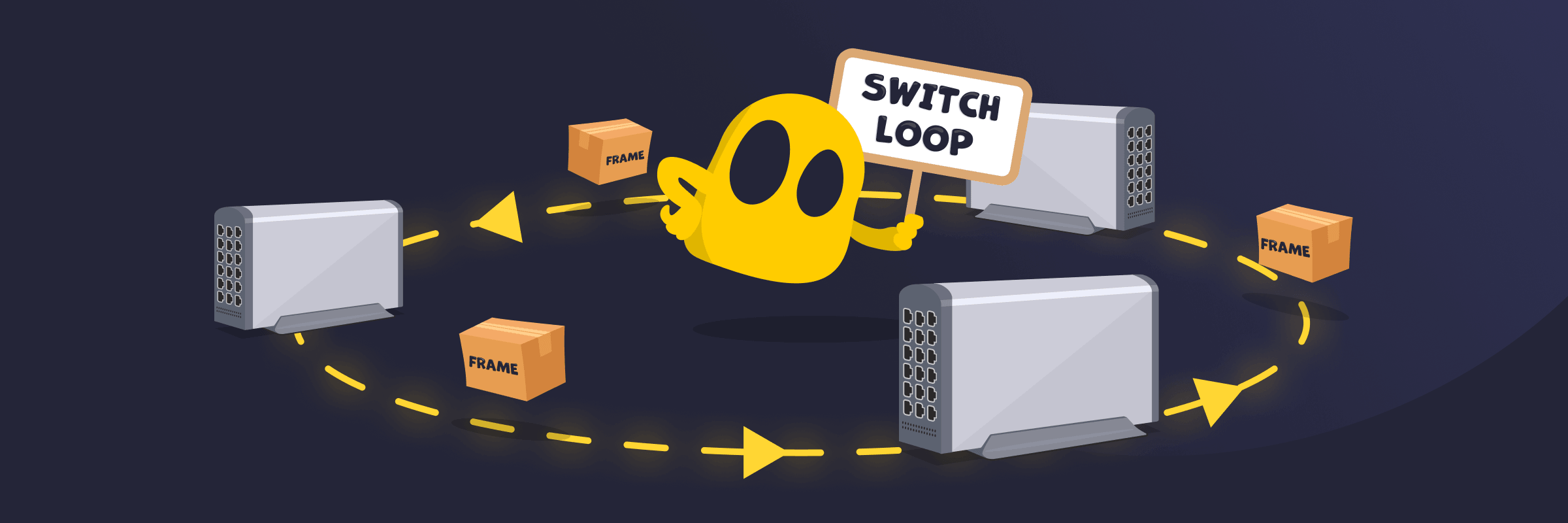
Switching Loop Definition
A switch loop, bridge loop, or Layer 2 loop is a network condition in which Ethernet frames circulate repeatedly between switches or bridges due to redundant paths. This situation occurs when a physical loop exists in the network topology without a loop-prevention mechanism, such as the Spanning Tree Protocol (STP). If unchecked, a switching loop can cause broadcast storms, MAC address table instability, or network performance degradation.
How Switching Loops Work
A switching loop occurs at the Data Link Layer (Layer 2) when switches forward Ethernet frames across redundant paths that form a loop. Initially, the frames are forwarded to their destination, but instead of being delivered, they circulate through alternative paths in the network. The forwarding process happens repeatedly (unless resolved) because Ethernet data frames don’t have a Time-to-Live (TTL) or hop-limit field that would normally stop them after a certain number of hops. As the frames multiply and continue looping, network traffic can rapidly increase and overwhelm switches and connected devices.
The Effects of Switch Loops on a Network
- Broadcast storms: Repeated frame forwarding can rapidly multiply broadcast traffic and overwhelm the network.
- Network congestion: Excessive traffic can consume bandwidth and cause slow performance, packet delays, or connection instability.
- MAC address table instability: Switches may continuously relearn MAC addresses on different ports, making forwarding decisions unreliable.
- Frame duplication or loss: Frames may be duplicated, delivered multiple times, or dropped entirely because of looping traffic.
- Resource consumption: Switches and connected devices may experience increased CPU, memory, and bandwidth consumption.
How to Avoid Switching Loops
- Enable Spanning Tree Protocol (STP) to help detect redundant paths and reduce bridge loops automatically.
- Use proper network configuration and include loop-prevention mechanisms in the network topology.
- Manage redundant links correctly to avoid unmanaged physical Ethernet loops between switches unless loop prevention is configured.
- Control and disable unused ports to reduce accidental or unauthorized connections.
- Monitor the network with special tools to detect abnormal traffic patterns or loop conditions early.
Read More
FAQ
A drastic drop in your network connection speeds can be a sign of a switching loop. You may also notice increased activity or high CPU usage on your network switches due to traffic flooding from repeated frame forwarding. Diagnostic tools can also help easily detect if switch loops are causing network issues.
A switch loop can occur when a network pathway is redundant and there are no logical instructions to stop Ethernet frames from circulating between alternative routes. Redundant paths may result from faulty cabling between two or more switch ports or due to misconfigured network devices.
You can prevent switching loops by following proper cabling and networking practices. Avoid physical loop connections between Ethernet ports and enable loop prevention protocols like STP or RSTP on network switches. Also turn on loop protection features like Loop Guard, BPDU Guard, or Root Guard to prevent loops from forming.
 45-Day Money-Back Guarantee