
USB Restricted Mode
USB Restricted Mode Definition
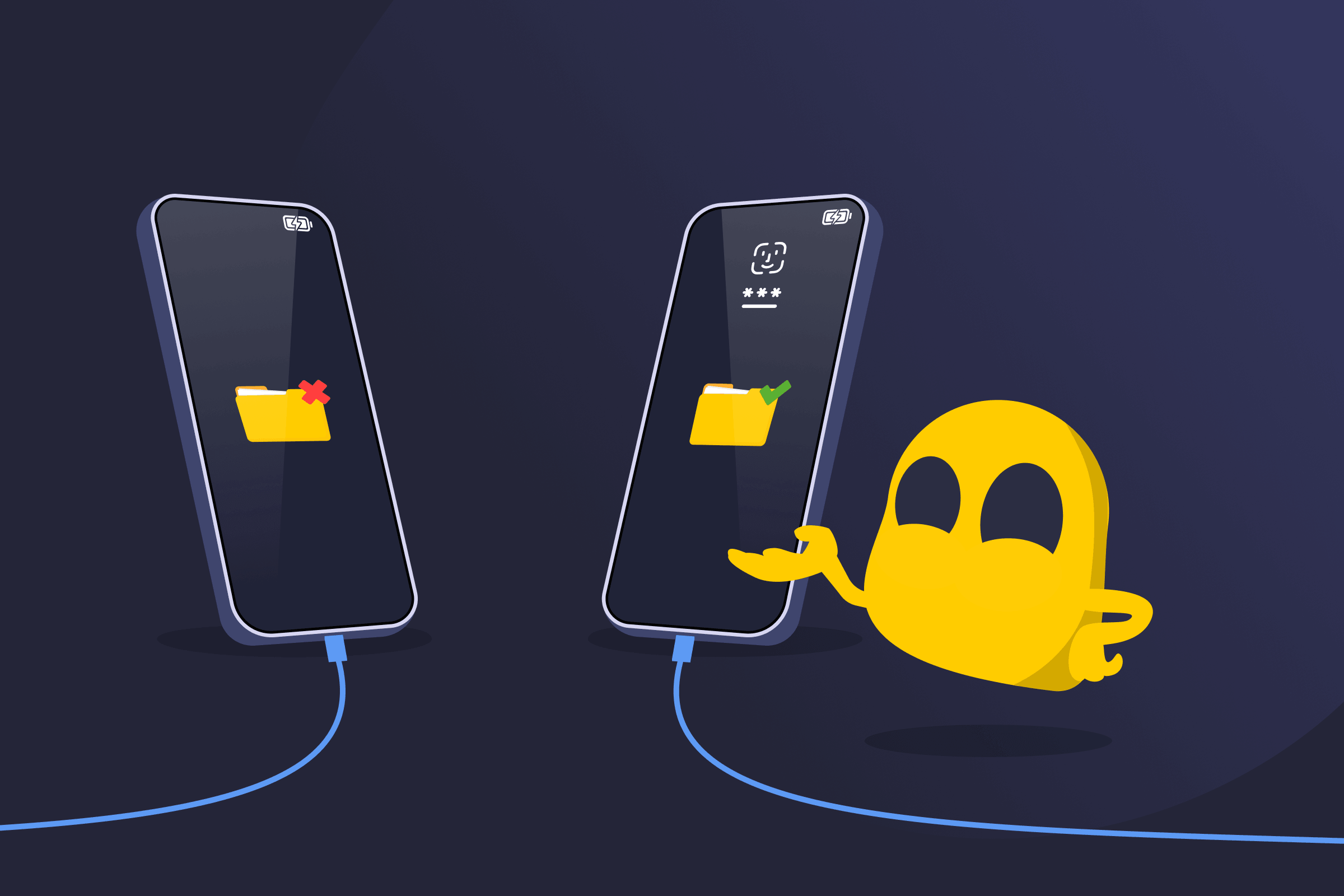
USB Restricted Mode is a security feature on Apple iOS devices that limits what can be done through the device’s charging port when it has been locked for a period of time. After the device has been locked for about an hour, the charging port continues to supply power only, but stops transferring data. If a USB accessory is connected, the device won’t communicate with it unless it's unlocked with a passcode, Face ID, or Touch ID. This helps prevent unknown or unauthorized devices from accessing personal data, especially if the device is lost or stolen.
Common Scenarios for USB Restricted Mode
- Lost or stolen device: A locked iPhone is connected to a computer or external device, but no data can be accessed because USB Restricted Mode blocks the connection until the device is unlocked.
- Forensic access attempt: A data extraction tool is connected to a locked device, but it can’t communicate with the system or retrieve information because USB data access is restricted.
- Connecting to a trusted computer: A device is plugged into a known computer after being locked for a while, but syncing or file transfer doesn’t start until the device is unlocked.
Benefits of USB Restricted Mode
- Protects sensitive data: Prevents unauthorized devices from accessing private information.
- Blocks physical attack tools: Stops tools that rely on USB connections to extract data.
- Maintains usability: Allows the device to charge normally.
Limitations of USB Restricted Mode
- May block trusted accessories: Devices like car systems or computers may not connect until unlocked.
- Requires manual interaction: The iOS device must be unlocked to enable data transfer.
Read More
FAQ
USB Restricted Mode is designed to protect personal data by blocking data access through the charging port when a device has been locked for a period of time. This reduces the risk of unauthorized access through physical connections.
No. USB Restricted Mode only blocks data transfer after the device has been locked for about an hour. Charging continues to work as normal even when the feature is active.
Yes, USB Restricted Mode can be enabled or disabled through the device’s security settings. Turning it off allows USB accessories to connect without requiring the device to be unlocked, but this may reduce protection against unauthorized data access.
 45-Day Money-Back Guarantee