
Virtual Machine Migration
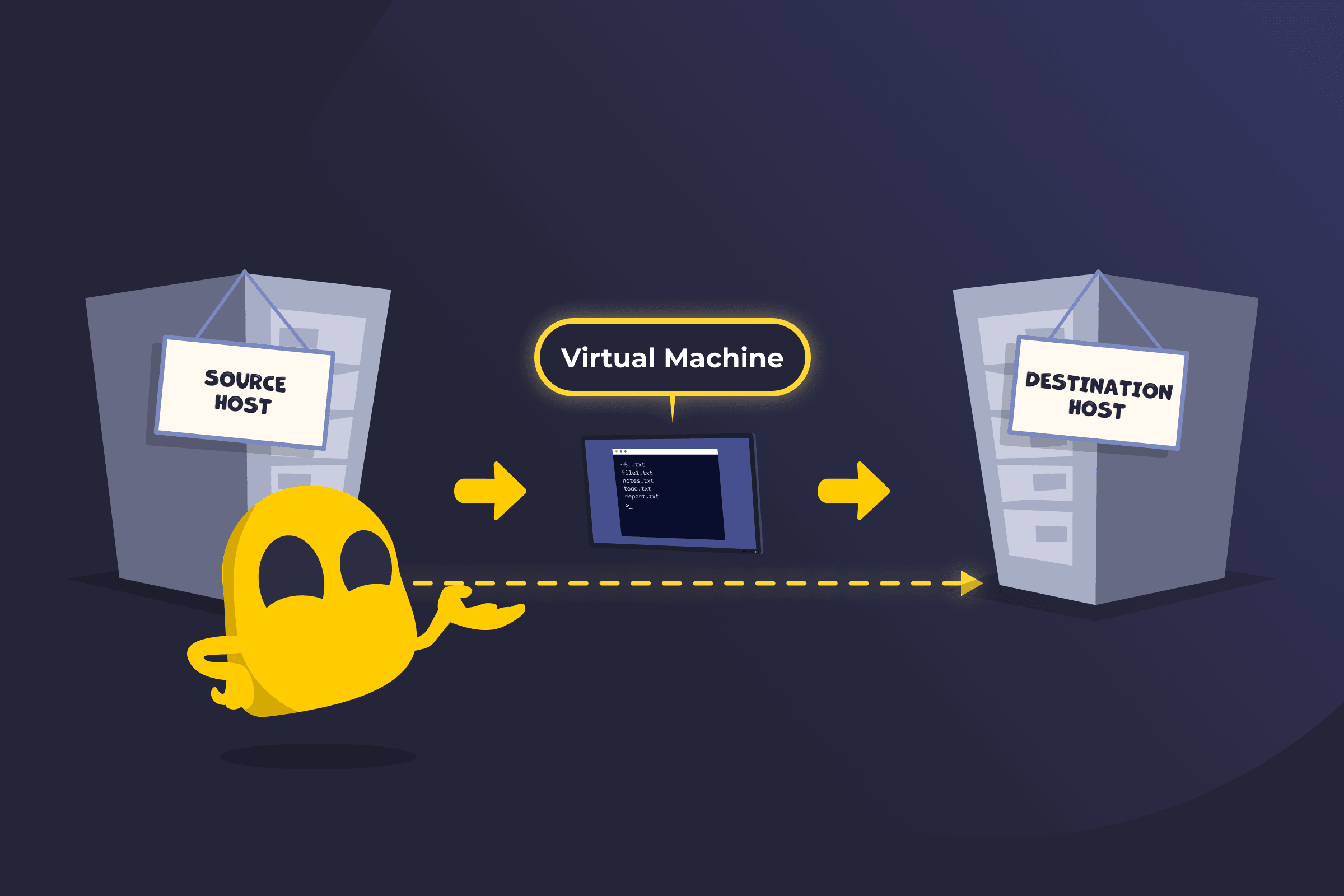
Virtual Machine Migration Definition
Virtual machine migration is the process of moving a virtual machine (VM) from one physical server or location to another. It transfers the entire system, including the operating system, applications, data, and current state, so the VM can continue running on a new host with little to no disruption. This process is commonly used to optimize resource usage, balance workloads, and perform maintenance without significant downtime.
How Virtual Machine Migration Works
First, the destination host is prepared with compatible resources such as CPU, memory, storage, and network access. The VM’s disk files and configuration are then copied or made accessible on the new system.
If the migration happens while the VM is running, the system continuously copies memory pages to the new host while tracking changes. Once most of the data is synchronized, the VM is briefly paused, the remaining changes are transferred, and the VM resumes on the new host with minimal interruption. If the VM is stopped before moving, the process is simpler because only the stored data needs to be transferred, but it causes downtime.
Throughout the process, networking is updated so users and applications can continue to connect to the VM without disruption. Many platforms automate these steps to ensure the move is fast, consistent, and reliable.
Live Migration, Cold Migration, and Storage Migration
- Live migration: Moves a virtual machine while it is running, with little or no noticeable downtime. Memory and system state are transferred in the background before switching to the new host.
- Cold migration: Moves a virtual machine after it has been powered off. This method is simpler but results in a temporary service interruption.
- Storage migration: Moves a virtual machine’s disk files from one storage location to another without necessarily changing the host. This is often used to improve performance, upgrade storage systems, or consolidate data. Storage migration can be performed while the VM is running or when it is powered off, depending on the platform.
Benefits of Virtual Machine Migration
- Resource optimization: Moves workloads where they’re needed to make better use of available infrastructure.
- Performance balancing: Distributes workloads across servers to prevent overload and improve overall system speed.
- Reduced downtime: Allows maintenance and upgrades to happen with minimal or no service interruption.
- Flexibility: Enables workloads to move across different systems and locations as needs change.
- Disaster recovery: Supports quick failover by moving virtual machines away from failing or unavailable hardware.
- Hardware independence: Shifts workloads to avoid limitations imposed by specific physical servers.
- Simplified management: Makes scaling and system administration more straightforward across large environments.
Read More
FAQ
Virtual machine migration is generally safe when done using reliable tools and proper security measures. Modern platforms use encryption, authentication, and integrity checks to protect data during transfer. However, risks can arise from misconfiguration, network issues, or weak security controls, so it’s important to follow best practices and monitor the process closely.
Yes, virtual machine migration can be automated using virtualization platforms and management tools. These systems can schedule and execute migrations based on rules, workload demands, or maintenance needs without manual intervention. Automation helps reduce human error, improve efficiency, and ensure migrations happen quickly and consistently.
Virtual machine migration doesn’t always require downtime. In live migration, the VM stays running, and users experience little or no interruption. In cold migration, the VM is powered off before moving, which causes temporary downtime.
 45-Day Money-Back Guarantee