
Virtual Terminal
Virtual Terminal Definition
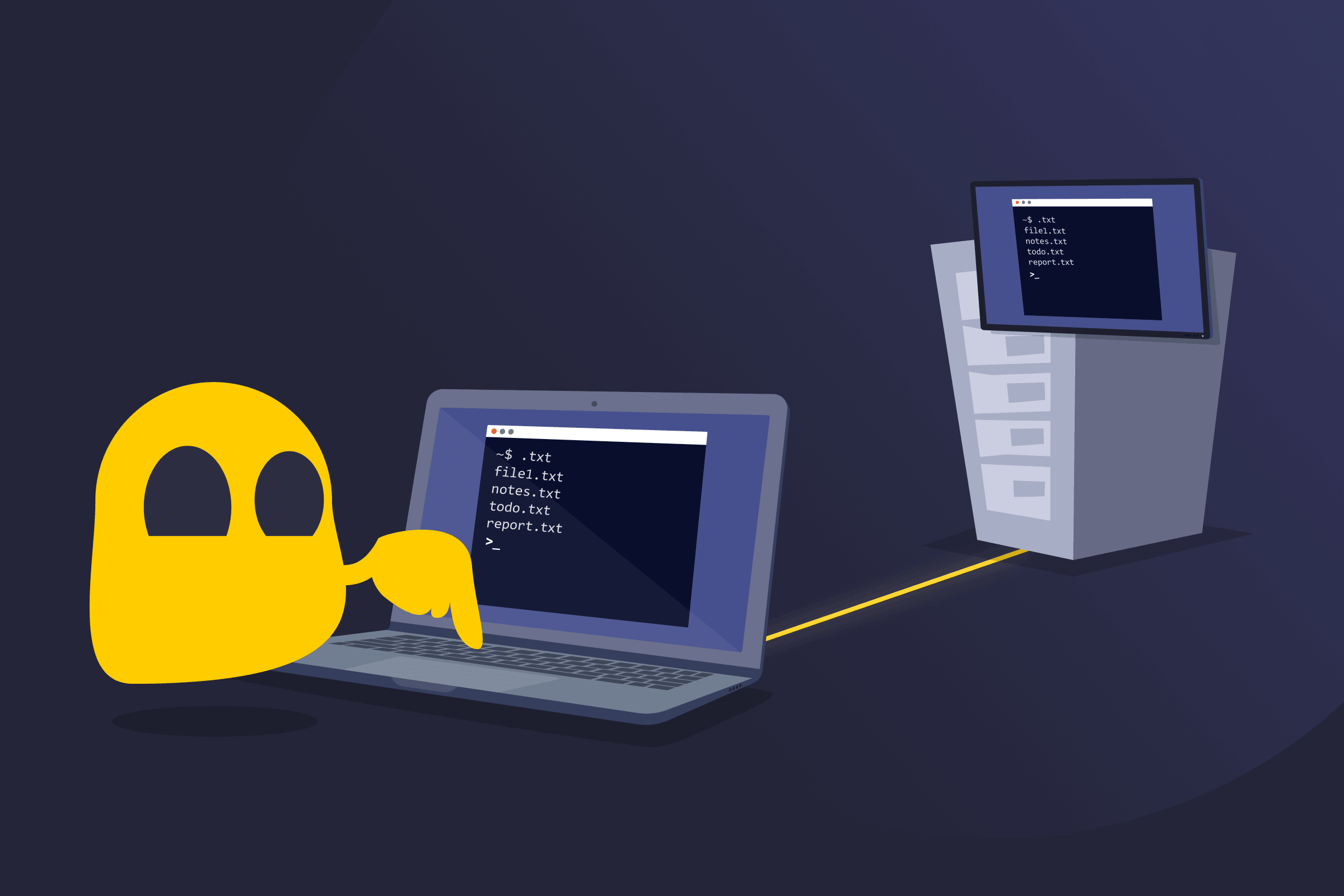
A virtual terminal is a software-based interface that allows users to interact with a computer or a server using text commands instead of a graphical interface. It recreates the functionality of a traditional hardware terminal but runs as an application on a modern device. This means users can access and control systems remotely to carry out actions like managing servers, running programs, configuring settings, or troubleshooting issues. Virtual terminals are widely used by developers, system administrators, and IT teams.
How a Virtual Terminal Works
A virtual terminal opens a command-line interface (CLI) on a user’s device. When a connection is made to another system, the terminal transmits commands across the network using communication methods, like SSH or Telnet, designed for remote access.
The remote system runs those commands and sends the results back to the terminal window. This setup allows different operating systems, such as Windows, Linux, or Unix, to be managed from one place. Because the interaction relies on text rather than graphics, virtual terminals require minimal system resources and remain a common tool for server management.
Benefits of a Virtual Terminal
- Remote access: Connects to computers and servers from almost anywhere without being physically present.
- Cost reduction: Eliminates the need for physical terminal hardware, reducing costs and infrastructure overhead.
- Low-resource usage: Consumes fewer system resources than graphical environments, as it uses a text-based interface.
- Productivity: Enables fast system management and automation, streamlining repetitive administrative tasks.
- Multiple sessions: Manages many systems simultaneously without switching devices or locations.
- Cross-platform administration: Lets administrators manage different operating systems from a single device.
- Customization: Allows users to adjust window size, fonts, and keyboard shortcuts to suit their workflow.
Common Virtual Terminal Examples
- PuTTY: A widely used open-source terminal emulator that supports remote connections and file transfers.
- iTerm2: A feature-rich terminal emulator built specifically for macOS.
- Windows Terminal: A modern terminal application that supports multiple command-line environments in Windows.
- Tera Term: A lightweight terminal emulator commonly used for remote system connections on Windows.
- SecureCRT: A commercial terminal emulator designed for secure remote access and advanced session management.
Read More
FAQ
A virtual terminal is often used by IT professionals to remotely access and control servers or network hardware through a secure text-based command-line interface. It's particularly useful for managing systems that don't have a graphical interface, running automated scripts, troubleshooting issues, and performing administrative tasks without being physically present at the machine.
No, a virtual terminal uses text commands, while a graphical interface relies on windows, buttons, and icons. Virtual terminals are generally faster and use fewer system resources, which makes them preferred in server environments where performance and efficiency matter more than visual ease of use.
They can be very secure when using encrypted protocols like SSH, especially compared to older methods such as Telnet. Older methods transmit data in plain text, making them vulnerable to interception and largely considered outdated for professional use. For best security practices, SSH is the recommended protocol for virtual terminal connections.
 45-Day Money-Back Guarantee