
Windows Remote Management
Windows Remote Management Definition
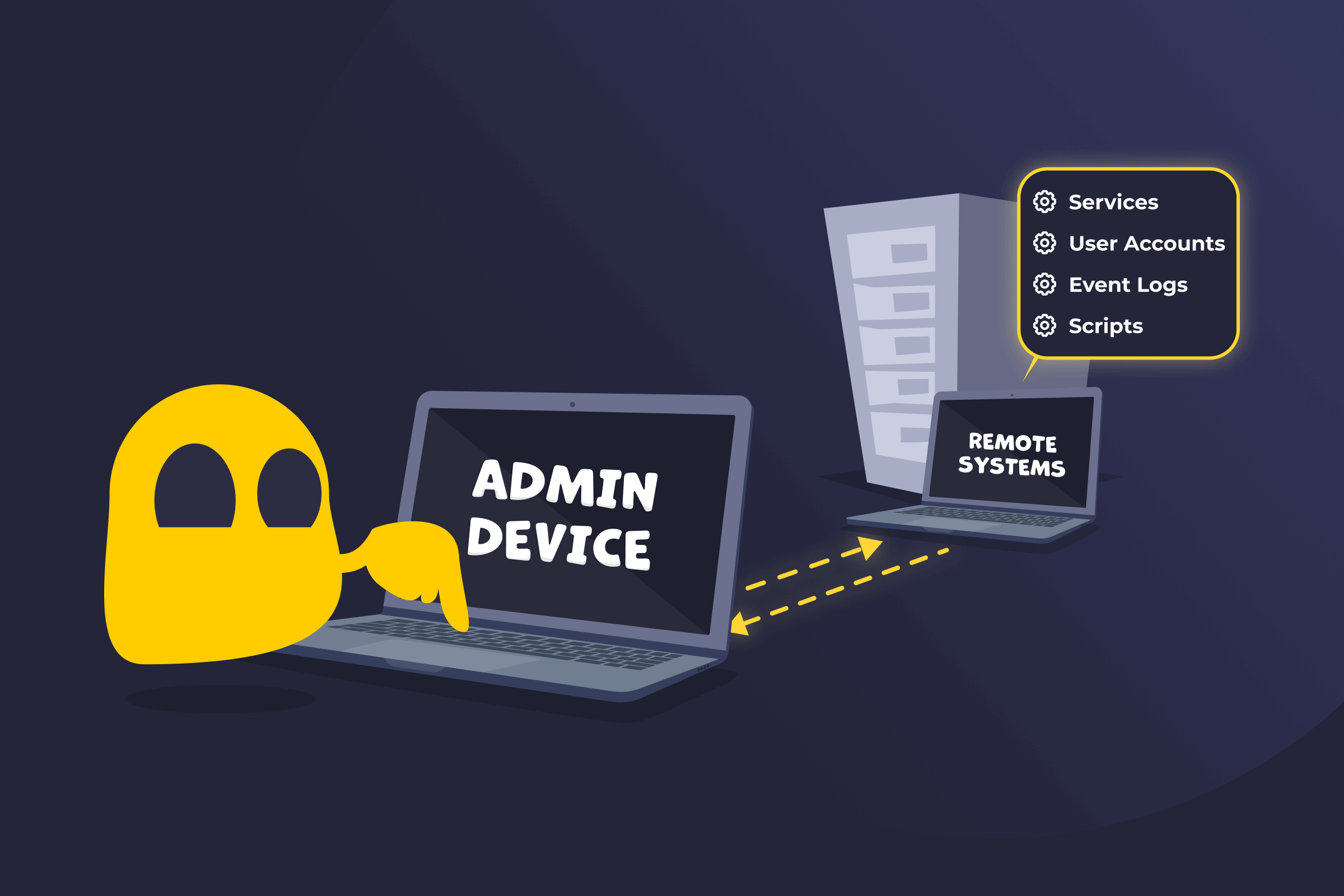
Windows Remote Management (WinRM) is a core component of the Windows Management Framework that allows administrators to remotely manage Windows computers. It lets users run commands, configure systems, and troubleshoot machines through PowerShell. It uses the WS-Management protocol to send commands and receive responses between systems, typically over HTTP or HTTPS.
How Windows Remote Management Works
Windows Remote Management runs a background service on a target Windows system. When an administrator sends a request from their device, the command is transmitted using the WS-Management protocol. Once the remote machine receives the request, it processes the command and sends the results back to the originating system. This process creates a secure communication channel that allows administrators to open remote PowerShell sessions, run scripts, and manage system settings as if they were working directly on the computer.
Benefits of WinRM
- Centralized Windows system management: Lets administrators manage multiple Windows machines from a single device.
- PowerShell automation: Supports remote script execution for configuration, updates, and maintenance tasks.
- Secure communication: Offers authentication methods such as Kerberos and encrypted connections through HTTPS.
- Remote troubleshooting: Allows administrators to diagnose and resolve issues without physical access to the system.
Risks of WinRM
- Unauthorized access if misconfigured: Incorrect permissions or open access can allow attackers to connect to systems remotely.
- Complex firewall setup: Administrators must configure firewall rules carefully to enable secure remote connections.
- Exposure on untrusted networks: Using WinRM over untrusted networks without proper restrictions can increase the risk of interception or malicious activity.
Read More
FAQ
WinRM does offer some basic security methods by default, but administrators should configure additional measures to ensure safe remote management. Enable HTTPS to encrypt communication between systems, and use strong authentication methods such remote-shell as Kerberos to verify identities. Limit access to trusted networks or specific IP addresses, and monitor remote sessions while reviewing configuration settings to reduce potential security risks. Following these best practices helps protect systems and data when using WinRM.
No. Remote Desktop provides a graphical interface that lets users see and control another computer’s screen. Windows Remote Management focuses on remote administration through command-line tools and scripts, usually PowerShell.
No. WinRM is most commonly used within local networks or domain environments. However, it can be configured to work across the internet using secure connections such as HTTPS or a VPN, along with proper firewall rules.
 45-Day Money-Back Guarantee