
IP Forwarding
IP Forwarding Definition
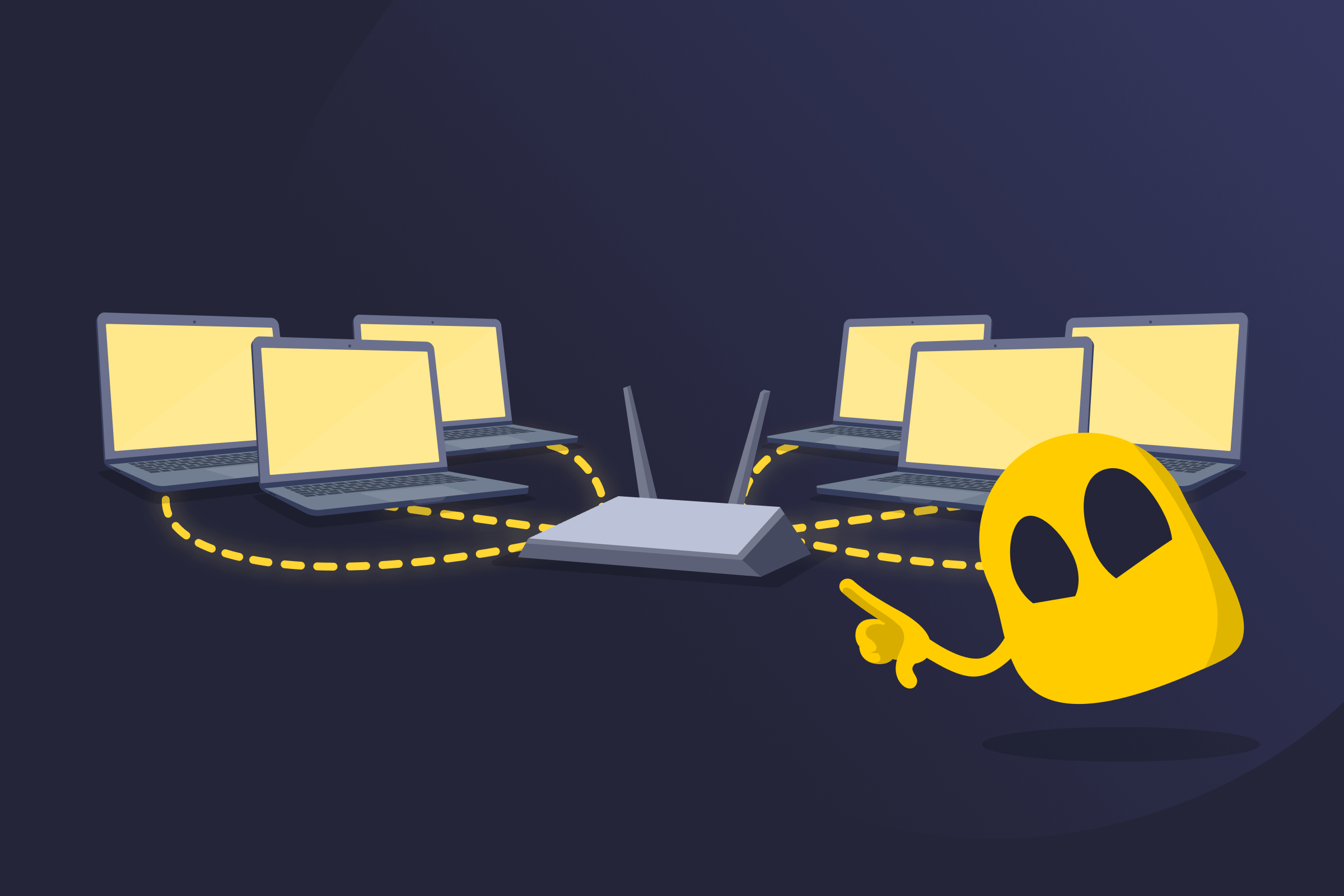
IP forwarding, or packet forwarding, is the process of sending data packets across networks or subnets through a router or similar device. When a packet reaches a device that isn’t its destination, the device checks the destination IP address, identifies the best route in its routing table, and passes the packet to the next network.
Routers, Layer 3 switches, and even computers can perform IP forwarding when configured to act as intermediaries between networks. Without IP forwarding, devices on one network segment wouldn't be able to exchange data with devices outside their local area, preventing most online communication.
Types of IP Forwarding
- Direct forwarding: Transfers packets to devices on the same network or subnet when the destination is already connected to the forwarding device.
- Indirect forwarding: Transfers packets between different networks or subnets through one or more routers (e.g., a home device sending data to a website on the internet).
Limitations of IP Forwarding
- Performance impact: Can slow down traffic if the forwarding hardware or software isn’t powerful enough to handle large amounts of data.
- Exposure to security risks: May allow unauthorized traffic or unintended access if routers aren’t configured correctly.
- Routing dependency: Relies on accurate routing tables, which can cause connection issues if outdated or incorrect.
- Configuration challenges: Needs careful setup to prevent issues like routing loops or packet loss.
IP Forwarding vs IP Routing
| Feature | IP Forwarding | IP Routing |
| Purpose | Transfers packets between networks | Finds the best path for packets |
| Function | Uses routing information to move packets | Builds and updates routing tables |
| Device role | Performed by routers, Layer 3 switches, or computers | Mostly handled by routers |
| Setup | Turned on or off in system settings | Configured by setting up routing protocols and tables |
Read More
FAQ
IP forwarding works across different network types, including LANs (local area networks), WANs (wide area networks), and VPNs (virtual private networks). It allows devices on separate networks or subnets to exchange data.
IP forwarding is usually enabled by default on routers because they're made to pass packets between networks. On computers and other general-purpose devices, it's normally turned off to prevent unauthorized traffic. Administrators can enable it when a device needs to function as a router or gateway.
IP forwarding can slightly affect speed. Each packet takes time to be checked and sent to the next network, which adds a small delay. On most home or small office networks, this difference isn’t noticeable unless the router is overloaded.
IP forwarding works with both IPv4 and IPv6 networks. Routers and devices use the same basic process to send packets. However, each version uses a different address format and its own settings for forwarding traffic.
No. IP forwarding and NAT are different processes. IP forwarding moves packets across networks without changing them. On the other hand, NAT modifies packet addresses so several devices can share one public IP. Both are often used together in routers to manage network traffic.
 45-Day Money-Back Guarantee