
Port Triggering
Port Triggering Definition
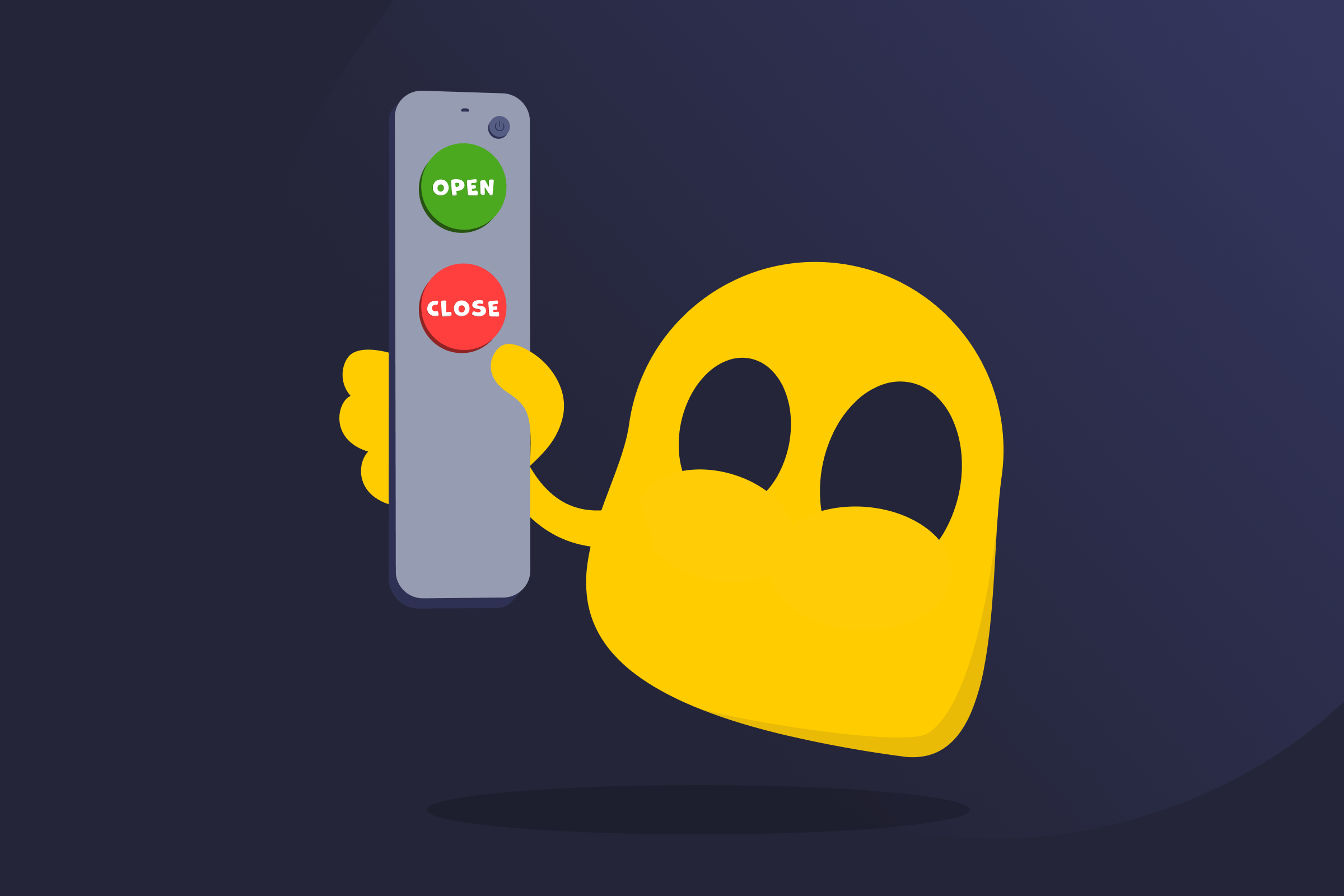
Port triggering is a router feature that dynamically opens ports, ensuring they only become available when needed. It’s often used by apps or devices that require different inbound and outbound ports, or when multiple devices may need to use the same ports at different times. This method is considered an alternative to port forwarding, which keeps specific ports permanently open for one device.
How Port Triggering Works
Port triggering configures a router to monitor outgoing traffic on a specific network port. When a device uses a port, the router “triggers” and automatically opens one or more related inbound ports so incoming traffic can reach the device. Once the connection ends or after a period of inactivity, the router closes the inbound ports again.
For example, a router can be set to monitor the outbound ports used by a game console. When the device connects to a game server, the router opens the ports necessary for incoming traffic to reach the console. When it disconnects from the server, the ports are automatically closed.
Setting Up Port Triggering
The process varies depending on the router model and firmware. Most routers include the feature in their network, advanced, or port forwarding settings. After locating the option, users typically choose the trigger port, define the related inbound ports, and save the configuration.
Port Triggering vs Port Forwarding
| Port Triggering | Port Forwarding | |
| Functionality | Opens ports automatically as needed. | Requires ports to be manually opened. |
| Port availability | Keeps ports open until the connection ends or a timeout occurs. | Opens ports indefinitely or until manually closed. |
| Device support | Works for multiple devices, but only one at a time. | Can only be used for a single device. |
| Security | Reduces attack surface since ports close automatically when not in use. | Leaves ports open, making them vulnerable to port scanning attacks. |
| Reliability | Less reliable because it depends on traffic patterns and timing. | Offers better stability because it maintains always-on connections. |
Read More
FAQ
It’s best to turn on port triggering in situations that require a router to automatically open and close ports as needed. For example, when an app or a device uses different inbound and outbound ports or only needs ports to be open temporarily.
Port triggering can provide advantages over port forwarding, like when ports only need to be open temporarily to reduce attack exposure. Port forwarding may be the better choice when an always-on connection is needed, so incoming traffic always has a direct path.
Port triggering can be useful when playing online games that use different incoming and outgoing ports, as the feature automatically opens and closes them when necessary. However, it may not be ideal for households with multiple consoles or PCs playing the same game because it usually only works for one device at a time.
 45-Day Money-Back Guarantee