
Split DNS
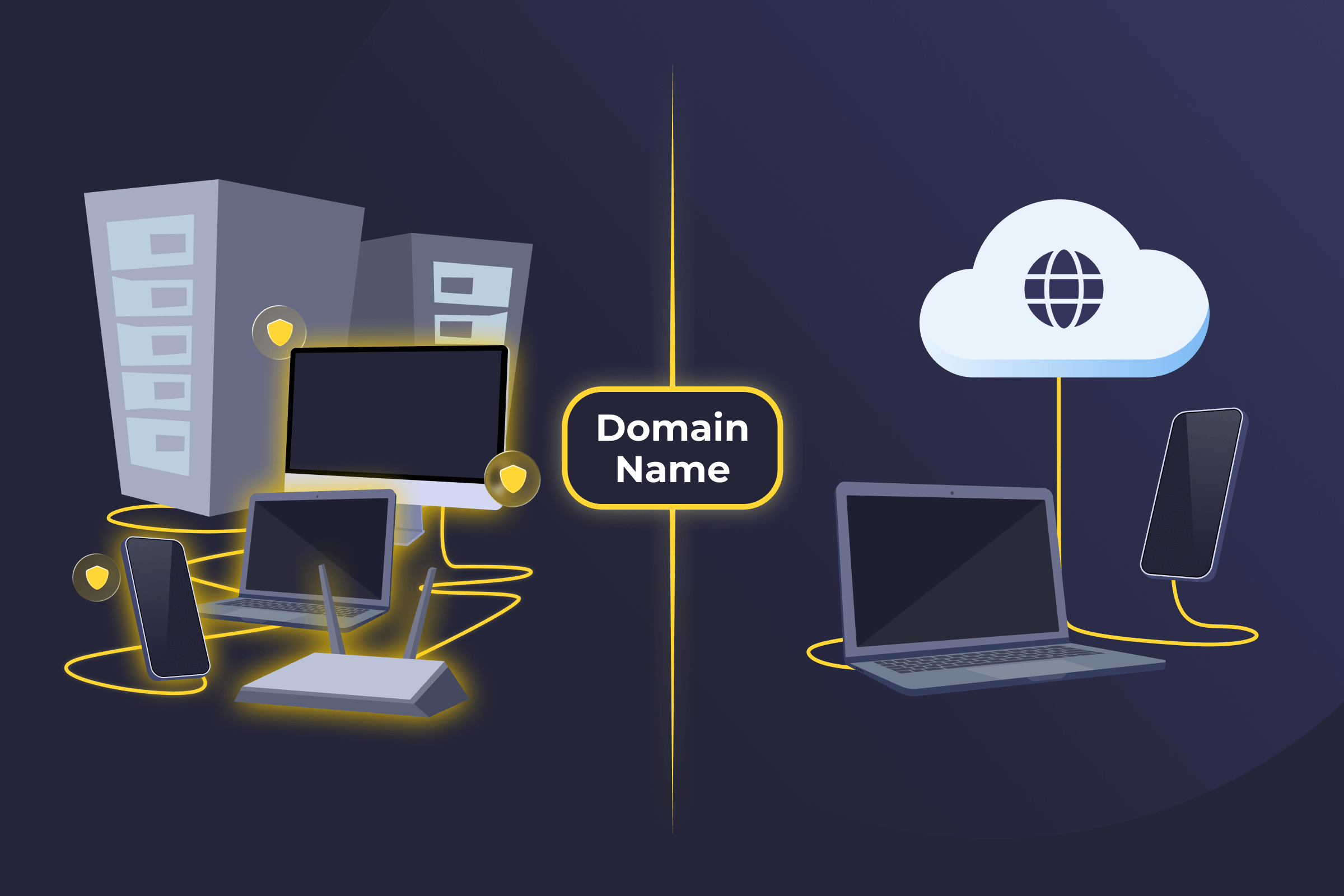
Split DNS Definition
Split DNS, also known as split Domain Name System, split-brain DNS, or Mirage, is a configuration where the same domain name returns different results depending on where the request comes from. Internal users on a private network receive one DNS response, while external users on the public internet receive another. This setup allows organizations to control access to internal resources and keep private details hidden from outsiders.
How Split DNS Works
Split DNS maintains separate DNS views for internal and external clients. When a DNS query is made, the DNS server checks where the request comes from and responds accordingly. Internal requests are resolved by an internal DNS server that knows about private IP addresses, internal hostnames, and restricted services. External requests are handled by a public-facing DNS server that only returns information meant to be visible on the internet.
Even though the domain name is the same, the DNS server returns different answers depending on whether the user is inside or outside the organization’s network.
Pros of Split DNS
- Improves security: Internal servers, IP addresses, and services aren’t exposed to the public internet.
- Controls access: Organizations decide exactly which resources are available internally and externally.
- Boosts performance: Internal users resolve local services faster without routing traffic externally.
- Simplifies internal access: Employees can use the same domain names inside and outside the network without remembering separate URLs.
Cons of Split DNS
- Difficult to manage: Split DNS requires maintaining multiple DNS configurations and keeping them in sync.
- High misconfiguration risk: Errors can cause resolution failures or accidentally expose internal resources.
- Troubleshooting challenges: DNS issues may only affect internal or external users, making problems harder to diagnose.
- Extra administrative overhead: Changes must often be applied to both DNS views to avoid inconsistencies.
Examples of Split DNS
- Corporate office networks: Companies use Split DNS so employees inside the office can access internal systems like intranets, file servers, or internal dashboards, while people outside the network cannot resolve those addresses at all.
- Remote work and VPN setups: Employees working away from the office can connect through a company VPN and use split DNS to resolve internal company domains, like databases or specific tools.
- Universities and large campuses: Schools use split DNS so students and staff on campus can access internal systems like registration platforms or research tools, while off-campus users must authenticate through external portals.
- Healthcare and regulated environments: Hospitals and regulated organizations rely on split DNS to keep sensitive systems, like patient records or internal control systems, hidden from public DNS resolution.
Read More
FAQ
Traditional DNS treats every request the same way, no matter where it comes from. Split DNS takes a smarter route. It gives different answers depending on whether the request comes from inside a private network or from the public internet. That way, internal users can reach private services, while external users only see what’s meant to be public.
DNS setups usually fall into 4 main types of DNS servers involved in a standard lookup process. Recursive DNS handles user requests and searches for the correct answer on their behalf. Authoritative DNS stores the official records for a domain and provides the final, trusted response. Caching DNS improves performance by temporarily storing recent lookups so repeat requests resolve faster. Split DNS returns different DNS answers depending on whether the request comes from inside a private network or from the public internet.
The most common split DNS issue comes down to configuration mistakes. If internal and external DNS records aren’t kept in sync, users may reach the wrong service or fail to connect at all. This can cause login problems, broken apps, or confusion when the same domain behaves differently depending on location. These issues are avoidable with careful setup and testing.
Not at all. While big enterprises use split DNS a lot, smaller businesses and even remote teams benefit too. It’s especially useful when internal services should stay private or when VPN users need different access than the public internet. Any setup that mixes private resources with public access can benefit from split DNS, regardless of size.
 45-Day Money-Back Guarantee