
URL Redirection Attack
URL Redirection Attack Definition
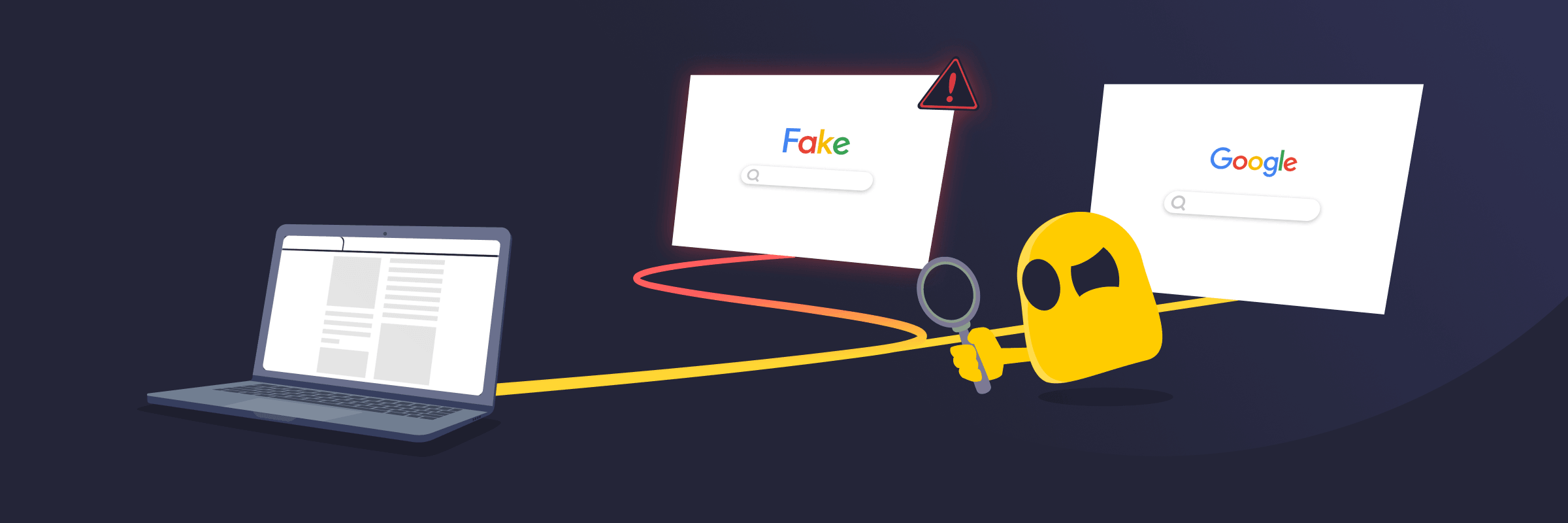
A URL redirection attack is a cyberattack that tricks a website or web application into sending users to a different website than they intended to visit. Attackers often exploit redirect features to create links that appear trustworthy but lead to malicious pages. These fake pages may try to steal sensitive information, spread malware, or carry out scams.
Common Types of URL Redirection Attacks
- Open redirect attacks: Exploit poorly secured redirect features to send users from a trusted website to a malicious one.
- Phishing redirect attacks: Lead users to fake login pages or fraudulent websites designed to steal sensitive information.
- Malicious advertisement redirects: Employ compromised or deceptive online ads to redirect users to harmful websites.
- Search engine redirect attacks: Use compromised websites or manipulated search results to redirect users from legitimate-looking search listings to malicious destinations.
Warning Signs of a URL Redirection Attack
- Unexpected website redirects: Clicking a link leads to a different website than the one a user intended to visit.
- Suspicious URLs: The web address changes to an unfamiliar, misspelled, or unrelated domain.
- Fake login pages: A user is redirected to a page that asks for passwords, payment details, or other sensitive information.
- Unexpected downloads or pop-ups: The redirected page attempts to download files, display pop-ups, or prompt the user to install software.
- Browser security warnings: The browser displays alerts that the redirected website may be unsafe or deceptive.
How to Prevent URL Redirection Attacks
- Always check where a link leads before clicking it.
- Verify that the destination URL matches the intended website.
- Avoid opening links from unexpected emails or messages.
- Keep the browser and software up to date to reduce security risks.
- Employ security tools that can display warnings about suspicious websites.
- Use bookmarks or type website addresses directly instead of clicking unknown links.
- Leave a website immediately if it leads to an unexpected page.
Read More
FAQ
Attackers use URL redirection attacks in phishing campaigns because they make malicious links appear more trustworthy. A link may start with a legitimate website address, which can make users more likely to click it. Once clicked, the link redirects the user to a fake website designed to steal login credentials, financial information, or other sensitive data.
You can often tell a redirect is malicious by checking the destination website. If the URL looks unfamiliar, contains misspellings, or doesn't match the website you expected to visit, treat it with caution. Legitimate redirects usually send you to a related and trusted page, while malicious redirects often lead to fake login screens, scam websites, or pages that trigger browser security warnings.
Yes. A URL redirection attack can steal your login credentials if it redirects you to a fake website that imitates a legitimate service. If you enter your username, password, or other sensitive information on the fake page, the attacker can capture and misuse those details. This is why it's important to verify the website address before signing in.
 45-Day Money-Back Guarantee