
Online prices don’t sit still. The same product can cost more or less depending on a range of factors, including where you are, what device you’re using, or how many times you’ve visited a web page. Retailers can track your activity, too, from the products you’ve viewed to the time you spend on a listing. That can tailor offers to your needs, but it can also nudge up prices.
A VPN hides your IP address and keeps browsing private. It helps prevent profiling and lets you compare regional pricing without being tracked across sessions. As a bonus, VPNs even make it safer to pay for things on networks that might not be secure, like public Wi-Fi hotspots. Let’s dive in to find out how.
How Does a VPN for Online Shopping Work?
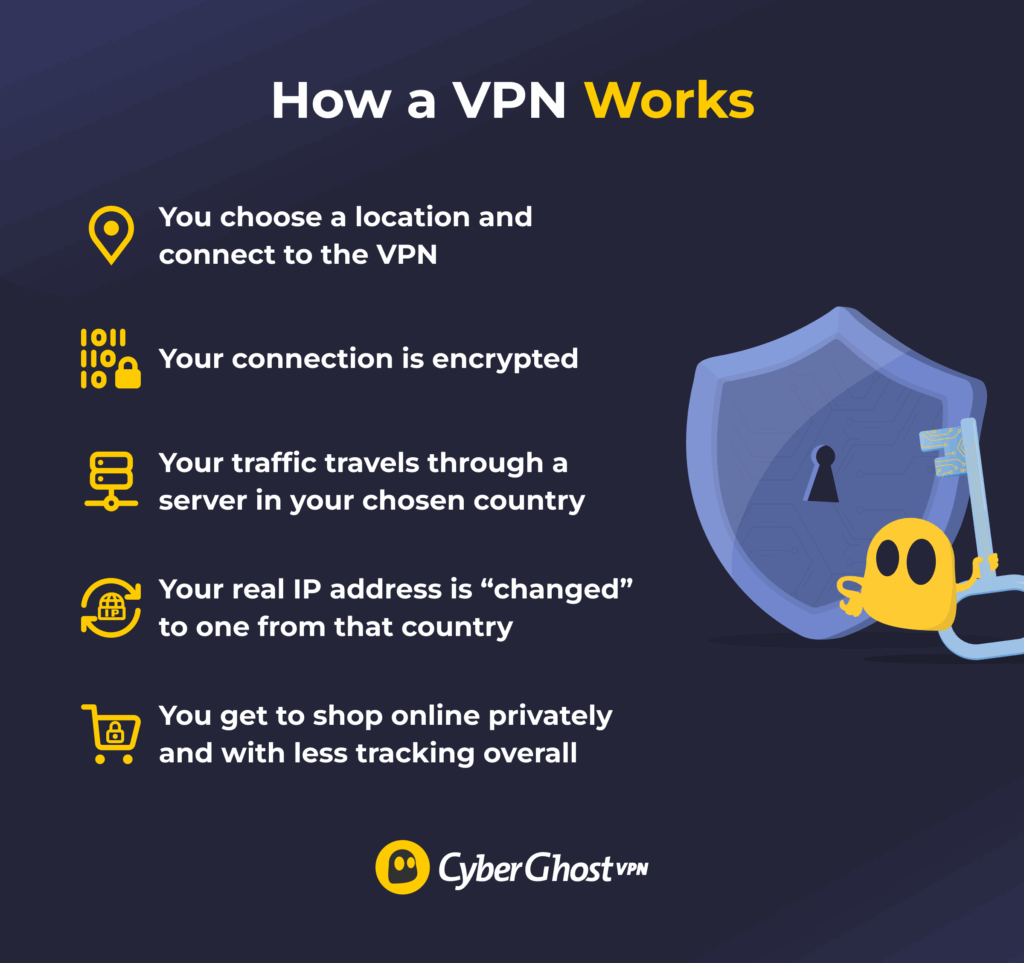
A VPN (Virtual Private Network) is an app that creates a secure link between your device and the internet, and hides your real location online. Here’s how it works:
- You pick a location in the app and connect.
- The VPN encrypts your internet traffic. If anyone intercepts or tries to monitor your connection, they only see scrambled data instead of the products you’re browsing online.
- Your connection is also routed through a private server in the location you chose, like an extra stop on its journey to the website you’re visiting.
- Your real IP address is concealed behind an IP address from that VPN server, making it harder for sites and online stores to track you through your IP address.
Benefits of Using a VPN for Online Shopping
Fairer Comparisons Across Regions
Many stores use dynamic pricing based on different data, like your location, device type, past visits, and your IP address. The latter can be used to identify you, so shops can track your movements around their site. It also shows the vendor where you’re shopping from.
A VPN masks your IP address so it can’t be used to hike prices based on past activity linked to that address. By switching virtual locations, it’s possible to see how pricing varies by region and compare those prices transparently. However, keep in mind that some platforms may require a local payment method or limit cross-region purchases.
More Convenient Shopping From Abroad
Many online stores automatically adjust language, currency, and product availability as you move countries or regions. This can make it confusing to compare prices, recognize familiar retailers, or understand final costs at checkout. A VPN can be especially useful in this case, as it helps you browse the web as if you’re back home.
That means you’ll see your native language, regular currency, and familiar online stores. You’ll also avoid unexpected conversion charges, regional redirects, or limited payment options that sometimes appear when shopping internationally. That said, it’s important to say that a VPN is designed to enhance privacy and transparency; not to bypass platform rules. You should always respect each online marketplace’s Terms of Use.
Stronger Security and Privacy
Open Wi-Fi hotspots can be vulnerable to snoops, who can use the shared network to spy on your connection. If they can see what sites you’re visiting, they might attempt to trick you by redirecting you to a fake version of an online shop. This is a man-in-the-middle attack. If the shopping site you’re on doesn’t use HTTPS, the hacker might even be able to see your payment details. A VPN encrypts your connection, so you can pay securely when you shop online on the go.
VPNs also help you shop privately. Even on your secure network at home, your ISP can see some details about your online activity. When you connect to a VPN, the encryption hides that information, so your purchases stay hidden. Since sites can’t identify you by your IP address either, you’re also less likely to get those targeted “Still interested?” ads. That’s good news if you don’t want everyone else on your network to see what you’ve been shopping for.
A VPN doesn’t block every kind of tracking. If you’re signed in to your store account (or via a social network), your activity can still be linked to your profile. Sites can also use other tactics, like cookies or digital fingerprinting, to track your browsing. Here are some additional tips you can use alongside your VPN.
How Do Online Stores Set Prices?
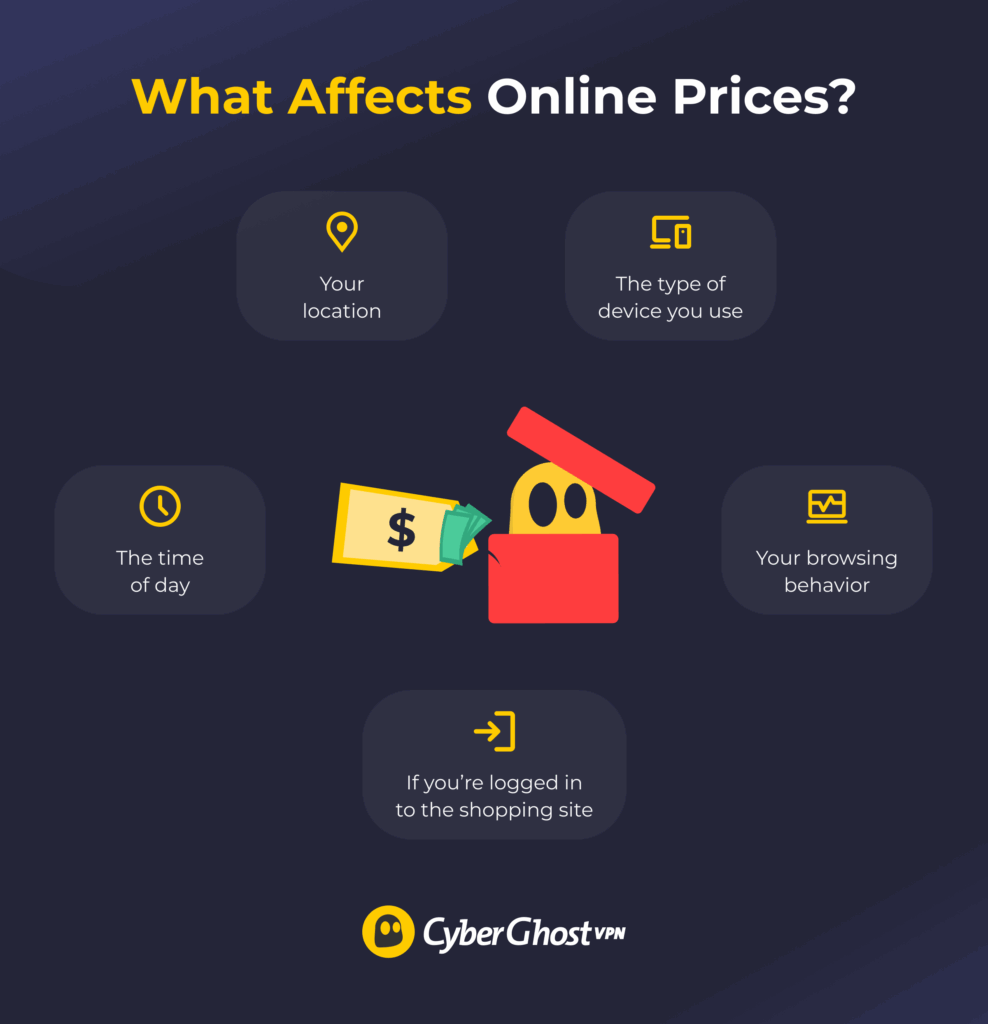
Online retailers can determine what prices to show you by:
- Tracking your location: Retailers use your IP address to see your physical location, then adjust prices accordingly. Shoppers in high-income countries are often charged more than those in lower-income regions.
- Analyzing your device: Online shops can see whether you access them from a high-end device or a low-end smartphone, for example. They can use your device type information to tailor offers accordingly.
- Monitoring your behavior: Vendors can track how many times you visit a product page. They may increase the price if you regularly check the same products or services.
- Logging account activity: Store accounts often include your purchase history and preferences. Logging in can unlock loyalty discounts, but may also trigger higher prices based on past purchases.
- Adjusting prices based on time: Prices can also change depending on when you shop. For example, same-day delivery may cost more in the evening, when multiple users are rushing to place orders.
Features to Look for in a VPN for Secure Online Shopping
For online shopping, you need a VPN that offers:
- Global servers: Choose a VPN with a global fleet of servers so you can compare prices across different countries and regions.
- Fast speeds: Opt for a fast VPN that you know is reliable, so the websites you visit don’t time out or take a long time to load.
- Powerful encryption: Make sure your VPN uses strong encryption that can protect your personal and payment data.
- Proven no-logs policy: Confirm that the VPN doesn’t track or store information about your online activity, so there’s nothing to leak or share with advertisers.
- User-friendly apps: Go for VPN apps that are easy to use. You should be able to set up the VPN and switch servers without a hassle.
- Extra features: Look for a VPN with features that can enhance your online shopping experience, like ad blocking. Split tunneling also lets you choose which apps use the VPN. For example, you can protect your browser for safe online shopping while using other apps as normal.
CyberGhost VPN checks all the boxes for secure and savvy online shopping. You get a massive server network for finding the best prices across 100 countries, and powerful encryption to complete payments securely.
Tips for Using a VPN for Online Shopping
A VPN can be a powerful shopping tool, but only if you know how to use it right. Here are some tips to follow before you hit that “Buy” button:
- Use private browsing: Go incognito when shopping online. While a VPN hides your IP address, it doesn’t hide your cookies. Private browsing prevents sites from using stored cookies, so they can’t use that information to personalize pricing or offers.
- Clear your cookies and cache: Remove stored data from your browser if you don’t want to use incognito mode.
- Switch servers strategically: Connect through different VPN locations to compare regional listings privately and avoid price profiling based on your location.
- Stick to trustworthy websites: Stick to trusted retailers that use HTTPS encryption to secure your connection to the site (look for https:// and a padlock in the address bar). CyberGhost VPN’s Content Blocker also prevents you from accessing known malicious websites.
- Check shipping and restrictions: Confirm the total cost before completing your purchase. You might be able to get regional deals from back home with a VPN, but they may come with higher delivery fees if you’re ordering overseas.
Shop More Privately, Pay More Securely with a VPN
Online shopping isn’t always fair. Prices shift based on your location, browsing habits, and even the time of day. A VPN helps level the playing field by letting you hide your IP address and browse from different regions. That way, you can find better deals, avoid targeted ads, and shop with more privacy.
CyberGhost VPN makes it easy to shop safely and privately. Thanks to servers in 100 countries, you can compare regional prices in seconds. You also get apps that work on all major devices, built-in features like ad and tracker blocking, and strong encryption for safe payments. All that comes with a 45-day money-back guarantee on long-term plans. That’s plenty of time to see how CyberGhost VPN can help you strengthen your online privacy and security.
FAQ
Does VPN help with online shopping?
Yes, a VPN can improve your online shopping experience. By hiding your IP address, a VPN reduces profiling based on IP address and lets you compare regional pricing privately. It also secures your connection, protects your data during payments, and stops websites from tracking your browsing habits.
Can online purchases be traced with a VPN?
A VPN hides your IP address and encrypts your traffic, making your purchases harder to trace. However, websites can still track you through payment details, cookies, or browser fingerprinting. So, while your activity is private when you use a VPN, it’s not completely anonymous.
Can you use a VPN to get cheaper prices?
A VPN can show how prices differ by region, letting you compare them transparently. Final pricing and eligibility depends on each retailer’s rules. Some may require local payment methods or restrict VPN access. Always follow the platform’s Terms of Service.
Which VPN is best for online payments?
CyberGhost VPN is the best choice for secure payments. It uses strong encryption to protect your data, keeping your payment info safe on public Wi-Fi. There’s also a strict no-logs policy to keep your activity private. That means you can shop online while knowing that digital trackers won’t see the sites you visit or the products you purchase.
Is it safe to pay online while using a VPN?
Yes, as long as you use a trustworthy VPN with a no-logs policy. That means the VPN doesn’t monitor or store details about anything you do online. If you’re on an unsecured network, like public Wi-Fi, it can be safer to pay online with a VPN. VPNs encrypt your traffic, guarding against any cybercriminals on the same network who might try to snoop on your connection.
Is it safe to enter credit card information when using a VPN?
Yes, it’s safe to enter your credit card info when using a trustworthy and reputable VPN. Look for a VPN that doesn’t store logs and only use secure, reliable online shopping sites with HTTPS protection. That way, your card details are encrypted in transit and never logged by the VPN provider.
Can a VPN hide my shopping activity from advertisers?
Yes, a VPN hides your IP address and encrypts your traffic, which limits how much advertisers can track. A VPN with built-in ad and tracker blockers can reduce the risk even more. That said, online shops sometimes use other methods that a VPN won’t help with (like browser fingerprinting).
What features should I look for in a VPN for secure online shopping?
Look for strong encryption to protect your connection on unsafe networks and a strict no-logs policy, so the VPN itself doesn’t record what you do online. A wide server network also helps you compare prices across regions, while well-designed apps make switching locations easy.

Leave a comment