
Digital citizenship describes how you use technology as a member of online communities. It covers the choices you make about privacy, security, information, communication, and other people’s rights every time you use a device or app.
Being a responsible digital citizen doesn’t require expert technical knowledge. It starts with everyday habits, such as using strong passwords, checking information before sharing it, respecting other people’s privacy, and recognizing how technology influences your decisions. Security tools like CyberGhost VPN can support those habits, but they can’t replace good judgment.
This guide explains what digital citizenship means, why it matters, the principles behind it, and the practical habits that can help you become more responsible online.
What Does Digital Citizenship Mean and Why Is It Important?
The Council of Europe defines digital citizenship as “the capacity to participate actively, continuously and responsibly in communities online and offline, through competent and positive engagement with digital technologies.”1 In practice, this means making informed, responsible decisions whenever you use technology.
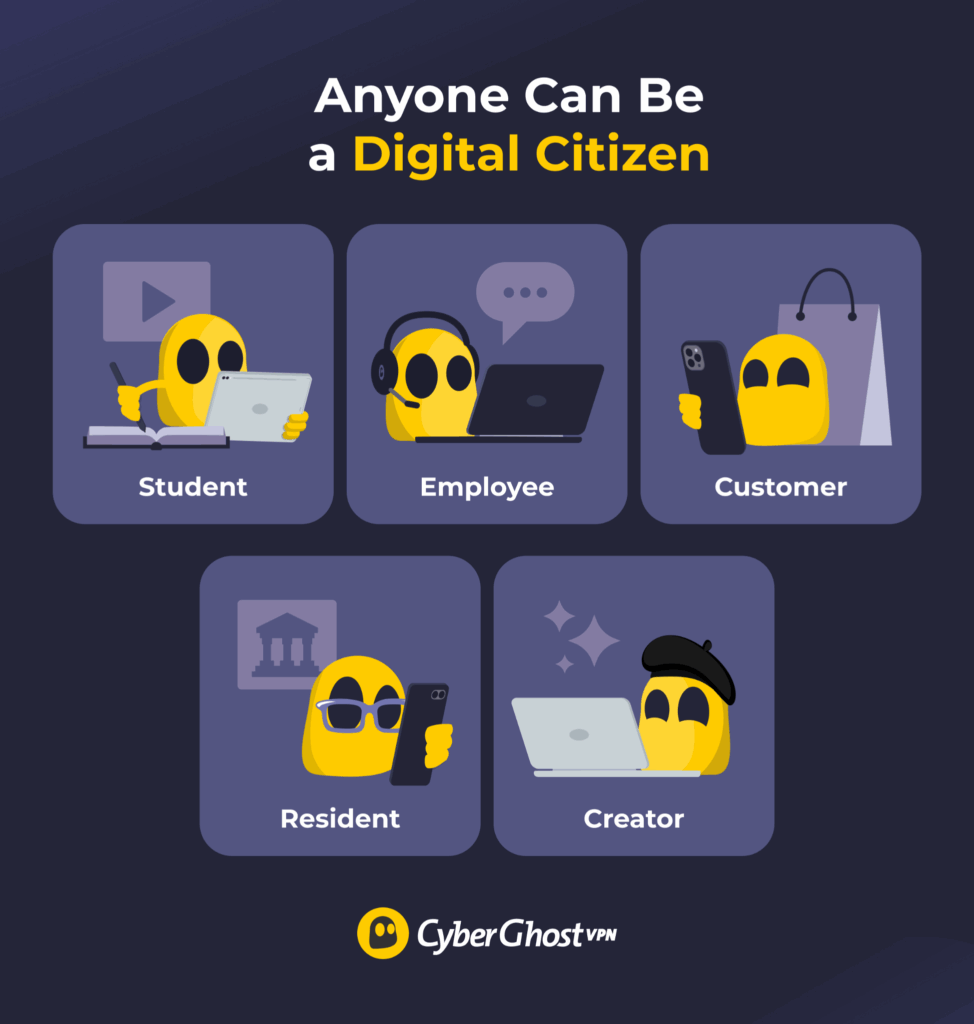
Anyone who uses digital technology is a digital citizen. That includes:
- A student using a learning platform
- An employee joining a video call
- A customer buying from an online shop
- A creator publishing work
- A resident accessing public services
Digital citizenship is about more than protecting yourself from scams or keeping your accounts secure. It also includes:
- Checking information before sharing it
- Respecting other people’s privacy and creative work
- Communicating with care and reporting abuse or fraud
- Recognizing how platforms and technology influence the choices you make
These habits matter because digital technology now shapes almost every part of daily life, from banking and healthcare to education, work, and entertainment. Knowing how to assess a message, manage an account, or change a privacy setting helps you make informed decisions instead of simply following a persuasive prompt.
That said, responsibility doesn’t rest with users alone. Platforms, schools, employers, governments, and technology companies can support better choices through secure defaults, accessible design, fair moderation, clear privacy settings, and reliable reporting tools.
What Are the Core Principles of Digital Citizenship?
There isn’t a single universal framework for digital citizenship, but most share the same core ideas. They encourage people to participate responsibly online, think critically, protect themselves and others, and understand how their choices affect digital communities. The five principles below bring together the themes that appear across many widely used digital citizenship frameworks.2
1. Access and Participation
Technology only supports participation if people can actually access and use it. Cost, connectivity, language, skills, and platform design can all get in the way. Being a responsible digital citizen means recognizing those barriers where possible, creating accessible content, and avoiding unnecessary obstacles that exclude others from participating online.
2. Digital and Media Literacy
Digital literacy is about the skills needed to find, use, evaluate, and create information with digital tools. Media literacy goes a step further by encouraging you to question who created the information, why they published it, what evidence supports it, and how it’s presented. Together, they help you distinguish an original source from a screenshot, reporting from opinion, and verified evidence from content designed to provoke an emotional reaction.
3. Privacy and Cybersecurity
Privacy is about controlling what information you share and who can see it. Cybersecurity is about protecting your devices, accounts, and data from unauthorized access. The two work together. Choosing what information to share, reviewing privacy settings, using strong authentication, and recognizing suspicious activity all help you stay in control of your digital life.
4. Respectful Communication and Ethics
Online communication lacks many of the visual and verbal cues we rely on in face-to-face conversations, so misunderstandings can happen. Being respectful online means considering your audience, communicating thoughtfully, and respecting other people’s privacy and creative work.
This principle also includes issues such as attribution, copyright, consent, impersonation, harassment, and the impact your words or actions may have on others.
5. Rights and Accountability
Digital citizens have rights, including privacy, security, access, expression, identity, and fair treatment. These rights come with responsibilities, including respecting other people’s privacy and using technology responsibly. Organizations are accountable, too. The platforms and services we use should protect personal data, provide clear privacy controls, moderate content fairly, and explain how they make important decisions that affect users.
Examples of Digital Citizenship in Everyday Life
Digital citizenship isn’t something you practice only when something goes wrong. It shapes the everyday decisions you make whenever you browse the web, use social media, shop online, work, study, or communicate with other people.
The examples below show how the core principles of digital citizenship apply in common online situations.
| Situation | Responsible Response | Core Principle |
| A dramatic claim appears in a group chat. | Open the original source, check its date and evidence, compare it with an independent source, and avoid forwarding it while the claim remains unverified. | Media literacy and accountability |
| A new app requests contacts, precise location, microphone access, and photos. | Connect each permission to a feature you intend to use. Deny unnecessary access and review whether the service offers a less intrusive option. | Privacy and informed choice |
| You need to sign in while using shared Wi-Fi. | Use the service’s official app or address, don’t ignore any certificate or security warnings, enable multi-factor authentication (MFA), and use a trusted VPN where appropriate. | Cybersecurity |
| You want to repost a photo that includes another person. | Ask the person before sharing it, remove unnecessary location details, and check whether the original creator permits reuse. | Consent, privacy, and creative rights |
| An AI tool produces a polished answer for an assignment or work task. | Verify the claims and sources, remove confidential data from the input, follow the relevant AI policy, and disclose assistance when required. | AI literacy and integrity |
| An online store uses a countdown or repeated prompts to push a quick purchase. | Check the seller, total cost, renewal terms, returns policy, and payment route before deciding. Leave the page if the information remains unclear. | Consumer awareness |
| Someone makes a mistake in a public discussion. | Correct the information with evidence, avoid personal attacks, and give the person a reasonable way to update the record. | Respectful communication |
Responsibilities of a Digital Citizen: 10 Practical Habits
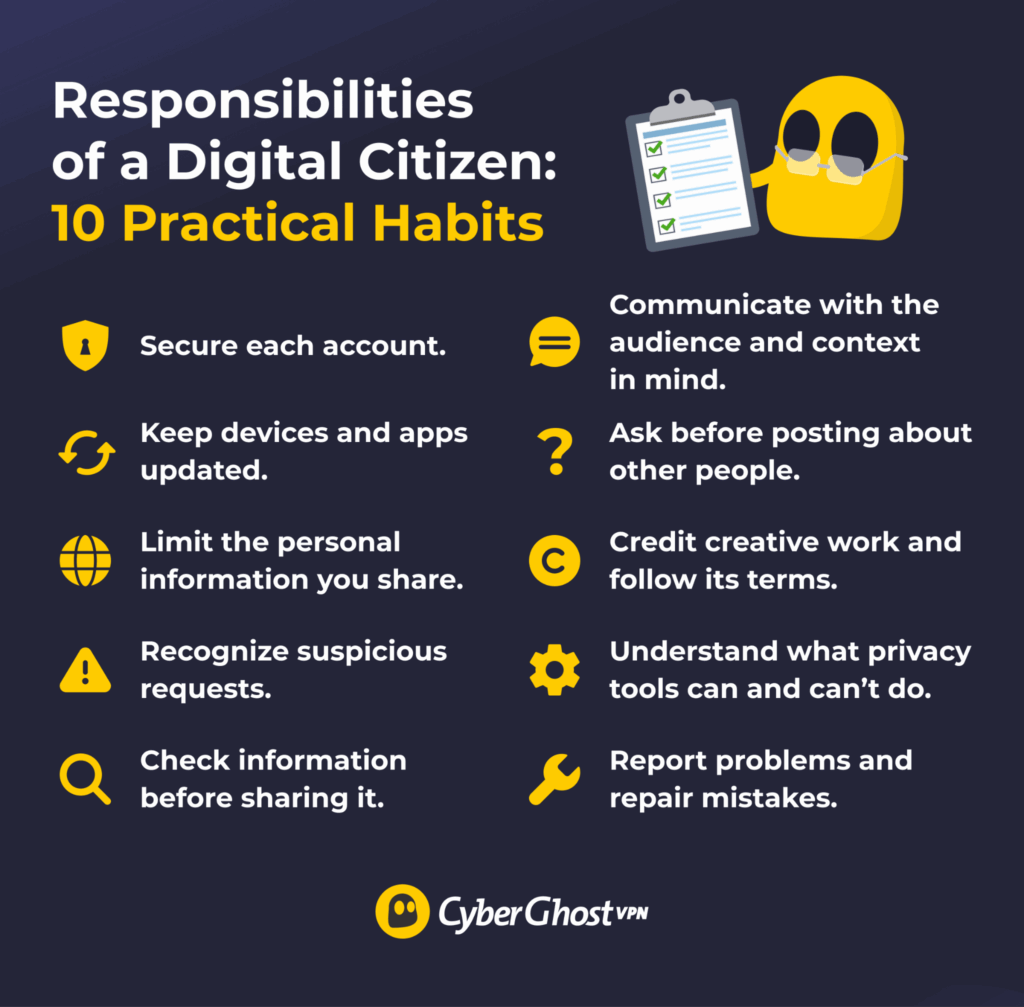
The principles above become much easier to apply when you turn them into everyday habits. These ten practices can help you protect yourself, respect others, and make more informed decisions whenever you use digital technology.
1. Secure Each Account
Use a unique password or passkey for every important account, store credentials in a password manager, and enable MFA wherever it’s available. Passkeys can offer a stronger option where a service supports them. Together, these measures make it much harder for someone to access your accounts if someone exposes one set of your credentials.
2. Keep Devices and Apps Updated
Install operating system, browser, app, and security updates from official sources. Updates often repair known weaknesses and improve protections. Turn on automatic updates where practical and remove apps or browser extensions you no longer use. Regular updates help close known security gaps before attackers can exploit them.
3. Limit the Personal Information You Share
Not every form needs your personal details. Make sure whether the service actually requires it and who might see it. Check app permissions, location access, audience settings, and account recovery information. A private account isn’t a private room. Platforms may still process your activity under their own terms, and other users can copy or share your posts. The less personal information you reveal, the more control you have over your digital footprint.
4. Recognize Suspicious Requests
Phishing messages try to steal passwords, account credentials, or other personal information by pretending to be a known organization or individual. Be aware of login links, attachments, unexpected urgency, and unusual payment requests. Rather than clicking on a message link, open the official app or type the known website address yourself.
5. Check Information Before Sharing It
Look for the original source, read more than the headline of an article, check the publication date, and look for supporting evidence. Then, verify new information against an independent source with relevant expertise. Reach is not a measure of accuracy: a larger number of likes or repeated posts doesn’t make a claim more reliable. If you can’t confirm a claim, ask yourself if you should help it go viral.
6. Communicate With the Audience and Context in Mind
Text lacks vocal tone and facial cues, so plan for misreadings. Focus on the claim or behavior, not the person. If you’re wrong, update or delete the post to fix the error. If a conversation turns threatening or abusive, use the platform’s block and report tools. Record and save any necessary information to make the report.
7. Ask Before Posting About Other People
A photo, location tag, private message, or personal story can reveal information about someone who didn’t choose to publish it. Ask for permission when the material identifies another person or could affect their privacy, safety, or reputation. Check the audience and remove unnecessary names, location details, account numbers, or identifying documents.
8. Credit Creative Work and Follow Its Terms
Finding an image, article, song, video, or design online doesn’t make it free to reuse. Check who created it and what the license permits. Quote only what you need, provide attribution where required, and use public-domain or licensed material when you need reusable content. Permission and attribution solve different issues, so you may need both.
9. Understand What Privacy Tools Can and Can’t Do
Privacy tools support good digital citizenship, but they don’t replace good judgment. For example, a VPN like CyberGhost VPN encrypts the traffic routed through the VPN tunnel and helps protect your connection on networks you don’t control, such as public Wi-Fi. It doesn’t stop you from sharing too much personal information, clicking a phishing link, or believing false information online.
The best protection comes from combining privacy tools with thoughtful online habits.
10. Report Problems and Repair Mistakes
Responsible participation includes responding when something goes wrong. Report scams, impersonation, harassment, privacy violations, or security problems through the appropriate channel. Change exposed credentials, contact the affected service, warn people who may receive messages from a compromised account, and correct false information you shared. Fast, specific action can limit further damage.
Digital Citizenship in the Age of AI
AI tools have changed how people search for information, create content, and make decisions, but the principles of digital citizenship haven’t changed. Using AI in this framework still means protecting privacy, verifying information, respecting other people’s work, and considering how your actions affect others.
The difference is that AI introduces a few additional questions before you use or share its output. The checklist below can help you use AI through a responsible lens in everyday life.
| Check | Question to Ask | Practical Response |
| Input | Does the prompt or upload contain private, confidential, or copyrighted material? | Remove unnecessary data and follow the rules that apply to the information. |
| Source | Can I identify where the claim, image, quotation, or statistic came from? | Trace it to an original source instead of citing the AI output as evidence. |
| Accuracy | Could the output contain invented details, missing context, or outdated information? | Verify important claims with current, independent sources. |
| Disclosure | Does my school, employer, publisher, or audience require disclosure? | State how AI assisted when the relevant rule or context calls for it. |
| Impact | Could the content mislead, impersonate, exclude, or unfairly affect someone? | Add context, obtain consent, or do not publish it. |
Digital Citizenship Starts With Everyday Choices
Being a good digital citizen isn’t about getting every decision right. It’s about developing habits that help you protect yourself, respect others, and think critically whenever you use technology. Small actions, such as checking information before sharing it, protecting your accounts, reviewing privacy settings, and asking before posting about someone else, can make a meaningful difference over time.
CyberGhost VPN can be a useful tool for anyone who wants to be a thoughtful digital citizen. A VPN won’t make every decision for you, but it adds a layer of privacy to your connection on networks you don’t control, like airport hotspots or coffee shop Wi-Fi. Combined with the habits above, CyberGhost VPN can help support your privacy when you’re online.
FAQ
What is digital citizenship?
Digital citizenship means using technology thoughtfully and ethically as you participate in online life. It includes protecting your privacy and security, communicating respectfully, evaluating information in a critical way, and understanding how your online actions affect other people. Every time you browse the web, use social media, shop online, or interact with AI, you’re practicing digital citizenship.
Why is digital citizenship important?
Digital technology plays a role in almost every part of daily life, from work and education to banking and healthcare. Responsible habits also protect other people’s privacy, not just your own. They can also help you make more informed decisions and contribute to healthier online communities.
What are the core principles of digital citizenship?
Frameworks vary, but common principles include access and participation, media literacy, privacy and cybersecurity, respectful communication, and rights and accountability. Together, these principles emphasize how you use technology as well as how your choices affect other people and the digital spaces you participate in.
How can I become a responsible digital citizen?
Start small: secure your accounts and think before sharing personal info or unverified claims. Ask before posting anything about other people, and act quickly if you recognize something going wrong. You don’t need to master all the best practices at once: consistent, thoughtful decisions can make a meaningful difference over time.
What is the difference between digital citizenship and digital literacy?
Digital literacy is the skill set of knowing how to use and evaluate digital tools. Digital citizenship is applying those abilities ethically and responsibly with proper judgment of consent, rights, security, and impact on others. In other words, digital literacy is more about what you know how to do, while digital citizenship considers how and why you use those skills.
References:

Leave a comment