
When your Free Fire region doesn’t match your current location, you may notice lag, slower responses, or events that don’t line up with your time zone. This happens because your account is locked to the region where it was first created.
While Garena doesn’t offer an in-game way to change regions, there are other safe and proven ways to do that. In this guide, you will learn why region changes are restricted and what legitimate steps you can take if your current setup no longer fits your location.
Why Would You Change Your Free Fire Region?
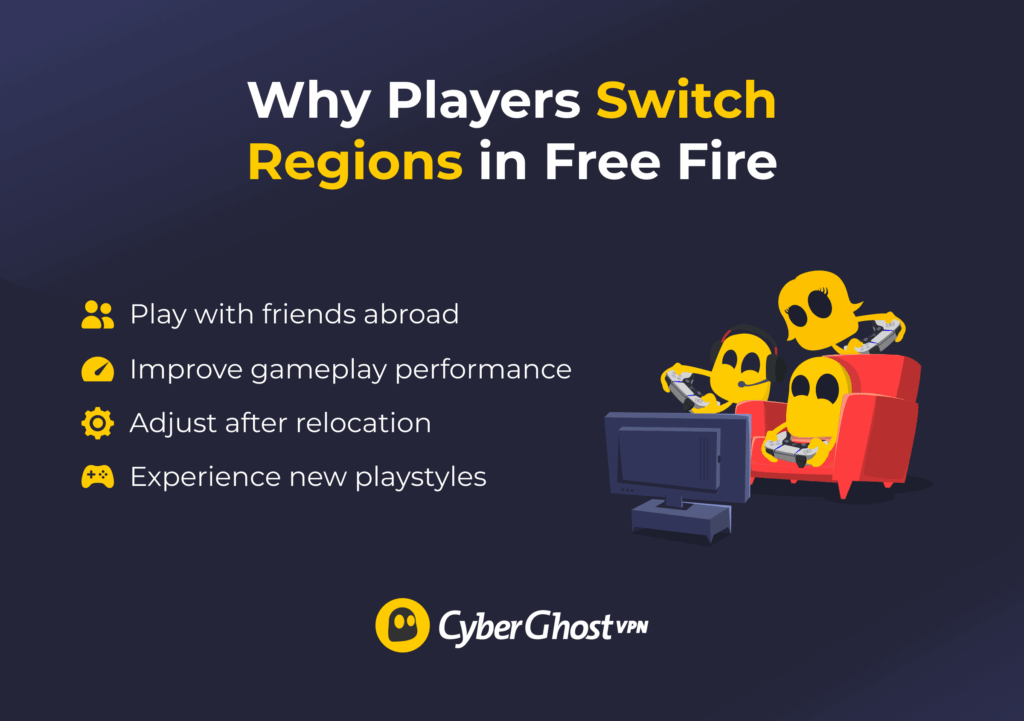
Here are some of the main reasons players decide to switch regions:
- Playing with friends in another country: If your friends live abroad, you’ll need to join their region to play together.
- Improving gameplay performance: A closer or less congested server can reduce lag and shorten matchmaking times.
- Adjusting after relocation: The new location and local time zone help keep your account in sync.
- Experiencing new playstyles: Each region develops its own meta and competitive culture. Moving servers lets you try different strategies, champion trends, and ranked environments.
Some players switch regions to access exclusive items, events, or better in-game prices. These differences are real, but it’s important to understand the rules. Free Fire’s Terms of Service prohibit bypassing regional restrictions through unauthorized tools or methods. It’s ultimately up to you to follow these rules and make sure your account stays compliant with Garena’s policies.
Why You Can’t Simply Switch Regions
Garena assigns your account to a single region when you first create it, based on details like your IP address, SIM card, or app store country. All your data, purchases, and progress are stored on that region’s servers, which work independently, so accounts can’t be moved between regions.
This setup helps prevent fraud, fake accounts, and matchmaking issues while keeping gameplay fair and lag low. Each region also has its own prices, events, and rules, which makes switching regions both impractical and legally complex.
Each region runs its own version of FF with separate updates and event schedules. Moving an account would require transferring large amounts of data, which could cause errors. So there’s no in-game option to change regions. In rare cases, Garena support may help during verified relocations or server merges, but such assistance isn’t guaranteed.
How to Change Servers in Free Fire
1. Create a New Account in Your New Region
If you move or travel to another country, the simplest and safest option is to create a new FF account while you’re physically there. The game will automatically assign your account to the local server based on your network location.
Sign up as usual using Google, Facebook, or another login option. Once you’re in, your new account will run on that region’s server and give you access to its local events, time zone, and offers. However, keep in mind that doing so means you have to start everything from scratch, so you’ll lose your skins, in-game currency, and other data tied to your existing account.
2. Use a Guest Account
If you are traveling for a short time and want to try Free Fire in another country, using a guest account can be a simple option.
When you open Free Fire, you can choose to sign in as a guest instead of logging into your main account. The game will create a temporary account and assign it to a server based on your current network location. This allows you to experience the local version of the game, including regional matchmaking, events, and timing.
Keep a few important things in mind:
- Guest accounts are temporary and not permanently secured unless you link them to a platform like Google or Facebook.
- Progress made on a guest account doesn’t transfer to your main account.
- Once you return home and log back into your original account, you’ll reconnect to your original region and server.
3. Change Your Region Through Customer Service
If you’ve permanently relocated, you can contact Garena support to request a region change for your existing account. This is the only official way to attempt a transfer, but approval isn’t guaranteed and is usually limited to verified relocations.
Each Free Fire region has its customer support team, so make sure you contact the one tied to your current server. You can find the correct regional support links on the official Free Fire website. Here are all the ways to contact customer support for a region change request:
- Official support website: Go to https://ffsupport.garena.com and sign in using the account linked to your Free Fire profile.
- In-game Help Center: Open Free Fire > Settings > Customer Service to access the Help Center directly.
- Email support: Some regions provide an official email contact listed in the “Contact Us” section of their local Garena page.
- Social media support: You can also reach out through Garena’s verified pages on Facebook, Twitter, or Instagram for help or guidance to the right support channel.
When submitting your request, clearly state that you’ve relocated and want your account moved to a new region. Include proof of relocation, such as your current location, in-game ID, and documents showing permanent residence. Wait for a response from the local support team, as processing times can vary depending on the region and your reason.
How Free Fire Assigns Servers
Free Fire doesn’t let you manually choose a server from a list. When you create a new account, the game automatically assigns a region based on your physical location and network at the time of registration.
Because of this, your gameplay experience depends largely on where you are when you sign up. The assigned server affects:
- Ping and connection quality: Playing closer to your assigned region usually means lower latency and steadier matches.
- Matchmaking pool: You compete against players in that specific region.
- Language environment: Most teammates and opponents likely speak the dominant language of that server.
- Events and schedules: Each region runs its own promotions, updates, and time-based events.
- In-game pricing and offers: Store items and promotions may vary by region.
How to Check Garena Free Fire Server Status?
If you experience lag, login errors, or sudden disconnections, the servers may be under maintenance. You can quickly check the status using these reliable methods:
- Official support site: Visit ffsupport.garena.com for maintenance or outage updates.
- Social media pages: Check Garena’s verified Facebook, Twitter, or Instagram accounts for real-time announcements.
- In-game alerts: A pop-up message during login usually confirms scheduled maintenance.
- Community reports: Look at Free Fire groups on Reddit or Facebook to see if others face the same issue.
Where Are Garena Free Fire Servers Located?
Free Fire has servers all around the world to keep gameplay steady and fair for everyone. Here’s a quick look at the main Free Fire servers and the regions they cover:
- India Server: Covers India and nearby South Asian countries.
- Singapore Server: Used by players across Southeast Asia, being one of the most active servers.
- Indonesia Server: Dedicated to Indonesia’s large and active Free Fire community.
- Bangladesh Server: Serves players from Bangladesh and surrounding areas.
- Thailand Server: Hosts players from Thailand and parts of Southeast Asia.
- Vietnam Server: Designed for players in Vietnam with local language support.
- Brazil Server: Used in South America, the largest and most popular Free Fire region.
- Mexico Server: Serves players across Central America and parts of North America.
- Europe Server: Covers players from EU countries to ensure balanced matchmaking.
- Middle East Server: Handles players from the UAE, Saudi Arabia, and nearby regions.
- Russia Server: Dedicated to players from Russia and surrounding territories.
- Pakistan Server: Utilized in Pakistan and nearby South Asian regions.
- Malaysia Server: Serves players from Malaysia and neighboring countries.
- Africa Server: Supports players from different African countries for steadier gameplay.
- United States Server: Serves players from the US and neighboring regions.
- Taiwan Server: Offered to players in Taiwan with localized events and updates.
Risks and Consequences of Region Switching
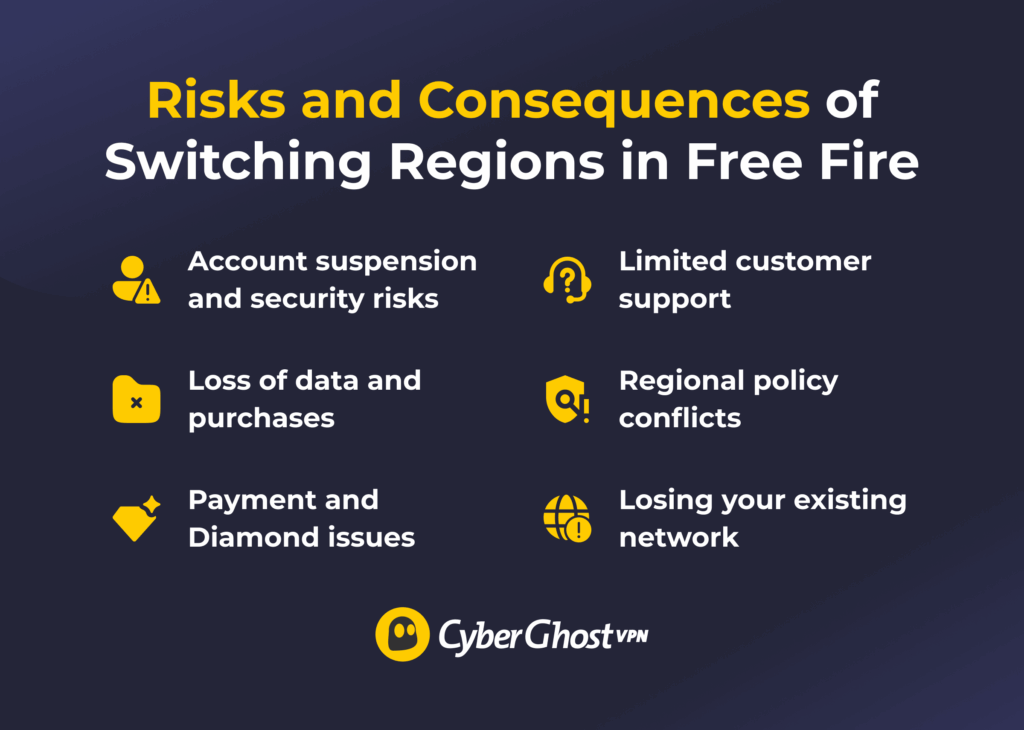
Switching regions in Free Fire may sound simple, but doing so using unofficial tools can lead to account and gameplay issues. Garena ties each account to one regional server, and trying to bypass this system comes with real risks:
- Account suspension and security risks: Using unofficial tools or modified files breaks Garena’s rules and can lead to bans or data exposure.
- Loss of data and purchases: Each region stores data separately, so switching means starting over without your items, ranks, or purchases.
- Payment and Diamond issues: Prices and promotions vary by region, which can cause billing errors or account restrictions.
- Limited customer support: Support teams are region-based, and cross-region help is rarely approved.
- Losing your existing network: Changing regions means leaving behind friends, guilds, events, and leaderboard progress.
Switch Your Free Fire Region Without Breaking Platform Rules
Changing countries doesn’t automatically change your Free Fire region, so it helps to approach the situation with realistic expectations. If you are abroad temporarily, a guest account allows you to test the regional experience without risking your main account. If you are settling somewhere new, creating a local account may better match your time zone and events. And if you believe your case may qualify for an exception, contacting Garena customer support is always worth considering.
No matter where you are playing from, a stable and secure connection makes a difference. CyberGhost VPN gives you access to a large global server network and helps protect your information while gaming on different networks. It also offers a 45-day money-back guarantee, giving you time to see if it fits your needs.
FAQ
How to check FF region?
To check your Free Fire region, open Free Fire app, tap your profile icon in the top left corner, and open Basic Info. You’ll see your region or country there, and it’s set when you first created your account based on your location at that time.
How do you change the region in FF Max?
You can’t directly change your region in Free Fire MAX. Your region is locked to your account based on where you were when you first created it. If you’re traveling and want to switch your region temporarily, use a guest account to play on new servers. This won’t transfer your main account progress, but it may help you avoid lag or slowdowns if you’re far away from your regular gaming region.
Is Free Fire region-locked?
Yes, FF is region-locked. Your region is permanently set when you create your account based on your location at that time, and it can’t be changed later on the same account.
Which country made Free Fire?
Free Fire was created by Garena, a major game publisher based in Singapore. Garena built the game with a strong focus on mobile players, which helped Free Fire run more reliably on low-end devices and become especially popular across Asia, Latin America, and Africa.
Who owns Free Fire?
Garena, the gaming division of Sea Limited, owns and publishes Free Fire. Sea Limited oversees Garena’s global business, while Garena manages Free Fire’s development, updates, and worldwide distribution.
How many maps are in FF?
Free Fire currently has 7 main maps: Bermuda, Bermuda Remastered, Bermuda Max, Purgatory, Kalahari, Alpine, and NeXTerra. Each map offers a different layout, environment, and playstyle to keep matches varied and competitive.

Leave a comment