
You’re about to visit a website when something unusual catches your eye in the address bar. Instead of the familiar “WWW,” the URL begins with “WWW2.” It’s a small difference, but it can raise questions. Is the site fake? Could it be a phishing attempt?
In reality, WWW2 is often harmless. Still, knowing what it means can help you spot the difference between a legitimate technical setup and a potential security risk. This guide covers how WWW2 works, why websites use it, and how to protect yourself from fake websites that might use WWW2 subdomains.
What Is WWW2?
WWW2 is a subdomain that appears before the main domain name in a URL. Websites can use many other subdomains besides the familiar “WWW,” such as mail, blog, or support, and WWW2 follows the same pattern. Each subdomain directs visitors to a specific section of a site or a different server.
From a technical perspective, WWW and WWW2 work the same way. Both are hostnames configured through Domain Name System (DNS) that point to a server. The main difference is how website administrators use them. WWW typically points users to the primary version of a website, while WWW2 may point to a separate server or a different instance of the same site.
How WWW2 Works
WWW2 functions as a hostname within the DNS, just like the standard WWW subdomain. When you type a web address into your browser, it sends a DNS request to translate that human-readable domain name into an IP address, which identifies the server that hosts the website.
If the address contains WWW2, the DNS lookup checks the records configured for that subdomain. These records are usually A records, AAAA records, or CNAME records. A and AAAA records point to a server’s IP address, while a CNAME record points the subdomain to another hostname that resolves to an IP address.
Once DNS returns the correct IP address, your browser opens a connection with that server using HTTP or HTTPS and requests the webpage. The server responds by delivering the site’s content, including HTML files, images, scripts, and other resources needed to display the page.
Behind the scenes, the request may pass through load balancers, reverse proxies, or content delivery networks (CDNs). These systems help manage incoming requests and ensure the browser receives content efficiently. For the user, this entire process happens in milliseconds.
The History of WWW2
WWW2 dates back to the 1990s, when websites began to receive more traffic than a single server could handle1. Administrators needed a straightforward way to add capacity, so they created additional subdomains such as WWW2, WWW3, or WWW4, each pointing to a different web server under the same domain.
Today, this approach is largely obsolete. Modern infrastructure uses load balancers, cloud platforms, and CDNs to distribute traffic automatically. The WWW2 naming convention still exists, but it remains a remnant of older web architecture.
Common Reasons You See WWW2 Instead of WWW
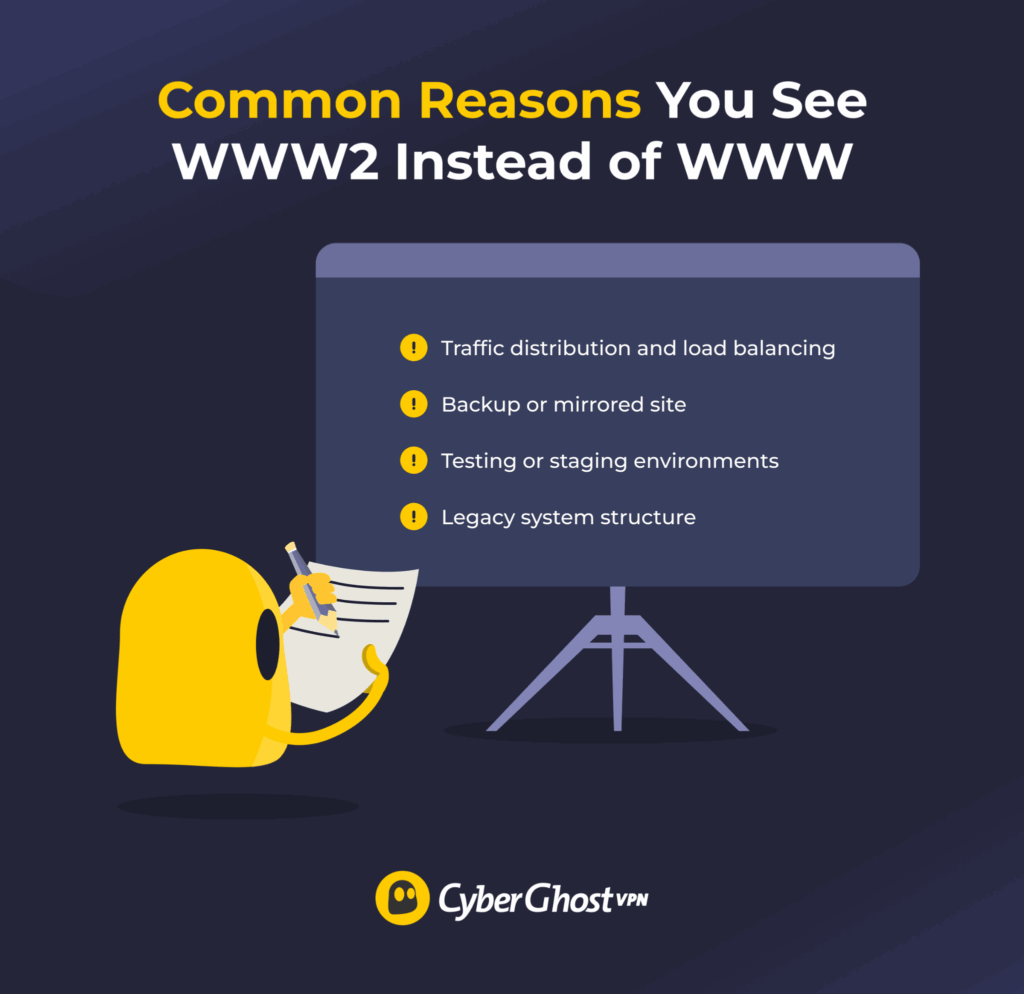
You may see WWW2 in a URL because website administrators created an additional subdomain for technical or infrastructure purposes. Common reasons include:
- Traffic distribution: A website may route some users to WWW2 to spread traffic across several servers and prevent overload.
- Separate server infrastructure: Administrators may configure WWW2 to point to a different server or server cluster that runs the same website.
- Backup or mirrored site: Some organizations maintain a duplicate version of a site on another server to improve reliability if the main server goes down.
- Testing or staging environments: WWW2 may host a different version of a site used for updates, testing, or migration.
- Legacy system structure: Older websites sometimes kept multiple numbered subdomains, such as WWW2 or WWW3, as part of earlier server setups.
Is WWW2 Safe?
WWW2 itself isn’t unsafe. If the main website is legitimate and secure, the WWW2 version is generally safe as well since it’s managed by the same organization.
That said, cybercriminals sometimes register domains that mimic legitimate ones, adding terms like “WWW2” to make them appear official. Security researchers reported a 74% increase in fake banking websites between 2024 and 20252. Another research analyzing over 30,000 lookalike domains impersonating more than 500 brands found that over 10,000 were malicious3.
WWW2 also tends to appear on older websites, which introduces its own risks. Sites that aren’t maintained may run outdated software or misconfigured security settings, leaving visitors exposed to malware, traffic interception, or unauthorized access even when the domain itself is legitimate.
How to Tell If a WWW2 Website Is Safe
You can check whether a WWW2 website is safe by looking closely at the domain, searching for security indicators, and evaluating the behavior of the page. The presence of WWW2 alone doesn’t determine whether a site is trustworthy. These checks can help you decide whether to proceed.
- Check the main domain name: Look at the part of the URL right before the top-level domain, such as .com, .org, or .net. This tells you who actually owns the website. For example, www2.example.com belongs to example.com, but www2.example-login.com is a completely different domain.
- Confirm the site uses HTTPS: Secure websites use HTTPS encryption. Some browsers display a lock icon or similar security indicator in the address bar if that’s the case.
- Look for unusual URL structures: Suspicious sites often use long URLs with many hyphens, numbers, or extra words. Attackers sometimes embed brand names within these URLs to make them appear legitimate.
- Check the website’s content and design: Poor grammar, broken layouts, missing images, or unexpected pop-ups can indicate a malicious or poorly maintained site.
- Avoid entering sensitive information: If a page immediately asks for login details, payment information, or personal data, confirm that you’re on the official website first.
How to Stay Safe When You Visit WWW2 Sites
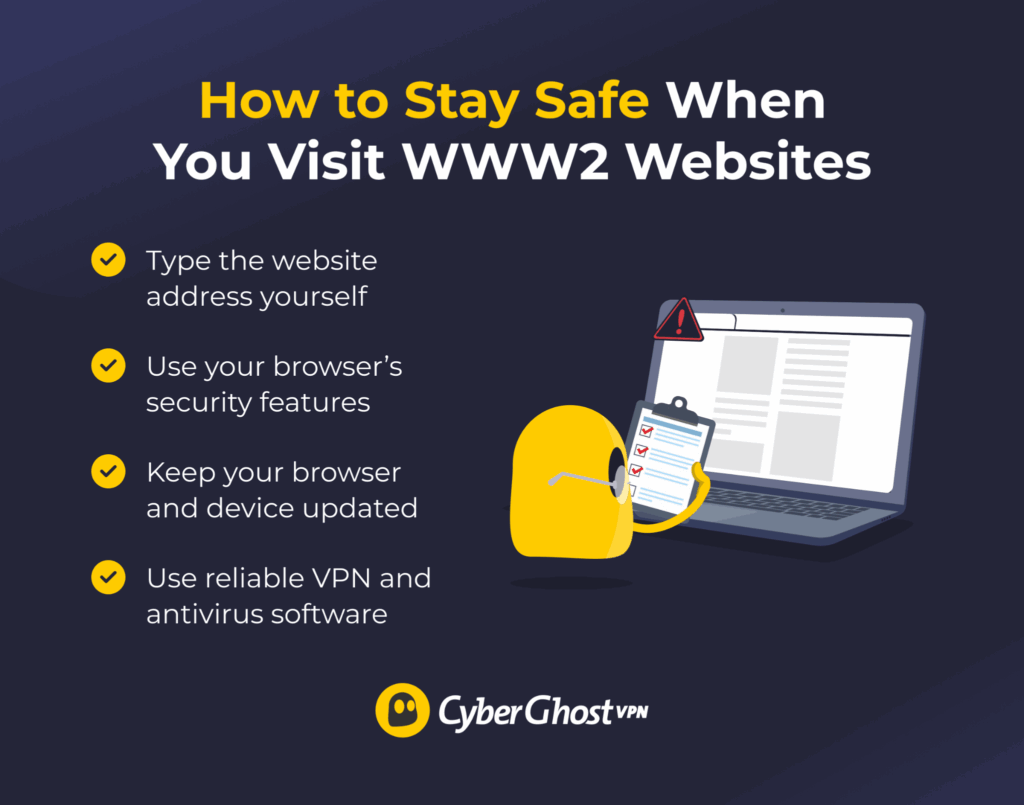
Beyond checking the URL itself, a few general habits can help you stay safe when browsing.
- Type the website address yourself: If you want to visit a company’s website, type the official address into your browser instead of clicking links from emails or messages. This reduces the risk of landing on a fake page.
- Use your browser’s security features: Some modern browsers include phishing and malware protection that can warn you if a site hosts malicious content or if the domain looks suspicious.
- Keep your browser and device updated: Software updates fix security vulnerabilities that attackers might exploit when you visit compromised or malicious websites.
- Use a trusted virtual private network (VPN) when browsing: A VPN like CyberGhost VPN encrypts your internet connection and hides your IP address. This helps protect your data from interception, especially on public Wi-Fi networks.
- Install reliable antivirus protection: Antivirus software can detect and block malicious websites, phishing attempts, and infected downloads before they harm your device.
Fake WWW2 Websites Risks
Fake or outdated WWW2 websites can expose users to several security risks:
- Credential theft: Fake login pages that mimic banks, email providers, or online services can trick users into entering usernames and passwords. Attackers can then use those credentials to access accounts or sell them on underground markets. Password reuse across various services can turn a single compromised account into a broader takeover.
- Malware infection: Some malicious sites prompt visitors to download files, software updates, or documents that contain malware such as spyware, ransomware, or trojans. Once installed, these can monitor user activity, steal data, encrypt your files, or damage the system.
- Financial fraud: Fake payment pages or imitation online stores may prompt users to enter credit card details or pay for products that don’t exist.
- Targeted scams and identity theft: Malicious websites may collect personal information such as email addresses, phone numbers, or browsing behavior. Attackers can use this data to craft convincing follow-up scams or sell it to other criminals for use in identity theft.
Take Control of Your Online Privacy
Not every unfamiliar web address signals a threat. In many cases, WWW2 is part of a website’s technical setup. What matters more is the domain itself. Always review the full URL, check for HTTPS, and avoid entering sensitive information on sites that look suspicious.
You can further protect your browsing with CyberGhost VPN. It encrypts your connection, hides your IP address, and helps prevent tracking while you browse. Not sure yet? CyberGhost VPN comes with a 45-day money-back guarantee (14 days for monthly users), so you can test it risk free.
FAQ
Is WWW2 a virus?
No, WWW2 isn’t a virus. It’s a subdomain in a website address, such as www2.example.com. Website owners use subdomains like WWW2 to point visitors to a specific server or service within the same domain. The label itself is harmless, but attackers may sometimes use similar-looking domains to make malicious sites appear legitimate.
Can I remove WWW2 from a URL?
Sometimes, but it depends on the website’s configuration. Some sites redirect you to the correct address if you remove it, while others require the WWW2 subdomain to reach that specific server or page.
Why does a trusted website use WWW2?
A trusted website may use WWW2 to manage its infrastructure, whether it’s to point traffic to a different server, distribute load across multiple servers, or run a separate instance of the same site.
Does a VPN block fake WWW2 websites?
No, a VPN doesn’t automatically block fake WWW2 websites. It encrypts your internet traffic and hides your IP address, but it doesn’t verify whether a website is legitimate. Always check the domain name and avoid suspicious links when browsing.
References:

Leave a comment