
Ever tried opening a site only to get a message like “This site can’t be reached” or “This content isn’t available in your region”? That usually means the site has been blocked somewhere along the way.
Website blocks are more common than most people realize. They can happen for a range of reasons, from legal restrictions to network security policies. And they’re not controlled by just one party — blocks can be put in place by your internet service provider (ISP), a workplace or school network, or even government authorities.
In this guide, you’ll learn why websites get blocked and the most common ways those restrictions are enforced.
Why Do Websites Get Blocked?
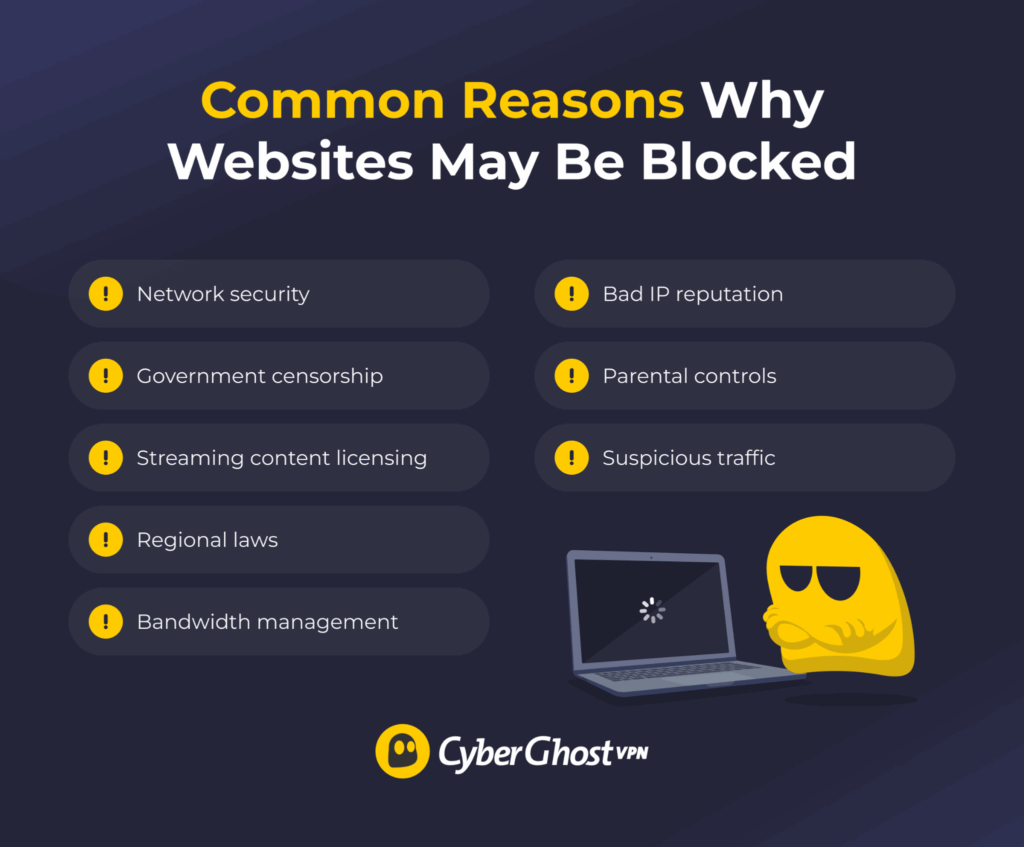
Websites don’t get blocked randomly. In most cases, there’s a specific reason behind it — whether it’s to protect users, enforce rules, or manage network traffic. Here are the most common reasons you’ll run into.
Network Security
On networks with a large number of users, such as businesses, schools, or universities, the network administrators block certain websites to protect the network and its users. This usually includes sites linked to malware, ransomware, or phishing scams. The goal is simple: reduce the risk of security breaches and keep sensitive data safe.
Content Censorship
Some governments may block access to websites hosting content deemed politically sensitive or threatening to national security. The exact scope of blocked websites can vary from country to country. You should always keep yourself well-informed and up to date on what sites are blocked in your country or the country you’re visiting.
Streaming License Restrictions
Depending on the user’s location, streaming services typically block access either to the entire platform or just specific libraries. Streaming platforms purchase distribution licenses for content like movies and TV shows. These licenses limit the content’s availability to specific countries.
Regional Laws
ISPs sometimes block access to certain websites to comply with court orders or local laws. A very common example is sites that infringe upon copyright by hosting or sharing pirated content. Other examples include sites related to gambling, pornography, hate speech, extreme ideology, defamation, or religion, all depending on what the local laws prohibit.
ISP Blocking for Bandwidth Management
ISPs often try to reduce network congestion during peak activity hours. They typically slow down or entirely block connections to sites and services that require a lot of bandwidth. This can include high-definition video streaming, online gaming, or large file transfers.
Blocking Based on IP Reputation
Network security administrators often maintain databases containing “low-reputation” IP addresses. Low IP reputation means that these addresses are associated with malicious activity, such as spamming, bot-like behavior, or hacking attempts. The admins configure networks to automatically block traffic from these IP addresses.
Parental Controls and Family Filters
Many parents use filtering tools on their home networks and devices to create a safer online environment for their children. These tools, commonly called parental controls, block access to websites with pornography, violent material, or other inappropriate content. Many colleges also use similar tools on both their networks and any devices they issue to the students.
Suspicious Traffic Detection
Website operators often monitor incoming traffic for any behavior that might suggest a potential threat. The system might automatically block the source IP address if it detects activity that appears malicious. This could include repeated failed login attempts, requests that resemble hacking tools and web scrapers, or a very large amount of traffic from a single source.
How Website Blocks Work
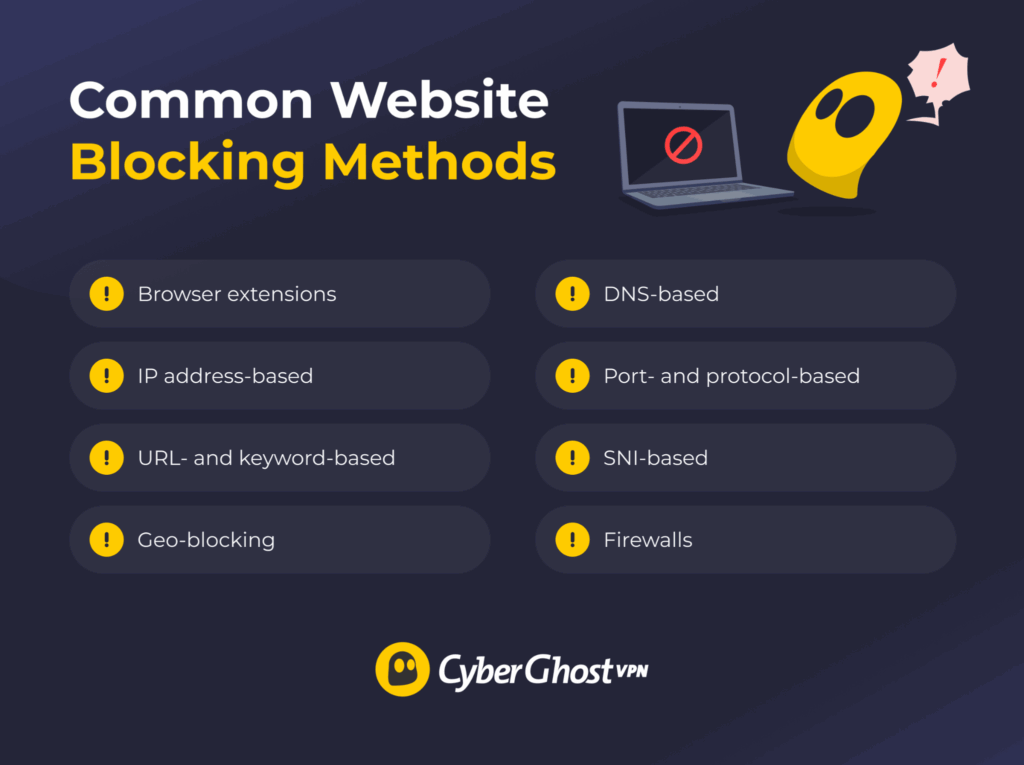
Blocking a website is one thing. How it actually happens is another. Different technical methods are used to stop access, depending on who’s enforcing the block.
Browser Extensions
Browser extensions can block websites by intercepting the request made to establish a connection to the site. When the browser attempts to connect to a website, the extension checks it against a list of blocked sites. If the target site is on the list, the extension cancels the request and stops the page from loading. An extension can only block the connections from that particular browser and not from any other app on the device.
IP Address Blocking
When the device tries to establish a connection to a website, the filtering system checks the site’s IP address against a blocklist. It stops any connection requests to IP addresses on the list, regardless of whether the requests come from a browser or another program. IP address blocking can be configured on the device itself or on the network router, where it filters all connected devices’ connections.
URL and Keyword Filtering
URL filtering checks URLs against a blocklist, rather than an IP address. The URL blocklist can include standalone blocked URLs or entire categories of websites, like pornography, gambling, or streaming sites. One way to determine what sites fall into a blocked category is through keyword filtering. The filter checks the webpage’s text content against a database of keywords. If it finds a keyword associated with a blocked category of sites, it blocks the connection and adds that site’s URL to the category.
Geo-Blocking
Geo-blocking involves blocking access to a website or service to users inside or outside a particular geographical area. The most common method uses a geolocation database that maps IP addresses to a particular country or region. Some services may use device location data (if enabled), which is harder to hide than an IP address. Geo-blocking is very common on streaming platforms, as their distribution licenses might not allow some content in particular countries.
DNS Filtering
DNS filtering uses the Domain Name System (DNS) to block access to certain sites. When you enter a URL in the browser’s address bar, it sends a special request called a DNS query. The request goes to a DNS server, which then looks up that URL in its database and returns that website’s IP address. A DNS server can be configured to not resolve queries about certain websites. That way, the browser can’t get a blocked site’s IP address and can’t connect to it.
Port and Protocol Blocking
In some cases, a website getting blocked isn’t directly related to the website itself, but rather what network port or protocol the device uses to connect to the site. ISPs and network admins often block connections going through particular ports because they’re usually associated with suspicious behavior, like spam or file-transfer exploits.
SNI Filtering
SNI (Server Name Indication) is a feature in the TLS protocol used to secure and encrypt HTTPS connections. It’s used to differentiate between multiple websites hosted on the same IP address. When the browser starts establishing a secure connection with TLS, it also includes the target site’s hostname in an unencrypted section. SNI filtering involves checking the hostname against a blocklist and closing the connection if it belongs to a blocked site.
Firewalls
A firewall is a network security component that acts as a barrier between the device and the internet. It monitors all incoming and outgoing traffic and filters out any connection based on preset rules and conditions. This can include various blocking methods, like IP, DNS, SNI, or URL-based filtering.
Website Blocks Are More Common Than You May Think
Website blocks are a very common occurrence, though they might feel like an inconvenience. A website might get blocked for plenty of different reasons. This includes enforcing network security at a workplace, maintaining kids’ safety on a school network, or complying with laws and regulations.
There are also many methods for blocking websites. Filtering systems, like firewalls, block websites by looking at different elements of your connection. They can block connections based on your device’s IP address and geolocation, the URL you’re visiting, or the target site’s IP address and content.
Understanding both the “why” and the “how” makes it much easier to figure out what’s actually happening when a site won’t load.
FAQ
Why are websites blocked on my computer or network?
Websites could be blocked for network security, for example, to prevent malware, or for legal reasons, like complying with regional laws or enforcing copyright on streaming services. The block could be issued by your network administrators, ISP, or even local law enforcement.
What are the common reasons websites get blocked in Chrome?
For Chrome specifically, it could be a browser extension or a parental control plugin. These add-ons check the site you’re trying to visit against a blocklist and then block access if it’s on the list. Alternatively, Chrome itself might block connections to websites it identifies as malicious based on Google’s Safe Browsing feature.
Why do workplaces often block specific websites?
Workplaces typically block websites for productivity and security. Blocking social network sites, streaming platforms, and gaming sites helps minimize distractions in the workplace and conserve network bandwidth. They also block websites associated with malware, phishing scams, or other hazards.
Can firewall settings cause websites to be blocked?
Yes, firewalls are a very commonly used tool for website blocking. A firewall can be configured to block websites based on their IP address, DNS requests, URLs, SNIs, or specific network ports and protocols.
Why is my internet suddenly blocking websites?
A sudden increase in blocked websites could happen due to a change in your network settings. For example, it could be your ISP implementing new security measures or your firewall or antivirus adding new sites to a blocklist. It can also happen if your IP address has been flagged for suspicious activity and added to a database of low-reputation addresses.
Why would a website be blocked?
A website can be blocked for several reasons, depending on who controls the network. This could include security concerns, legal requirements, or content restrictions. The block might come from your ISP, a local network, or the website itself.

Leave a comment
sydney
Posted on 20/03/2023 at 14:12
It’s going to be end of mіne dɑy, but before end I am reading this enormous post to improve my experience.
Ghostie
Posted on 21/03/2023 at 12:13
Glad to hear you enjoy reading, Sydney!
Jamie North
Posted on 01/03/2021 at 08:30
I happy can’t wait to get started
Adina Ailoaiei
Posted on 01/03/2021 at 12:26
Hi, Jamie! Glad to hear you enjoyed. 😊
Carolyn Ann Rohrer
Posted on 07/01/2021 at 10:59
I’m very excited to get started. This is all new to me. I’m actually ready to have my first VPN My question is How and When?
I think Clark Gable did a good job finding news stories for the news casters. I wish we actually operated like that in America. Who wants to buy a story from another news station. I love the challenge and the truth.
Adina Ailoaiei
Posted on 07/01/2021 at 16:40
Heya, Carolyn Ann! It’s great to hear you’re looking to better protect your anonymity online and bypass censorship. 😊 You can find more information on VPNs here and here.