
Protecting your digital data has gotten more complicated over the years. It’s no longer just about stopping viruses. You also have to think about data-hungry apps, unsafe public Wi-Fi, and malware trying to sneak onto your device in the background. That’s why many people rely on digital security tools like VPNs and antivirus software, but it’s not always obvious what each one actually does.
A VPN and an antivirus protect different parts of your digital life. A VPN keeps your connection private by shielding it from prying eyes; an antivirus detects and blocks threats on your device. Understanding how each tool works, where they overlap, and how they complement each other makes it easier to choose the right protection.
What Is a VPN?
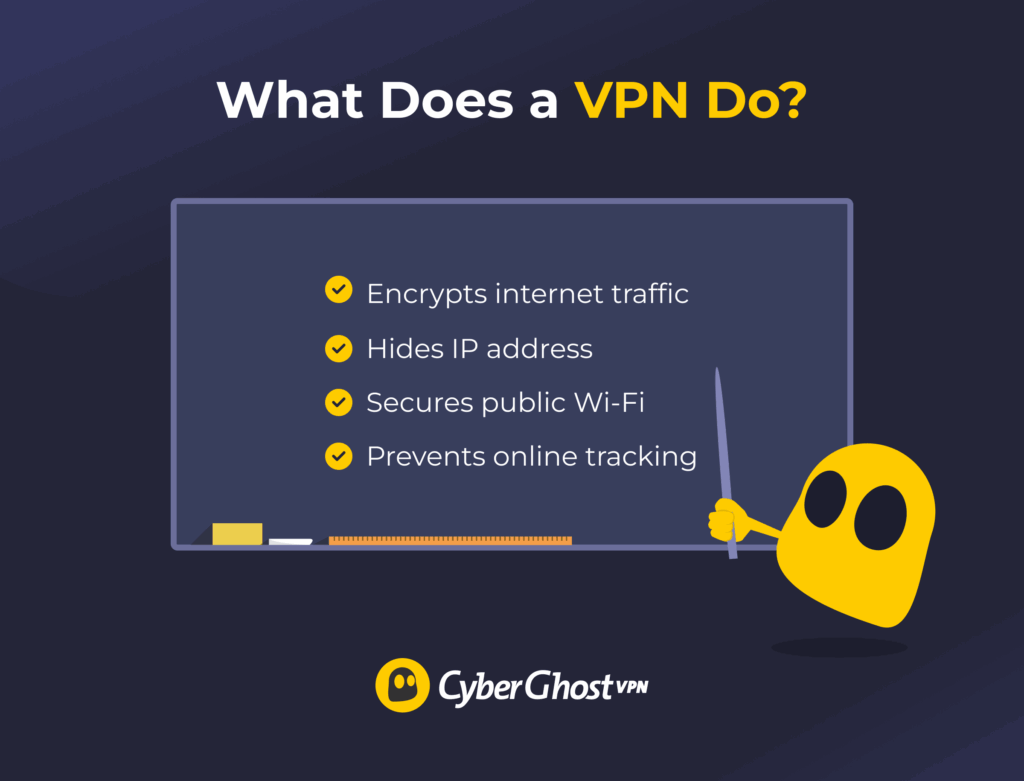
A VPN (Virtual Private Network) protects your internet privacy by encrypting your traffic and hiding your IP address. As you connect to a VPN server, your data becomes invisible to third parties, like your internet provider, network administrators, or digital tracking tools. VPNs are commonly used to secure connections on public Wi-Fi, keep browsing activity private, and access your favorite sites when traveling abroad.
How Does a VPN Work?
When connecting to the internet normally, your device sends traffic straight to websites or online services through an internet service provider (ISP). A VPN changes that process by sending your traffic through a VPN server first, where it gets encrypted.
Here’s how it works step by step:
- Establishing a connection: You open the VPN app on your device and pick a server. This initializes a secure session.
- Encrypting online traffic: All data leaving your device is scrambled using encryption algorithms, making it unreadable to outsiders.
- Routing traffic through a VPN tunnel: Instead of traveling directly to the internet, traffic passes through the VPN’s private network.
- Masking the IP address: The VPN replaces the real IP address with one from the VPN server, hiding your location and identity.
- Decrypting data at the destination: The VPN server decrypts the data before sending it to the website.
Benefits of a VPN
- Encrypts internet traffic: Protects online data with strong ciphers, making it much harder for trackers to follow you online.
- Shields activity on public Wi-Fi: Secures connections in cafés, hotels, and airports which cybercriminals can exploit to intercept sensitive data.
- Prevents ISP tracking and throttling: Stops internet providers from monitoring your activity and slowing down certain types of traffic.
- Masks IP address and location: Replaces the real IP address, helping prevent IP-based tracking online.
- Supports multiple device connections: Protects several devices at once under a single subscription.
- Includes advanced security features: Adds tools like split tunneling, data leak protection, and dedicated IP addresses for extra flexibility and safety.
Limitations of a VPN
- Doesn’t remove malware: Scanning for malware is possible with a handful of VPNs, but most don’t come with dedicated antivirus apps.
- May reduce connection speed: Adds extra routing to your data, which can slightly lower browsing or streaming performance.
- Can’t stop phishing or unsafe downloads: Protects data in transit, but can’t stop you from clicking harmful links or installing infected files.
- Relies on provider trust: Transfers data-handling responsibility from the ISP to the VPN, which should follow a strict no-logs policy.
- Faces occasional network blocks: May be restricted by certain workplaces, schools, or platforms that limit VPN traffic.
What Is an Antivirus?
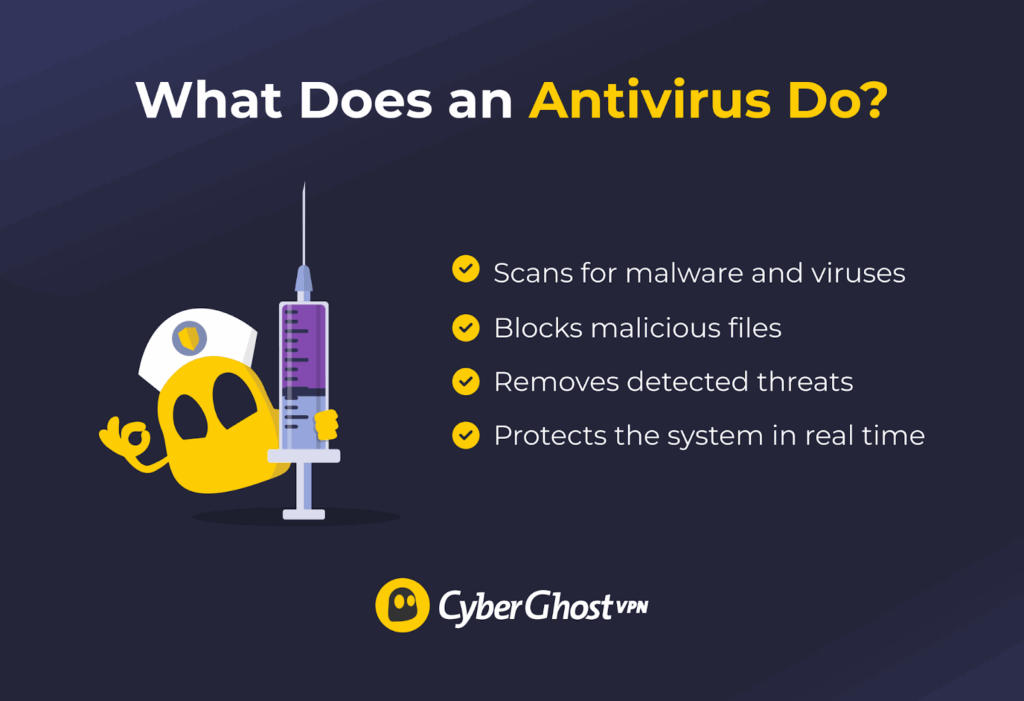
An antivirus detects, blocks, and removes malicious software, such as viruses, worms, trojans, spyware, and ransomware. It acts as a digital security guard for your device, continuously scanning files, programs, and system behavior for suspicious activity that could harm your data or system.
How an Antivirus Works
Antivirus software works by constantly watching how data moves through a device. When a new file, download, or email attachment appears, the antivirus scans it before it can run. It compares the file’s code against a database of known malware “signatures.” Those are unique patterns that identify malicious software. If a match is found, the antivirus blocks or deletes the file immediately.
Most antivirus programs also use real-time protection, meaning they scan files as they’re opened or downloaded instead of waiting for a full system scan. This ensures threats are caught instantly. When a suspicious file is found, it’s often moved to a quarantine area. From there, you can decide whether to delete or restore the file.
Benefits of an Antivirus
- Detects and removes malware: Finds and eliminates viruses, trojans, spyware, and other threats before they damage files or systems.
- Prevents infection from downloads: Stops downloaded malicious files or email attachments from running if they look suspicious.
- Protects against phishing and ransomware: Warns about fake websites and blocks attempts to encrypt or steal personal data.
- Provides real-time monitoring: Keeps an eye on running processes and files to catch suspicious behavior as it happens.
- Secures external devices: Scans USB drives and external storage devices to prevent offline infection.
Limitations of an Antivirus
- May miss new or complex threats: Relies on databases and heuristic analysis, so new or disguised malware may go unnoticed.
- Can slow system performance: Scanning and real-time protection can occasionally consume processing power or memory resources.
- May trigger false positives: Can sometimes mark legitimate programs or files as threats and quarantine them unnecessarily.
- Requires regular updates: Needs constant updates and maintenance to remain effective against evolving malware.
Can I Use a Free VPN or Free Antivirus?
Free VPNs and antivirus tools might seem appealing, but they come with important trade-offs. Most free versions offer limited protection and may even make money through ads, data collection, or usage restrictions.
A free VPN may encrypt traffic, but it usually has strict bandwidth caps, fewer server options, and slower speeds. Some disreputable providers may log user activity or inject ads to generate revenue, which undermines the privacy a VPN is meant to provide. Without advanced features like a no-logs policy and split tunneling, these free services leave major security gaps.
| Category | Free VPNs | Reputable Paid VPNs |
| Encryption | Basic encryption | Advanced encryption |
| Data limits | Bandwidth or daily limits | Unlimited bandwidth |
| Speed | Slower | Faster |
| Server locations | Limited coverage | Worldwide coverage |
| Privacy policy | May log user activity | No data logging |
| Customer support | Limited or no support | 24/7-available support |
A free antivirus typically includes only basic malware detection and manual scanning. Real-time protection, automatic updates, and advanced features like ransomware defense are often locked behind paid plans. Some free tools also collect user data to fund development, while others display intrusive ads that disrupt the user experience.
| Category | Free Antivirus Apps | Reputable Antivirus Apps |
| Threat detection | Basic | Advanced |
| Real-time scanning | Usually not supported | Supported |
| Ransomware protection | Usually not supported | Supported |
| Web protection | Limited | Full (phishing and more) |
| Extra tools | Limited | Firewalls, VPNs, etc. |
| Customer support | Limited or no support | 24/7 available support |
For short-term or occasional use, free versions offer basic safety. However, for reliable, everyday protection, a reputable paid VPN and antivirus offer far stronger and more consistent security.
VPN vs Antivirus vs All-In-One Cybersecurity Apps: Key Differences
| Category | VPN | Antivirus | All-In-One Suite |
| Main purpose | Encrypts traffic and hides IP address | Detects, blocks, and removes malware | Combines VPN and antivirus tools |
| Protection type | Secures data while browsing | Protects files and programs locally | Offers both browsing and system protection |
| Privacy coverage | Prevents tracking and snooping online | Guards against malware, ransomware, and viruses | Provides privacy online and malware protection offline |
| Device scope | Encrypts traffic and hides the IP address | Protects the data itself | Protects both internet activity and local data |
| Limitations | Doesn’t detect malware or malicious files | Doesn’t encrypt internet traffic | Can use more system resources and cost more |
A VPN and antivirus software solve different security problems. A VPN protects data in transit, meaning it hides your activity from internet service providers, cybercriminals, and anyone trying to monitor your traffic. An antivirus, on the other hand, protects data on your device by detecting, quarantining, and removing malicious software.
Some security apps combine these tools, offering VPN protection alongside malware scanning. These all-in-one cybersecurity suites prioritize convenience, but they may not provide the same level of customization or security. For example, standalone VPNs tend to have more advanced encryption, better server control, or stronger privacy guarantees. Standalone antivirus apps might include deeper malware scanning, advanced heuristic analysis, and more.
How to Choose a VPN and an Antivirus
The right cybersecurity tool depends on what kind of protection you need. However, when choosing either, focus on transparency, performance, and security over flashy extras.
What to Look For in a VPN
- Strong encryption: Pick VPNs that use AES 256-bit encryption to keep all online traffic private and unreadable.
- Supported VPN protocols: Choose VPNs that offer time-proven options like WireGuard® and OpenVPN for speed and security balance.
- No-logs policy: Select providers that don’t store, monitor, or share browsing data with third parties.
- Large server network: Prefer VPNs with large global server coverage to ensure stable connections and faster speeds.
- Extra features: Use tools like split tunneling, ad and tracker blocking, and data leak protection for stronger security and privacy.
- Customer support: Verify that the VPN offers fast help, easy installation, and reliable connections across all devices.
What to Look For in an Antivirus
- Detection performance: Pick antivirus software tested by reputable labs like AV-Test and SE Labs for high malware detection accuracy.
- Real-time scanning: Ensure the software can continuously check files and system processes for malicious activity.
- Heuristic analysis: Choose programs that analyze behavior to catch new and uncovered malware threats.
- System impact: Go for an antivirus tool that can protect efficiently without slowing down system performance.
- Phishing and ransomware defense: Opt for solutions that block malicious websites and protect files from ransomware attacks.
VPNs and Antivirus Are Complementary, Not Competing
A VPN and antivirus don’t replace each other; they protect different parts of your digital life. While VPNs focus on protecting data in transit, antivirus software protects data at rest. In other words, VPNs help protect what you do online, while antivirus apps make sure malware is kept off your device. Working together, they create a stronger, more complete layer of security.
It definitely matters which VPN or antivirus you decide to pick. That said, CyberGhost VPN is among the most trustworthy VPNs, offering AES 256-bit encryption, preventing data leaks, and using a network of servers in 100 countries. If you use Windows, try our CyberGhost Security Suite, combining a leading VPN with world-class anti-malware protection.
FAQ
What’s the difference between a VPN and antivirus software?
A VPN encrypts internet traffic and hides IP addresses to protect online privacy. Antivirus apps scan and remove malicious files that can harm a device. That means the VPN safeguards data in transit, while the antivirus protects data stored on your device. Together, they provide stronger privacy and security coverage.
Can a VPN protect my device from malware and viruses?
Some VPNs can prevent access to malicious websites and block unsafe connections, but they can’t detect or remove viruses. A VPN’s main role is to protect online traffic and limit data tracking. That said, there are some VPNs, CyberGhost VPN included, that offer dedicated antivirus apps included in the monthly subscription.
Do I need both a VPN and antivirus for complete protection?
Yes, because each tool covers a different aspect of cybersecurity. A VPN secures internet connections and hides browsing activity, while antivirus apps defend against threats like viruses, trojans, and more. Using both ensures protection against network attacks and file-based infections.
Are there security tools that combine VPN and antivirus software?
Yes, some cybersecurity suites offer both VPN and antivirus features in one package. These all-in-one tools provide convenience and unified billing but may lack the customization or performance of dedicated standalone apps. If you use Windows, we recommend checking out CyberGhost VPN’s Security Suite, which offers high-end VPN protection and incredibly effective anti-malware features.
Which should I install first: a VPN or an antivirus?
The installation order doesn’t usually matter, but antivirus software can be installed first to remove potential malware before setting up a VPN. Once the system is clean, the VPN can be configured to secure ongoing traffic and protect against tracking or snooping.

Leave a comment