
Major events like the World Cup can be a prime opportunity for cyberattacks. Cybercriminals take advantage of fans focusing on the World Cup matches and not paying attention to their online security.
Public Wi-Fi hotspots in airports, hotels, cafés, fan zones, and stadiums can become attractive targets for attackers during major events like the World Cup, especially when large crowds connect at the same time.
While not every public hotspot is a potential hazard, connecting to an unsecured network can be quite risky. Your browsing activity, sensitive data, or even device security could be compromised if you connect to a poorly secured or tampered Wi-Fi access point.
In this article, we’ll explain how unsafe public Wi-Fi networks can put your data at risk during the World Cup and share practical tips to help improve your security while traveling or streaming on the go.
Quick Advice: Get a VPN for World Cup Public Wi-Fi
Using a VPN like CyberGhost VPN is an easy way to improve your security on public Wi-Fi during the World Cup. It encrypts your connection to help protect your activity on public Wi-Fi networks.
How Cybercriminals Compromise Public Wi-Fi Networks
Weak Network Security
Public Wi-Fi networks can sometimes use weak encryption — or worse, no encryption at all. This makes the connection vulnerable to man-in-the-middle attacks. Cybercriminals can intercept traffic going through the Wi-Fi hotspot, harvest data from it, or manipulate it in different ways.
Outdated Hardware and Software
Places with public Wi-Fi networks might not regularly maintain or update their routers’ hardware and software. Old routers with outdated firmware often have vulnerabilities that are widely known by cybercriminals. Snoops can exploit these vulnerabilities to monitor traffic moving through the network.
Fake Wi-Fi Access Points
Cybercriminals can take advantage of people expecting a public Wi-Fi network in places such as hotels, hostels, cafés, and airports. They can set up a rogue access point that looks like it belongs in that location. For example, they might name it something like “Hotel_Network_5G.”
The goal is to trick unsuspecting visitors into connecting to this compromised router instead of the venue’s legitimate access points. This is commonly called an “evil twin attack” or “Wi-Fi spoofing.”
Common Dangers on Compromised Public Wi-Fi
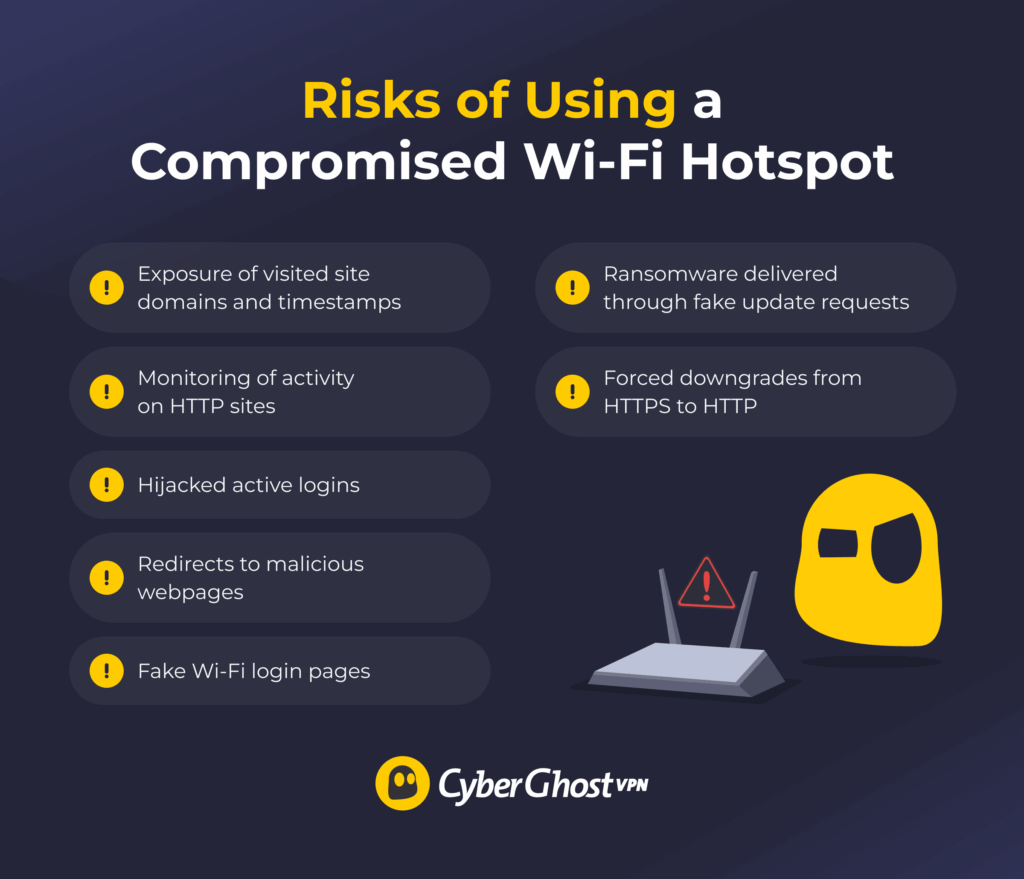
- Exposure of visited site domains and timestamps
- Monitoring of activity on HTTP sites
- Hijacked active logins
- Redirects to malicious webpages
- Fake Wi-Fi login pages
- Ransomware delivered through fake update requests
- Forced downgrades from HTTPS to HTTP
Once you connect to a compromised access point, the cybercriminal targeting it may be able to monitor your connection. Even when websites use HTTPS encryption, some information about your connection activity can still remain visible on the network. For example, the router logs reveal information about the site domains you visit and the associated timestamps.
Aside from data collection, a compromised hotspot could expose you to a variety of hazards:
- Session hijacking: This steals the session cookie that confirms your login to your accounts, such as online banking, accommodation, or World Cup ticket platforms.
- DNS spoofing: A DNS spoof redirects you to a potentially malicious site that may try to phish your data or download malware to your device.
- Phishing Wi-Fi login page: A fake Wi-Fi login page may ask you to type in sensitive information, such as your name, date of birth, personal email, or ID number.
- Fake software update: Fraudulent updates can prompt you to update an app or your operating system. What it actually does is download malware to your device, such as ransomware.
- SSL stripping: This downgrades your connection from encrypted HTTPS to unencrypted HTTP, so the cyberattacker can monitor your on-site activity.
Tips for Improving Your Security on Wi-Fi During the World Cup
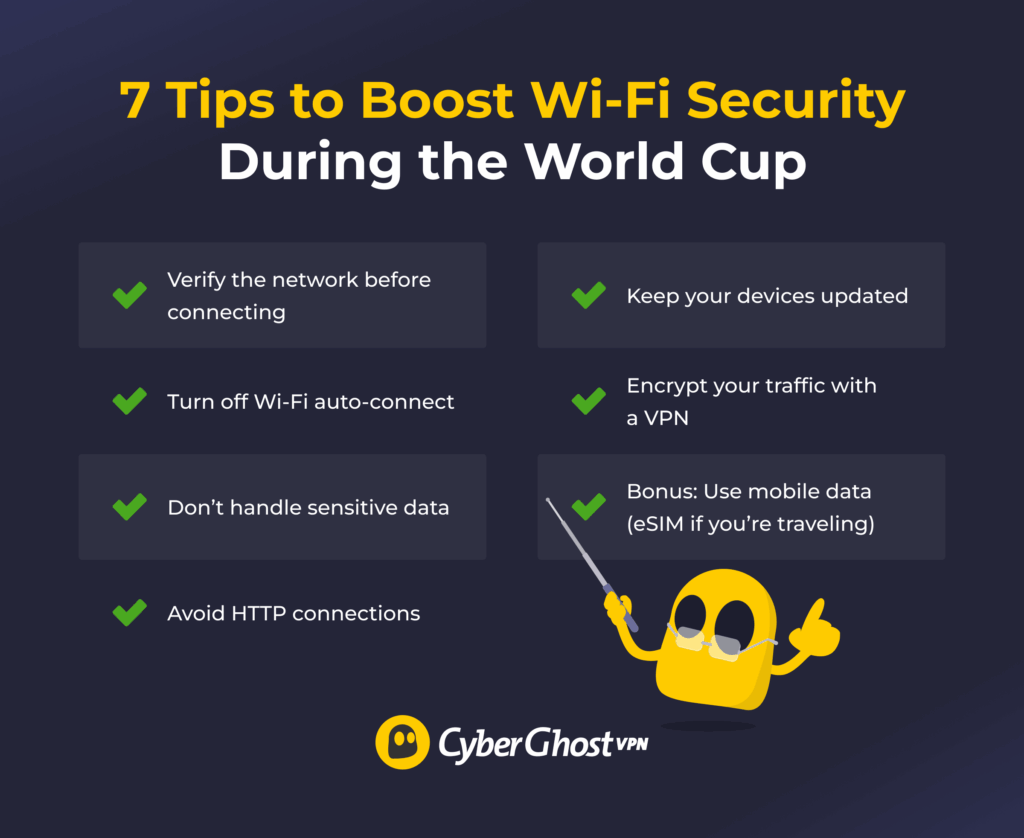
- Verify the network before connecting
- Turn off Wi-Fi auto-connect
- Don’t handle sensitive data
- Avoid HTTP connections
- Keep your devices updated
- Encrypt your traffic with a VPN
- Bonus: Use mobile data (eSIM if you’re traveling)
Connect to Public Hotspots Cautiously
Carefully choose the Wi-Fi networks you connect to. Confirm the network’s SSID (Service Set Identifier). Many cafés have it listed on their menu, while airports or hotels typically have it on a poster or a pamphlet. If you can, ask a venue staff member for the correct hotspot.
Turn Off Auto-Connect
Letting your device automatically connect to a potentially unsecured network at World Cup venues could put your traffic at risk. Apps running in the background can send and receive traffic without you noticing you’re connected to the internet. When you’re not actively using a public Wi-Fi hotspot, you should disconnect, disable auto-connect, and forget the network.
Avoid Sensitive Activities
Try not to use open Wi-Fi networks for any important activities that could involve your personal data. This includes checking your online banking accounts, sending or downloading work-related files, or logging into your World Cup ticket distributor portal. Performing these activities on an unsecured, unencrypted connection could cause a lot of problems.
Tip: If possible, using your mobile data and avoiding public Wi-Fi altogether can be a safer option. However, mobile data can run out quickly and rack up your phone bill, depending on your mobile data plan.
If you’re traveling for the World Cup, you could consider getting an eSIM. It lets you connect through the local carrier using mobile data instead of relying on public Wi-Fi. You’ll also be given a local number, so you don’t incur roaming costs.
Avoid HTTP Sites
Attackers compromising a Wi-Fi network might see your activity on sites using HTTP instead of HTTPS. Browsers often issue a warning before connecting to an HTTP site or use an icon to signal that your connection isn’t secure. Adjust your browser’s settings to “HTTPS-only” if such a setting is available. While HTTPS sites aren’t inherently safe, HTTPS makes traffic less vulnerable to some forms of monitoring.
Update Your Software
Regularly update your device’s apps and operating system. Malicious actors on public Wi-Fi networks can take advantage of known security vulnerabilities. Installing new security patches as they become available helps mitigate vulnerabilities that could endanger your device.
Use a VPN
Getting a VPN can help boost your security on public Wi-Fi networks, even for potentially sensitive activities like rechecking and confirming your World Cup reservations. A VPN is a useful cybersecurity tool that encrypts your traffic and routes it through a VPN server. This encrypted connection makes it much harder for others on the network to monitor your activity.
Note: The VPN’s encryption and rerouting process might reduce your connection speeds. Connecting to a server close to your physical location can help mitigate this slowdown and give you a more stable connection.
How CyberGhost VPN Helps Boost Wi-Fi Security During the World Cup
CyberGhost VPN uses strong encryption standards like AES 256-bit and ChaCha20 to strengthen your connection security on public networks. Its Automatic Wi-Fi protection feature connects you to a VPN server and encrypts your traffic as soon as you get on an unsecured network. That way, you can switch between networks on the way to a World Cup venue without worrying about forgetting to launch the VPN.
If you connect to a dodgy Wi-Fi hotspot that frequently disconnects you, your traffic could be exposed. A brief window without VPN protection could occur between establishing the internet connection and the VPN tunnel. CyberGhost VPN has a Kill Switch that acts like a red card — it immediately cuts off your device’s internet connection if the VPN tunnel drops. This makes it less likely your traffic leaks through without VPN protection.
FAQ
Is public Wi-Fi safe to use during the World Cup?
Public Wi-Fi can be safer if you take the necessary precautions while using it. On their own, open Wi-Fi hotspots can be tempting targets for scammers, especially during major events like the World Cup.
Should I use a VPN on public Wi-Fi at World Cup venues?
Using a VPN can be a great way to improve your security on public Wi-Fi at World Cup venues, on the way to the venue, or even if you’re just watching the game in a local café. It encrypts your traffic, which makes it harder for snoops to read your browsing data or tamper with your connection.
Can hackers steal my data on World Cup public Wi-Fi?
It could happen. If you connect to a tampered Wi-Fi network, the cybercriminal snooping on it could get their hands on your data. For example, they can redirect you to a phishing page, which aims to collect your personal data, or steal your session cookies and use them to gain access to your online accounts.
What’s the safest way to use Wi-Fi while traveling for the World Cup?
Using a VPN can help improve your security while using public Wi-Fi during the World Cup. A VPN encrypts your connection to help protect your activity on public Wi-Fi.
CyberGhost VPN includes features designed to help protect you on public Wi-Fi. It can automatically connect you to a VPN server when you get on unsecured public Wi-Fi. Its Kill Switch helps stop your traffic from going through unprotected if the connection is unstable.
Is hotel Wi-Fi safe during the World Cup?
It might be, but you never know. It can be dangerous to assume any open network is entirely safe just because it’s at a trusted venue. Cybercriminals can set up fake access points that look legitimate at first glance. Even if you confirm the hotel’s actual Wi-Fi network with a staff member, you should still take precautions.

Leave a comment