
Many people switch their VPN on only for specific tasks, like securing their connection at a café or avoiding ISP throttling while gaming. But what about the rest of the time? Does using a VPN only sporadically leave you exposed, or is running it constantly unnecessary?
Keeping your VPN on by default is one of the simplest ways to stay private and avoid leaving gaps in your protection. A VPN quietly encrypts your traffic and masks your IP in the background, so there’s really no need to think about it once it’s on.
In this guide, we’ll walk through why staying connected helps protect your privacy around the clock. We’ll also share the few situations where switching your VPN off for a moment might make sense.
Maintain Better Online Privacy with CyberGhost VPN
- Subscribe to CyberGhost VPN.
- Download and install the app for your device.
- Open the app, log in, and connect to a server. That’s it!
Why Should Your VPN Always Be On?
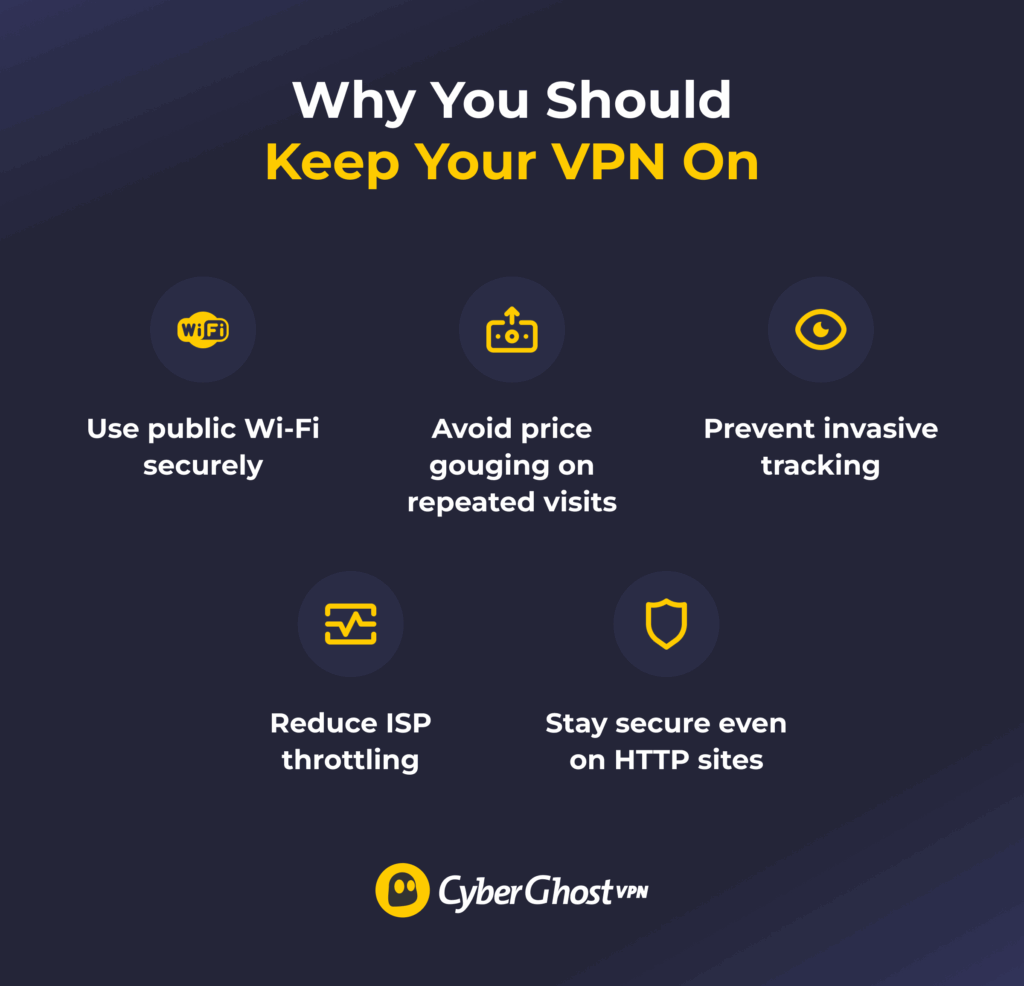
Leaving your VPN on by default gives you consistent, uninterrupted privacy protection. When it’s running, your traffic is encrypted and routed through a secure VPN server, which makes it harder for network operators, ISPs, and advertisers to link your activity to you. Websites also see the VPN server’s IP address instead of your own, helping limit tracking tied to your real location and connection.
Here’s how staying connected can improve your everyday online experience.
Use Public Wi-Fi Securely
Public Wi-Fi can be convenient, but it often lacks appropriate protection or has no security measures in place at all. Anyone on the same network could attempt to snoop on unencrypted traffic or run simple interception tools.
Keeping your VPN on makes sure your connection is encrypted, so even if someone tried to look at your data, they’d only see scrambled information. This helps protect your logins, messages, and browsing activity when you’re on shared networks in public places, like cafés, hotels, airports, and libraries.
Check Regional Pricing
Some websites increase the prices shown based on your location and how often you’ve checked the same pages. This is very common when you want to buy flight tickets or book accommodations. A VPN changes your IP address, which means the site will believe you’re in a different location. That way, you can compare prices securely across regions with added privacy and less tracking.
Prevent Ad Targeting and Minimize Tracking
Advertisers and marketing companies track your online activities so they can serve you ads they think are relevant to you. A VPN replaces your IP address with that of the server you connected to, so trackers will have a harder time linking your browsing history back to you. CyberGhost VPN also blocks domains associated with trackers, helping you maintain your privacy online.
Reduce Content-Based ISP Throttling
Some ISPs slow down your connection when they detect that you’re streaming or gaming. They typically do this to conserve bandwidth. A VPN encrypts your connection, so your ISP can’t see that you’re connected to a streaming app’s or gaming platform’s servers. This makes it less likely your ISP will throttle your internet speeds while you’re streaming or gaming.
Boost Security When Online
While most websites nowadays use HTTPS, many sites still establish connections using the less secure HTTP. HTTPS is a protocol that can hide some of your on-site activity from your ISP (though it still sees what site domains you’re visiting). HTTP doesn’t have that kind of encryption, so your ISP could potentially see all your browsing activity. Most browsers issue a security warning before loading an HTTP site. Using a VPN to encrypt your traffic when going on HTTP sites helps reduce the risks.
How Do I Keep a VPN On at All Times?
Most VPN apps have a setting that automatically connects you when your device connects to the internet. Many mobile devices have a setting to keep a VPN connection active at all times. You can also check your device’s settings to let the VPN app run in the background without being turned off for battery optimization.
CyberGhost VPN has several features that help you make sure your traffic doesn’t go without VPN protection:
- Smart Rules: This feature lets you choose apps that trigger the VPN to connect automatically. That way, you won’t accidentally go online without protecting your traffic with a VPN first.
- Kill switch: This feature cuts off your device’s internet if your VPN connection suddenly drops. It blocks all traffic until you reconnect to the VPN, so your connection doesn’t go without protection for a second.
- Wi-Fi protection: This feature automatically connects you to a VPN server if it detects that your device has connected to a new or unsecured Wi-Fi network.
When Should I Turn My VPN Off?
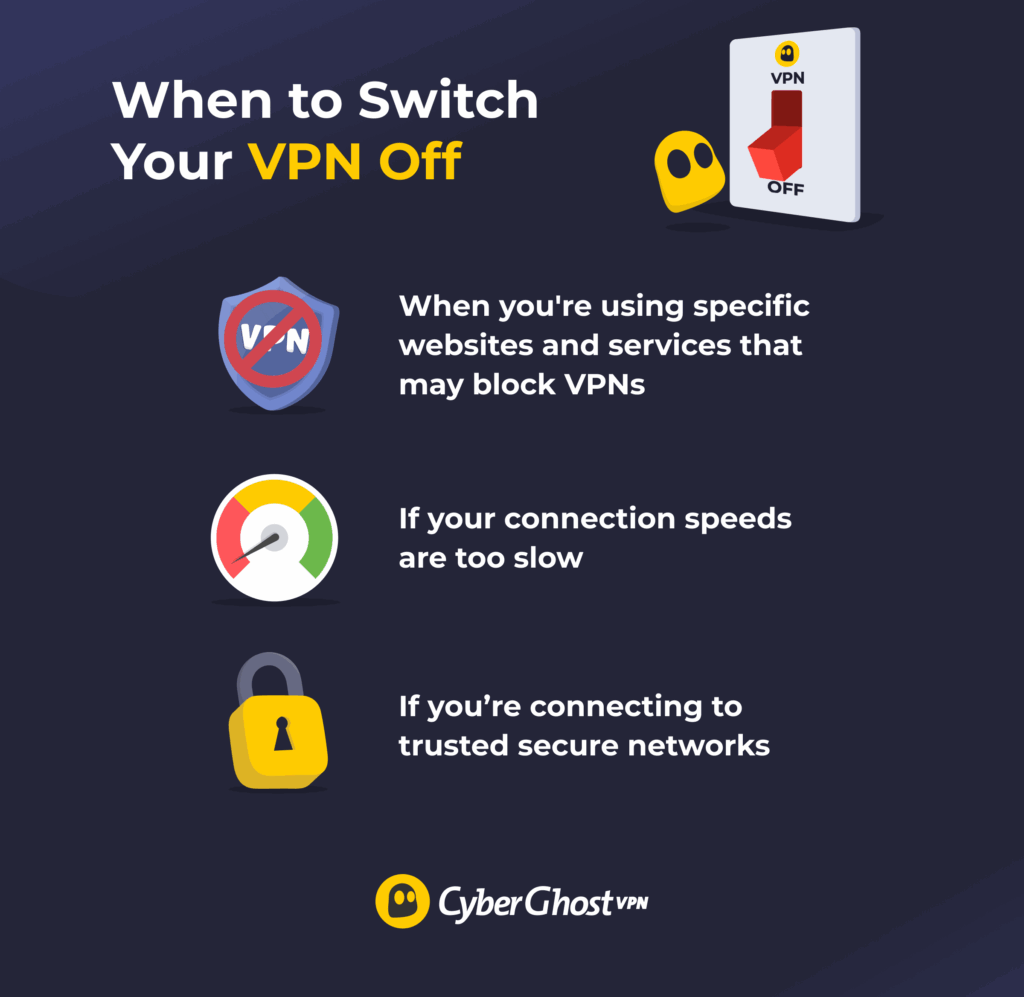
While a VPN is a great tool to enhance your online privacy, there are some situations where you might want to turn it off. Here are a few examples of factors that might clash with your VPN:
- Specific websites and online services: Some websites maintain policies that don’t allow access to the site with an active VPN. Such sites usually ask you to turn off your VPN before proceeding. Switching off a VPN when visiting these sites helps you comply with their Terms of Use.
- Slow connection: VPN encryption uses your device’s processing power, so it can slow down your connection. This isn’t very noticeable on modern devices with good internet speeds, but it can be an issue on older or weaker devices. If your internet speeds are too low while your VPN is on, switching it off might help.
- Trusted networks: Certain network security features, like firewalls, can sometimes interfere with your VPN. If you’re having connection problems with a VPN on a network you trust is secure, turning your VPN off could help resolve the issue.
Enhance Your Online Safety With a VPN
A VPN is an important layer of protection that helps you maintain your privacy online. Keeping your VPN connection active at all times can reduce tracking and makes it harder for any snoops to read your traffic.
Try CyberGhost VPN to help keep your traffic protected around the clock. It can auto-connect to a server if you’re on an untrusted Wi-Fi network or when you launch a specified app. These features make it easier to keep your VPN connection active anywhere. Also, CyberGhost VPN has a money-back guarantee for first-time subscribers on all its plans, so you can get a full refund if it doesn’t suit your needs.
FAQ
Should I leave my VPN on all the time on my phone?
It’s a good idea to protect your phone with a VPN, especially if you’re using public Wi-Fi networks often. Public networks often have weak security, so cybercriminals could potentially target them to collect data. A VPN encrypts your connection, making it harder for anyone to snoop. However, if you’re on a limited data plan, note that the VPN connection could slightly increase your data usage.
Is it safe to use VPN for a long time?
Yes, and it’s generally recommended to keep it on at all times. VPNs use encryption to make it harder for bad actors to read your traffic. Connecting to a VPN server changes your IP address, which makes it more difficult for trackers to build a profile on you and your online activities.
Are there situations where I shouldn’t use a VPN?
There are some cases where you might want to turn your VPN off. For example, some websites and online services have a policy against using VPNs to access them. Some network security features, like firewalls, could cause connection issues with a VPN. You might want to turn off your VPN in these situations, if you’re on a trusted, secure network.
What happens when a VPN is turned off?
Without an active VPN, your ISP, carrier, or network admins could see the website domains you’re browsing. Also, the sites you visit can see your real IP address, making it easier for advertisers to track your online activity. Keeping your VPN on can make it harder to track you.
Does a VPN slow down your phone?
A VPN can slightly reduce your phone’s internet speeds because encryption takes up some of its processing power. You might have slower speeds when connecting to a server that’s very physically distant from your location because the data takes longer to travel. Getting a fast VPN can help you maintain good connection speeds on your phone.
Does a VPN use a lot of data?
It depends on what you’re doing while connected to a VPN. The VPN’s encryption and rerouting process proportionally increases your data usage, but it’s typically not enough to notice while browsing casually. It might be more noticeable if you engage in activities that already use a lot of data, like streaming or scrolling through Instagram Reels.
Does a VPN work without Wi-Fi?
A VPN also works on phones and tablets using cellular data instead of Wi-Fi. It encrypts your traffic and reroutes it to the VPN server, so it’s harder for your carrier to see what websites you’re browsing. However, this could slightly increase your data usage, and it might interfere with your connection if you have a special data plan that only allows data for specific apps.
Does a VPN affect phone calls?
It depends. A VPN doesn’t affect traditional carrier-based calls, as they don’t operate over the internet. However, a VPN encrypts and reroutes internet-based calls (like WhatsApp, Viber, or FaceTime). This might introduce slight delays or minor audio crackling to your call.

Leave a comment
rognon
Posted on 23/04/2023 at 11:22
bonjour, j’ai un compte cyber ghost pour deux ans fait le 25 mars 2023 , fin le 25 juin 2025 , sur ma tablette android , je viens d’aller sur mon profil et il m est dit que mon compte est inactif !!!!! comment ce fait-il ?
j’aimerais savoir comment faire pour activer mon compte sur mon autre ordinateur pc windows ??????
merci .
Ghostie
Posted on 24/04/2023 at 17:54
Hi, Ghostie,
It sounds like you’re experiencing some issues with your account. Have you tried contacting our support team to let them know?
Our Customer Service reps also speak French and they’re super helpful. If you did contact them, please provide your case number and we’ll look into it.
Thank you!
Daniel Solís
Posted on 25/11/2022 at 17:24
Hola¡
Tengo problemas para conectarme a HBO de México, no me conecta, la aplicación se queda congelado. Es el único donde se puede ver la ttemporada 6 de rick and morty 🙁
Ghostie
Posted on 14/02/2023 at 18:45
Hi, Daniel,
If you’re still having issues, please reach out to our customer support and they’ll take care of it.
Stay safe!
Pablo Matute
Posted on 18/11/2022 at 23:14
Buenas tardes.
Por favor intento instalar mi vpn en mi PC y no me permite. Quien me puede ayudar.
Gracias
Pablo Matute
Ghostie
Posted on 25/11/2022 at 10:51
Hi, Pablo
Sounds like you’re having difficulties with installing your VPN. Please reach out to our friendly customer support squad and they’ll help you out.
Stay safe,
dorota
Posted on 03/11/2022 at 00:15
Hej, zainstalowałam program aby nie mieć problemów geolokacją, ale nadal nie mogę zainstalować aplikacji które są dostępne w danym kraju z którym współpracuję i muszę się nimi posługiwać. Czy jest jakiś sposób aby obejść to że produkt jest niedostępny w twoim kraju?
Ghostie
Posted on 17/11/2022 at 18:50
Hi, Dorota
That depends, really. If the application you’re trying to install uses GPS to determine your location, as is often the case with smartphone apps, then a VPN alone won’t be enough.
While it is possible, we cannot recommend spoofing your GPS location, since this is usually against the terms and conditions of app stores. Again, it is possible.
If you’re using Android, you can try looking for an open-source solution on the F-Droid marketplace.
Stay safe,
Tuntun mask
Posted on 01/11/2022 at 14:27
Bonjour je tiens à vous informer que je rencontre des problème , j’ai du mal à fais fonctionnée normalement ce VPN mais juste que j’ai déjà payer là somme de 169,13EURO j’aimerais que vous m’aider ou je veux une remboursement dans le plus tôt possible car j’ai belle et bien les reçu de mon achet j’ai besoins d’aide car je c’est absolument pas quoi fait devant ce obstacle .
BJ
Posted on 14/08/2022 at 04:36
I can’t watch livestream programs on Amazon prime. Very annoying.
Ghostie
Posted on 25/11/2022 at 12:25
Hi, BJ
Sounds like you’re having trouble with your VPN. Please reach out to our awesome customer support and they’ll take care of it.
Stay safe,
Lorry Azzopardi
Posted on 24/07/2022 at 10:11
I would like to cancel my VPN automatic renewal. How do I do this?
Ghostie
Posted on 25/07/2022 at 15:45
Hi, Lorry
We’re sorry to hear that! You can cancel the automatic renewal at any time from your account. Just follow the instructions in our support article. Is there anything we can do to keep you part of the Ghostie team?
Stay safe,
Pitard
Posted on 06/07/2022 at 06:28
Bonjour
Je n’arrive pas à me connecter à mes comptes orange lorsque le vpn est activé. Pouvez-vous m’aider ?
Merci
Ghostie
Posted on 26/07/2022 at 08:56
Hi, Pitard
It sounds like you’re experiencing connection problems. If so, please contact our customer support team and they’ll offer solutions for your specific situation.
Stay safe,
Lanza
Posted on 03/07/2022 at 11:25
Bonjour
Je viens de recevoir 2 mail de no-reply@cyberghost.info m’indiquant que mon adresse email a été infectée. Je voudrais savoir si c’est vraiment un mail de cyberghost ou une tentative dangereuse ?
Merci de me dire si ma messagerie est vraiment en danger.
Cordialement.
Dom
Ghostie
Posted on 26/07/2022 at 08:48
Hi, Lanza
Your initial instinct is correct, the email you received is likely a phishing attempt. cyberghost.info is not a domain we operate, CyberGhost does not issue security reports about email accounts or ask for any account information whatsoever.
If you did not click any links or download any of the files from the email in question, your inbox is likely safe. For some extra peace of mind, we recommend strenghening your email password and following our guide to online security.
Stay safe,
Edward Hook
Posted on 28/06/2022 at 11:38
I cannot read some of BBC News articles from their website whilst using CyberGhost:-
This is the error message I get.
Error: 410 Gone
Your client has made a request for a BBC domain that is no longer hosted on Akamai, but the request was sent to an Akamai IP address. This suggests your client is using a very out-of-date DNS response, or one that has been altered. If you’re using VPN software or similar, try disabling it and / or contact your VPN provider’s technical support.
Ghostie
Posted on 01/07/2022 at 10:10
Hi there, sorry to hear you’re having trouble using CyberGhost! Have you tried switching to another CyberGhost server? If that doesn’t work, contact our Customer Support Team, they’re happy to help 24/7!
Charles (author)
Posted on 11/08/2022 at 15:13
Hi there, sorry to hear you’re having trouble using CyberGhost! Have you tried switching to another CyberGhost server? If that doesn’t work, contact our Customer Support Team, they’re happy to help 24/7! https://support.cyberghostvpn.com/hc/en-us
Michael O'Donoghue
Posted on 12/06/2022 at 10:24
I’m trying to take an old device off my subscription and put the VPN on my new phone instead and it’s impossible to find out how to do that on your website. I’m certainly not going to renew my subscription
Ghostie
Posted on 16/06/2022 at 17:03
Hi Michael. So sorry for the confusion, I’m sure it was frustrating! Our support center actually has a great guide for what to do when you reach the maximum number of devices. If you go to your account in the app and select VPN, you can delete a device. That will clear up a slot so you can use CyberGhost on your new phone! If you have any further issues, our Customer Support Team is available 24/7 to help!
Patrizio Del Biondo
Posted on 05/06/2022 at 17:46
Ciao Cyberghost,
Sono un vostro cliente con un abbonamento triennale stipulato nel dicembre 2022.
Ho avuto un serio problema!
Sono stato derubato di miei dati privati sulle mie applicazioni nonostante io abbia la vostra applicazione attiva sul mio telefono e computer, quali:
Foto
Mail
Messaggi su Whatsap.
Come è potuto accadere?
Riuscite a individuare chi si è connesso ai miei apparecchi e quando?
È possibile che un apparecchio attivo sul mio abbonamento abbia potuto controllare e visionare le mie attività sui miei dispositivi?
Come posso evitare che qualcuno si colleghi ai miei dispositivi?
Vi ringrazio per una risposta.
Patrizio Del Biondo
Ghostie
Posted on 14/06/2022 at 08:55
Hi there, sorry to hear about your trouble. Please contact our Customer Support for help, they’re available 24/7!
Ceulemans Alain
Posted on 01/06/2022 at 12:55
Bonjour,pour ma part ultra satisfait de Cyberghost dans tous les sens du terme. en est pour preuve que je vient de reprendre un abonnement pour + de 3 ans . VPN super rapide , support technique impecable également j’ai très vite reçu des réponses à mes questions en chat . Continué dans ce sérieux et vous irai très loin. De plus j’adore l’interface sombre de la vpn et très discrète dans le coin sous gauche de l’écran . rien à dire de plus que je suis super satisfait. alain
Ghostie
Posted on 14/06/2022 at 08:56
Merci! On est ravi que vous soyez aussi satisfait de CyberGhost
Gus Samios
Posted on 13/05/2022 at 23:54
I have sent several email in an attempt to let you know I have paid twice for a subscription without receiving any answer. I have repeatedly asked for a phone number so I can clear this up without any response. Now I received two charges for using the VPN in London, 4/12 for $78.00 and 4/16 for $31.00. This was charged on my credit card and I would like to speak to management about this and the other issue. Please contact me to discuss.
Sincerely,
Gus Samios
Ghostie
Posted on 17/05/2022 at 09:47
Hi, Gus. Sorry to hear you’ve encountered issues and weren’t satisfied with our support team.
Please let us know your ticket number so that we can look into the matter. Thank you!
Jose Barcelo
Posted on 02/05/2022 at 15:41
Buenos días, tengo problemas para conectarme a la página de Argentina de Flow. Me podrias decir como puedo solucionarlo? Gracias
Ghostie
Posted on 09/05/2022 at 12:46
Hola José, si te conectas a nuestro servidor para Argentina, deberías poder ver Flow y acceder a cualquier sitio argentino. Si todavía tenés problemas, podés contactar nuestro servicio cliente para más amplio informaciones. ¡Gracias por tu comentario!
Hello Jose, if you connect to our server for Argentina, you should be able to watch Flow and access any Argentinian site. If you still have problems, you can contact our customer service for further information. Thanks for your comment!
Thomas Stiedl
Posted on 25/04/2022 at 23:43
Ich möchte CyberGhost per Ende des Vertrages kündigen, die Angaben der Service Stelle per E-Mail gesendet stimmen nicht.
Das Abo endet Nov 2022, da soll es enden!!
Ich mag CyberGhost nicht mehr, seit dem Update funktioniert es nicht mehr, es schaltet sich immer wieder aus, auch mitten beim arbeiten ohne Information, daher kein Schutz, dafür bezahle ich nicht.
Englisch können wir nicht.
Einfach nur kündigen und mir den Hinweis zu geben, auf Deutsch wie das geht!!!
Ghostie
Posted on 29/04/2022 at 08:16
Thank you for reaching out, Thomas. Based on your comment, it seems that you have some difficulties using our app.
Please contact our customer support service to get assistance with your situation. They’re fluent in German and always willing to lend a hand.
Stay safe and take care!