
Almost every website you visit collects some information about you. Sometimes it’s useful, like remembering what’s in your shopping cart. Other times, third-party trackers collect information about your browsing habits, interests, and activity to build detailed profiles of you, often without you realizing it.
You can’t stop every form of website tracking, but you can limit how much information they collect. A few changes to your browser settings, along with privacy tools that block common tracking methods, can help you browse with more privacy.
Quick Tips: Stop Website Tracking
- Adjust your browser settings to block cross-site tracking.
- Install a trusted anti-tracking browser extension.
- Decline any unnecessary cookies.
Why Websites Track You
Websites can track their visitors for various reasons, and not all are concerning. The most common one is advertising because many sites get their funding from ads. Your browsing activity informs targeted ads, which are more likely to attract clicks, in turn making the site more money. Sites collect data about what you read, watch, search for, and buy to improve ad personalization.
Another important reason involves analytics and service improvement. Sites want to know which pages and features attract traffic to better inform them on what needs to be improved. Sites often personalize user experience, which can include tailoring content to their location, activity, and preferences.
However, the mechanisms that collect data about site visitors can also build long-term profiles that include their activity, preferences, and even personal information. Sites can also sell or share the data they collect with parties that you may have never intended to interact with.
What Kind of Information Do Websites Track?
Broadly speaking, sites want to recognize you, figure out what you like, and follow how you interact with the site. They can do that using information like:
- Identifiers: IP addresses, cookie IDs, device IDs, and advertising IDs can distinguish you from other users, so they make up the backbone of most tracking.
- Device and browser information: Operating system, browser type and version, screen resolution, language settings, installed fonts, and similar features can somewhat identify site visitors.
- Location data: Your location helps sites tailor content for your area.
- Page activity: Visited pages, clicked links, time spent on each page, pointer activity, and search terms can point to high-priority pages, page sections, or user interests.
- Inferred interests: Search results and browsing activity can help sites determine your interests. For example, they can extrapolate that you’re shopping for a car, expecting a child, or informing yourself on a particular topic.
How Websites Track You
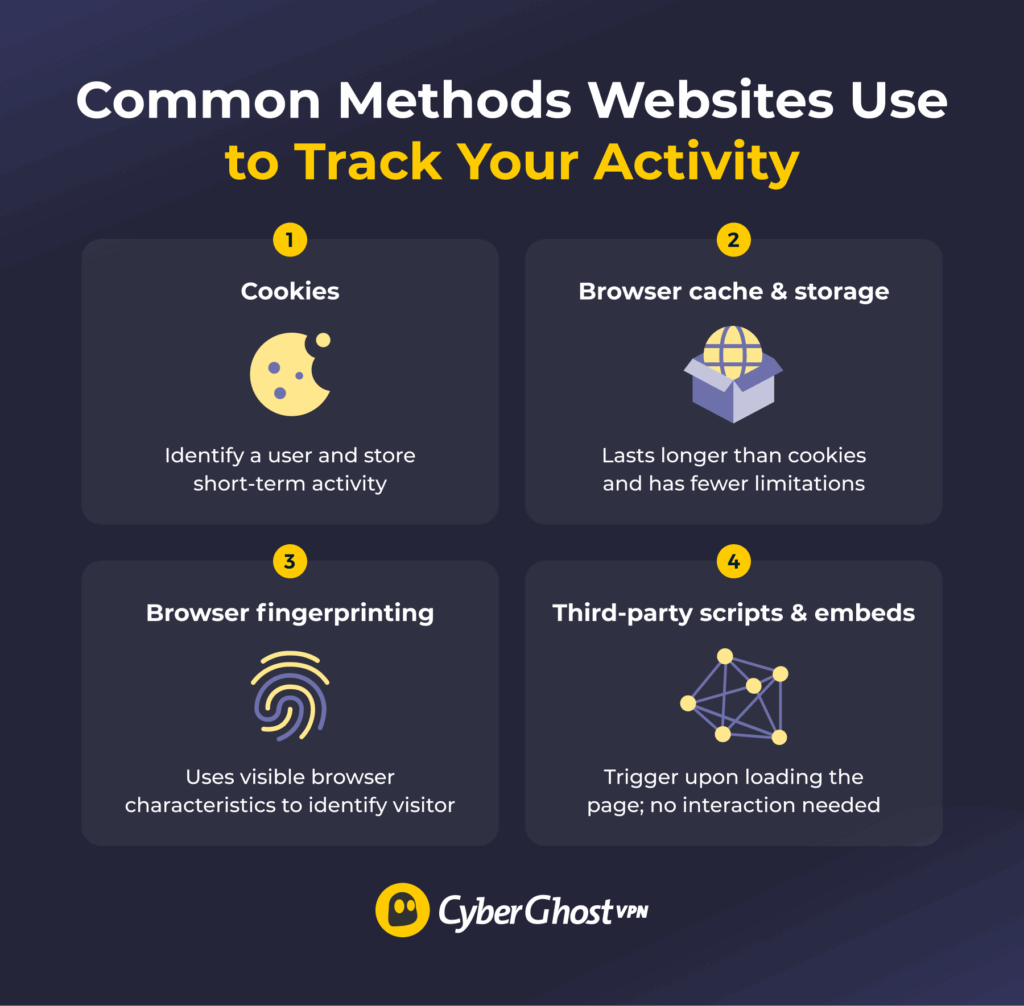
Websites rely on core methods to identify visitors and track activity. Most tracking on modern websites combines these mechanisms.
Cookies
A cookie is a small piece of data that a website’s server stores on your device through your browser. Cookies contain a unique identifier, so sites can use them to recognize you, even on subsequent visits.
The site you’re browsing sets first-party cookies and they’re often necessary for the site to function properly. They can contain information such as your login status, cart contents, or language preferences.
External domains embedded in the pages you visit usually set third-party cookies, such as advertising and analytics services. They’re usually the main mechanism by which your activity can be tracked across other websites. Because that same third party appears on many sites, it can use its cookie to track you across all of them.
Browser Cache and Storage
Browsers let sites store data in multiple ways beyond cookies. A browser’s cache is a temporary storage location where your browser saves website files like images or scripts when you visit a page. Sites can also write data into the browser’s local storage and session storage, stored in a database file on the device.
These alternative storage locations don’t behave like cookies. They don’t clear their contents like cookie storage does, and they’re not consistently covered by cookie consent rules. A site can store an identifier in these locations and use it like a cookie, but with fewer obvious controls in place.
Browser Fingerprinting
Browser fingerprinting helps the site read the visible characteristics of your browser. It can look at your browser version, language settings, installed fonts and extensions, window size, and many other small details, combining them into a profile. These details might be insignificant, but together they’re distinctive enough to identify you.
Fingerprinting doesn’t have to rely on your browser’s storage. Instead it often works with your browser’s settings. This makes it difficult to avoid without changing your browsing experience.
Scripts and Embedded Content
Websites often use third-party scripts for analytics, ads, embedded media, and social network widgets. Each of these elements loads from a third-party server. When your browser loads the page, it sends requests to all the servers hosting these elements. They log these requests, alongside information such as your IP address, the page you load, and the exact time of access.
These elements don’t have to be visible on the page. Web beacons are invisible tracking elements that “trigger” when you load the page and can track you even if you never interact with them. The third-party host servers get insight into which pages you visited, and they can aggregate your activity across multiple sites to make a detailed profile of your activity.
Pro tip: Keep in mind websites don’t limit their tracking to your browser. Many sites have a mobile app that works as a specialized browser only for that site. Unlike a regular browser, you can’t install an ad blocker on them or inspect what they load. As a result, an app could even be more invasive than the original site, with fewer options to limit it.
How to Reduce Websites’ Tracking
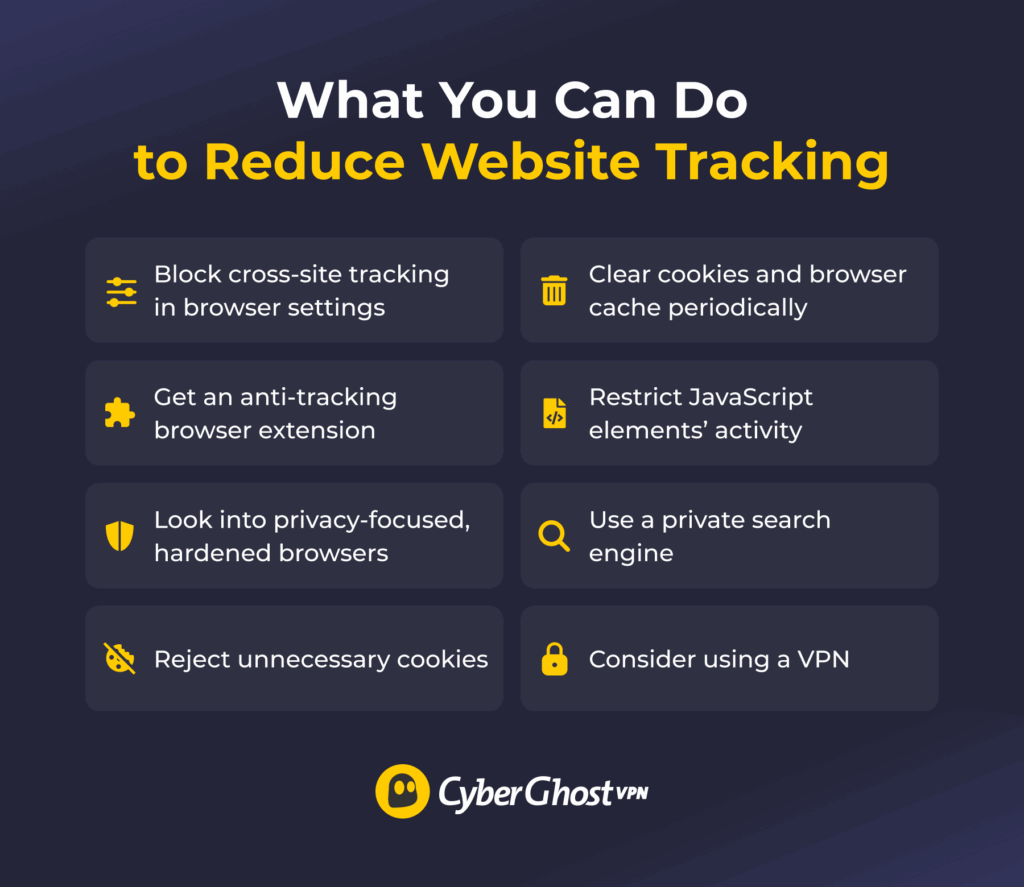
Combining multiple approaches is the best way to improve your privacy and mitigate tracking. The tips listed below each help with a different tracking method.
Harden Your Browser Settings
Many popular browsers have some built-in privacy settings that the everyday user may not realize are available. Some modern browsers can block or reduce third-party cookies, isolate sites from collecting data about each other’s sessions, and restrict what embedded content can do.
Go through your browser’s settings and look for privacy improvements related to cross-site tracking. You can also configure your browser to clear your history, cache, and other site data when you close it, so typical identifiers can’t persist between browsing sessions.
Alternatively, you can look into privacy-focused browsers. They configure their out-of-the-box settings in such a way that makes data collection, identifying, and tracking your activity more difficult.
Pro tip: Many users concerned about website tracking consider the Tor Browser a reliable option. It relays your traffic through a complex, decentralized network, making it much harder for platforms to see your original IP address. However, this makes browsing slower. Also, its strict security settings might make some sites unusable, so casual browsing is a bit harder.
Install an Anti-Tracking Extension
Popular browsers often have a large library of privacy-related extensions. Look for extensions that block trackers and ads and reduce fingerprinting. Make sure to get a trustworthy and verified extension, since it will filter all your traffic. If your browser doesn’t support proper anti-tracking extensions, you might want to consider switching to a browser that does.
Manage Cookies and Consent
Take a good look at the cookie consent banners that pop up when you first visit a site. Many use design to position accepting all cookies as the only choice. Look for options to “Reject all,” “Reject non-essential,” or “Manage,” and decline any cookies that aren’t necessary for the site to function.
Clearing cookies also helps reduce cookie-based tracking. You could do it manually or set your browser to wipe cookies whenever you end the current browsing session. In the least, clear cookies from sites you don’t visit regularly.
Pro top: Private browsing (or “Incognito mode”) is a feature most browsers have. Closing a private browsing session typically clears logged browsing history, saved cookies, and in some cases, browser storage elements accumulated during the session. It doesn’t make you untrackable, but it can still help reduce some forms of tracking.
Restrict JavaScript
Websites often use JavaScript for visual elements like interactable objects, interfaces, and animations. However, JavaScript elements can also collect a large amount of data about the site’s visitors. Install a browser extension that limits how much data JavaScript elements can collect and isolates it only to chosen sites. Blocking JavaScript would be a good solution, but it’s so common that many websites won’t work without it.
Use a Private Search Engine
Popular search engines tend to track and log a lot of information about their visitors, like their search history, IP address, location, or daily activity patterns. You can explore alternative, more privacy-oriented engines that don’t collect that kind of information about you. This can make it harder to use your searching activity for building a profile on you.
Consider Using a VPN
A VPN is a cybersecurity tool that can help enhance your privacy against websites tracking you. When you connect to a VPN, your traffic goes through a VPN server before reaching the site. The site you’re browsing sees the server’s IP address instead of your device’s original IP address. This makes it harder for sites to link your activity back to you if they use your IP address as the primary identifier.
Some VPNs even have built-in tracker blocker features. For example, CyberGhost VPN can block some DNS domains used for tracking and ads. When your browser tries to make a request to one of these domains — like when it loads a page, including all the ads and third-party tracker servers — the requests fail to resolve.
Reducing Tracking Requires a Layered Approach
The sites you visit use a variety of methods, sometimes invasive ones, to track your activity. They collect data about you for a variety of reasons, but the core driving force is profit from advertisers or other third-party partners. While it’s impossible to block all tracking, you can still do something about it.
Understanding why it happens and how it works is an important first step. Then, you can build on that to cut down on the data that websites can collect about you. Layer your approach by adjusting browser settings, installing a tracker blocker, and paying attention to consent prompts.
FAQ
How do I stop websites from tracking me?
To stop websites from tracking you, start by adjusting your browser’s built-in privacy settings, use a tracker-blocking browser extension, manage cookies, and clear stored site data. This mitigates forms of tracking that target cookies, browser storage, or browser fingerprints. However, it’s impossible to stop all sorts of tracking, at least with one method alone. It’s always best to combine various prevention tips.
Can a VPN stop websites from tracking me?
No, a VPN can’t stop websites from tracking you because sites can still rely on methods like cookies or fingerprinting. However, a VPN can change your IP address, which can make it harder for sites to identify your activity. Some VPNs, like CyberGhost VPN, have a built-in blocker to stop your browser from connecting to some known domains associated with trackers or ads.
How do I block tracking cookies?
To block tracking cookies, check your browser settings related to cross-site tracking. Clear cookies regularly or set up your browser to clear them when the session ends. Use an anti-tracking extension that blocks known tracker cookies. If your browser doesn’t support these steps, you should consider looking into a privacy-focused browser with these features.
Can websites track me in private or incognito mode?
Yes, websites can track you in private or Incognito mode. These browser settings prevent your browser from saving history and cookies on the device, but they don’t hide your activity from the sites you visit. They can still track you through methods like fingerprinting, embedded content, or local browser storage elements.
How do I stop browser fingerprinting?
You can’t stop browser fingerprinting, but you can make it harder for websites to identify you. Use a hardened browser with anti-fingerprinting features. This usually involves randomizing or spoofing typical fingerprinting signals, such as your browser version, operating system, or installed fonts.
Is web tracking illegal?
Broadly speaking, tracking itself is legal but it depends on where you are and what kind of information websites want to collect. Jurisdictions may have different regulations in place and may require sites to disclose what kind of data they collect and ask users for consent, especially when it involves personal data.

Leave a comment