
Using a VPN at work helps keep your activity and connection more private and provides safer access to tools you rely on every day. Whether you’re at the office or working from a coworking space, a VPN helps protect your data on both trusted and unsecured networks.
Not sure if you need a personal VPN or a business VPN for work? You’re not alone. This guide covers the key differences, benefits, and use cases of work VPNs. It also explains what to look for in a VPN provider and how to maintain a secure VPN connection for work.
Types of VPNs for Work
Work VPNs fall into two main categories: personal VPNs and business VPNs. Both help secure your connection, but they’re built for different situations.
A personal VPN is a service you subscribe to. You install it on your device, connect to a server, and it encrypts your internet traffic while changing your IP address. This makes your online activity much harder to track, whether that’s by hackers, your ISP, or the websites you visit. This type of VPN improves online privacy and security, which is especially helpful if you’re freelancing, working remotely, or running a small business.
Business VPNs are different. Companies set them up to give employees safer access to an internal network of tools, files, and systems. You might use one on a company device, and some workplaces may require you to install it on your own device under bring-your-own-device (BYOD) policies.
The key difference comes down to control. With a business VPN, your company’s IT team manages everything. That includes everything from access permissions to security settings. The goal isn’t personal privacy; it’s more about protecting company data and ensuring only the right people have access.
| Business VPN | Personal VPN | |
| Who It’s For | Companies and teams that need a more secure access to internal systems, cloud resources, and sensitive company data | Individuals, freelancers, and small groups who want to add a layer of protection to their personal information and online traffic |
| Uses | Safer remote work, team collaboration, and meeting important security and compliance requirements | Safer browsing on public Wi-Fi, remote access to personal accounts, and improving data security while traveling |
| Who Manages It | Centrally managed by the company’s IT team with full control over access and monitoring | You’re in complete control — choose your own settings and servers |
| Security | Enterprise-grade protection to help secure business assets and important company information | Strong encryption that’s focused on keeping your personal data safer and more private |
| Privacy focus | Protects company data while allowing monitoring for security and compliance | Masks your IP address and helps keep your browsing activity private from your ISP and others on your network |
Benefits of Using a Personal VPN for Work
Lots of freelancers, remote employees, and self-employed professionals handle sensitive data daily while working from public Wi-Fi. This is inherently risky since not all shared hotspots are completely secure, and data can be exposed.
Personal VPNs like CyberGhost VPN help protect data while it’s in transit between your device and the internet. This increases the security of your internet traffic and supports better data privacy when working across different networks.
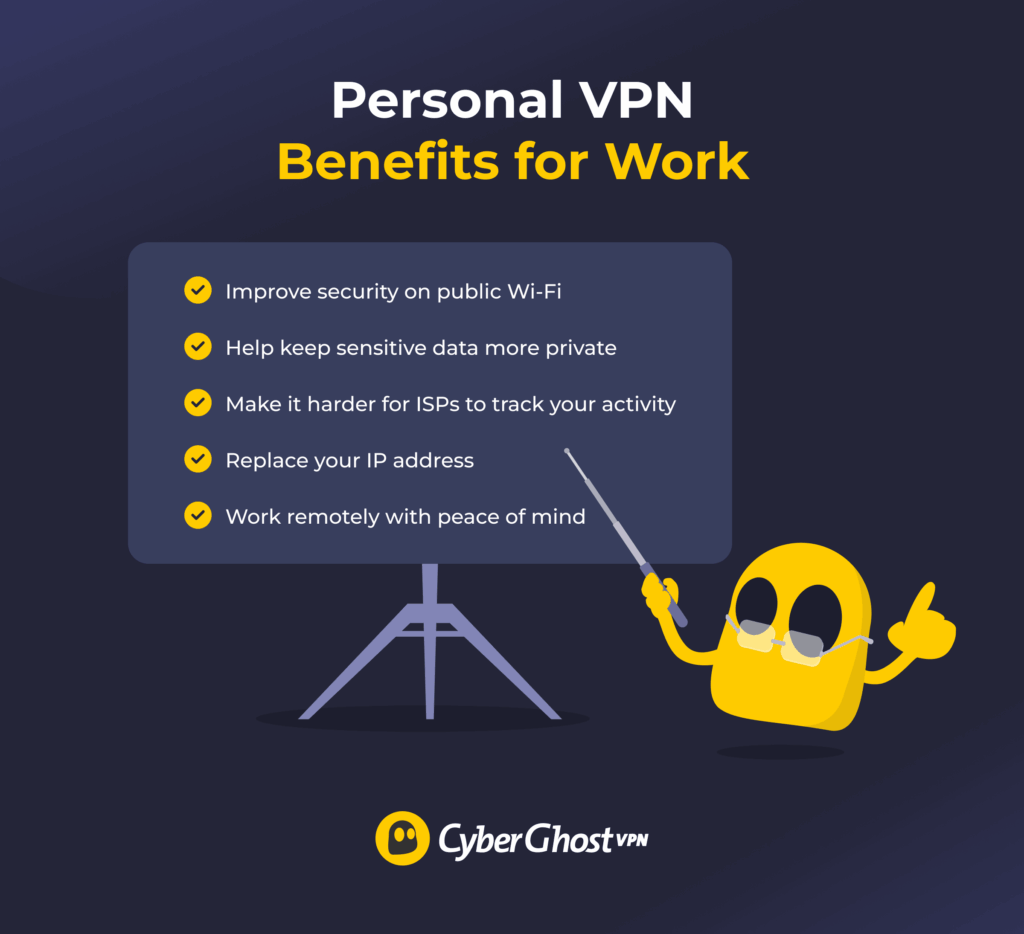
1. Protects Your Data on Public Wi-Fi
Public Wi-Fi is convenient but not always secure. Networks in cafes, libraries, and coffee shops can leave your data exposed to anyone who knows where to look. A VPN helps protect it by creating an encrypted tunnel around your connection. This keeps your client files, emails, and login details safer from potential data breaches, even on networks you wouldn’t normally trust.
2. Encrypts Sensitive Information in Transit
Every time you send a proposal, invoice, or message, your data travels across multiple networks. Without protection, it can be intercepted along the way. A VPN encrypts that data automatically, turning it into unreadable code. This extra layer of security is especially important if you handle contracts, financial details, or private client conversations.
3. Replaces Your Real IP Address
Every device connected to the internet has a unique IP address that reveals its approximate location. Websites, advertisers, or attackers can use it to track your activity. A VPN replaces your real IP address with one from its server network, making it harder to link your activity back to you.
4. Limits ISP and Network Administrator Tracking
Your ISP can see the websites you visit. A VPN uses encryption to reduce this visibility. This can make it harder for ISPs, network administrators, or anyone else to see your browsing activity.
5. Enables Safer Remote and Freelance Work
If you move between home, client offices, hotels, and public spaces, your security shouldn’t depend on your location. A VPN gives you a layer of protection across all networks. Whether you’re freelancing, working remotely, or running a small business, it helps you stay secure without sacrificing flexibility.
6. Helps Reduce Certain Network-Based Risks
Public and shared Wi-Fi networks are prime targets for cybercriminals. VPN encryption adds a layer of protection that can help reduce the risk of attackers tampering with your data.
- Man-in-the-Middle (MITM) attacks: Cyberattacks where attackers position themselves between your device and the internet to intercept, read, or even alter your data in real time.
- Packet sniffing: Attackers capture and analyze the data packets flowing over the network to steal sensitive information like login credentials, emails, or client data.
- IP-based targeting: Cybercriminals use your visible IP address to identify your device’s location and launch targeted attacks against you specifically.
- DDoS attacks (Distributed Denial of Service): Attackers overwhelm your connection by flooding it with massive amounts of fake traffic, attempting to knock you offline or disrupt your work.
- Session hijacking: Attackers steal your active login session (cookies or tokens) to impersonate you and gain unauthorized access to your accounts.
It’s worth noting that a VPN isn’t a complete solution to cyberattacks and shouldn’t replace your antivirus software. It won’t stop malware, phishing emails, or malicious payloads from accidental downloads.
When Not to Use a Personal VPN for Work
Personal VPNs are helpful for a wide variety of needs, but they’re not a one-size-fits-all solution. Using this type of VPN might not be right for your work needs or might violate your company’s policies and industry laws. Let’s take a closer look at when not to use one.
When It Violates Policy
Some companies have strict rules about how you connect to their systems. Using a personal VPN on a work device or network might go against your company’s policies. That can lead to security risks or potential problems with your employer. If you’re unsure, check your company guidelines or ask your IT team before turning it on.
For Accessing Internal Company Resources
This type of VPN won’t connect you to your company’s internal network, like shared drives, internal tools, or secure databases. That’s what a business VPN is for. If you need access to company systems, use the VPN your employer provides — it’s set up with the right permissions and security controls.
When Your Employer Already Provides a Business VPN
If your company gives you a work VPN, stick with it. Running a personal VPN at the same time can lead to slower speeds, connection issues, or conflicts between the two. In most cases, your work VPN already covers everything you need.
When You Need Full Compliance and Auditing
In industries like finance, healthcare, or legal services, companies must follow strict rules around data access and monitoring. A personal VPN doesn’t give your employer the visibility they may need to meet compliance requirements.
Take healthcare, for example. If you handle patient data, you need to follow strict laws like HIPAA (Health Insurance Portability and Accountability Act) in the US. Most personal VPNs aren’t designed for this.
Choosing the Right VPN for Work
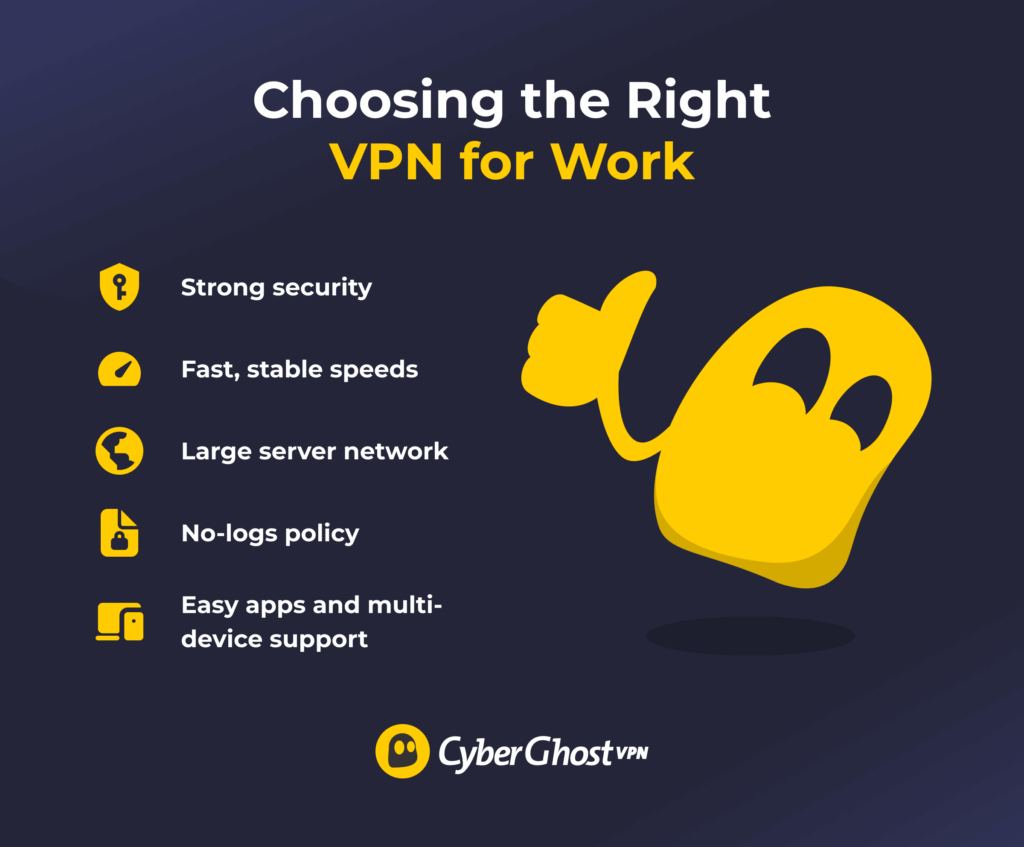
With so many options out there, it’s easy to feel stuck. The key is to choose a VPN provider that helps keep you secure without getting in your way — something that’s fast, reliable, and easy to use.
- Strong security: Powerful encryption that helps keep your data safe, a kill switch that blocks your internet if your VPN connection drops, and built-in protections that minimize the chance of anything slipping through.
- Fast, stable speeds: Reliable performance for calls, uploads, and everyday tasks, so your VPN runs in the background without noticeably slowing you down.
- Large server network: Plenty of server locations to choose from, helping you find a fast, stable connection wherever you’re working.
- No-logs policy: Privacy-first practices that mean your browsing activity isn’t tracked or stored, so what you do online stays yours.
- Easy apps and multi-device support: Clean, simple apps that work across your devices, making it easy to stay connected whether you’re on your laptop, phone, or tablet.
CyberGhost VPN gives you access to high-speed 10-Gbps servers in 100 countries. It scrambles your traffic using strong encryption, giving you more peace of mind while you work. You can connect up to 7 devices at once with a single subscription, so there’s no mess swapping between devices. Try it risk-free for 45 days with our money-back guarantee (14 days for monthly users).
Make Your Work Setup More Secure
Modern work doesn’t always happen in one place, and your security shouldn’t depend on where you log in from. When you’re jumping between networks, devices, or locations, having the right protection in place helps you stay focused on what matters instead of worrying about your connection. This is especially important as remote working becomes more common across different industries.
A VPN removes a lot of risk. When you choose the right one and use it where it makes sense, it becomes part of your routine, quietly supporting your work in the background while you stay productive. If your work already provides one, you should stick with it. But if you’re a freelancer or working remotely with no protection, a VPN could significantly improve your security.
FAQ
Do you need a VPN when working from home?
It’s a good idea to use a VPN when working from home, especially if you handle customer data, payment details, or confidential information. Even on home networks, your ISP and third parties can track your activity. A personal VPN adds an extra layer of data privacy and security measures, helping protect you from data breaches and giving you peace of mind in your remote work setup.
Can your employer see your activity if you use a VPN at work?
If you’re using a VPN at work on your own device, your employer generally can’t see the content of your encrypted traffic, but they may still monitor activity on company-managed devices or networks. Before assuming they can’t see anything you’re doing, ask whether they monitor your activity.
Is it allowed to use a personal VPN on a company laptop?
Whether you’re allowed to use a personal VPN on your work laptop depends on your company’s policy. Many organizations prohibit personal VPNs on work devices due to security protocols and compliance requirements. Using one without permission could violate data protection regulations. The safest approach is to ask your IT team before installing any VPN service.
Does a VPN slow down work applications or internal tools?
A good VPN may cause slight slowdowns, but the best ones are designed to minimize performance impact. High-quality providers like CyberGhost VPN are designed to deliver fast, reliable connections. In most cases, you may not even notice any significant impact on video calls, cloud tools, or daily tasks when using proper configuration.
When is a company VPN mandatory for employees?
A company VPN (business VPN) is often mandatory in regulated industries such as healthcare, finance, or legal services. These roles require strict access controls to protect sensitive customer data and meet data protection regulations. In these cases, a personal VPN is not a suitable replacement.
Can you use a free VPN for work?
Free VPNs may seem convenient, but they often come with limitations that make them unsuitable for work. Many free VPN services restrict bandwidth, limit server locations, or log user activity. Some may even rely on advertising or third parties to support their service. For handling sensitive information and remote work, a reputable paid VPN provider is generally a more reliable option.

Leave a comment